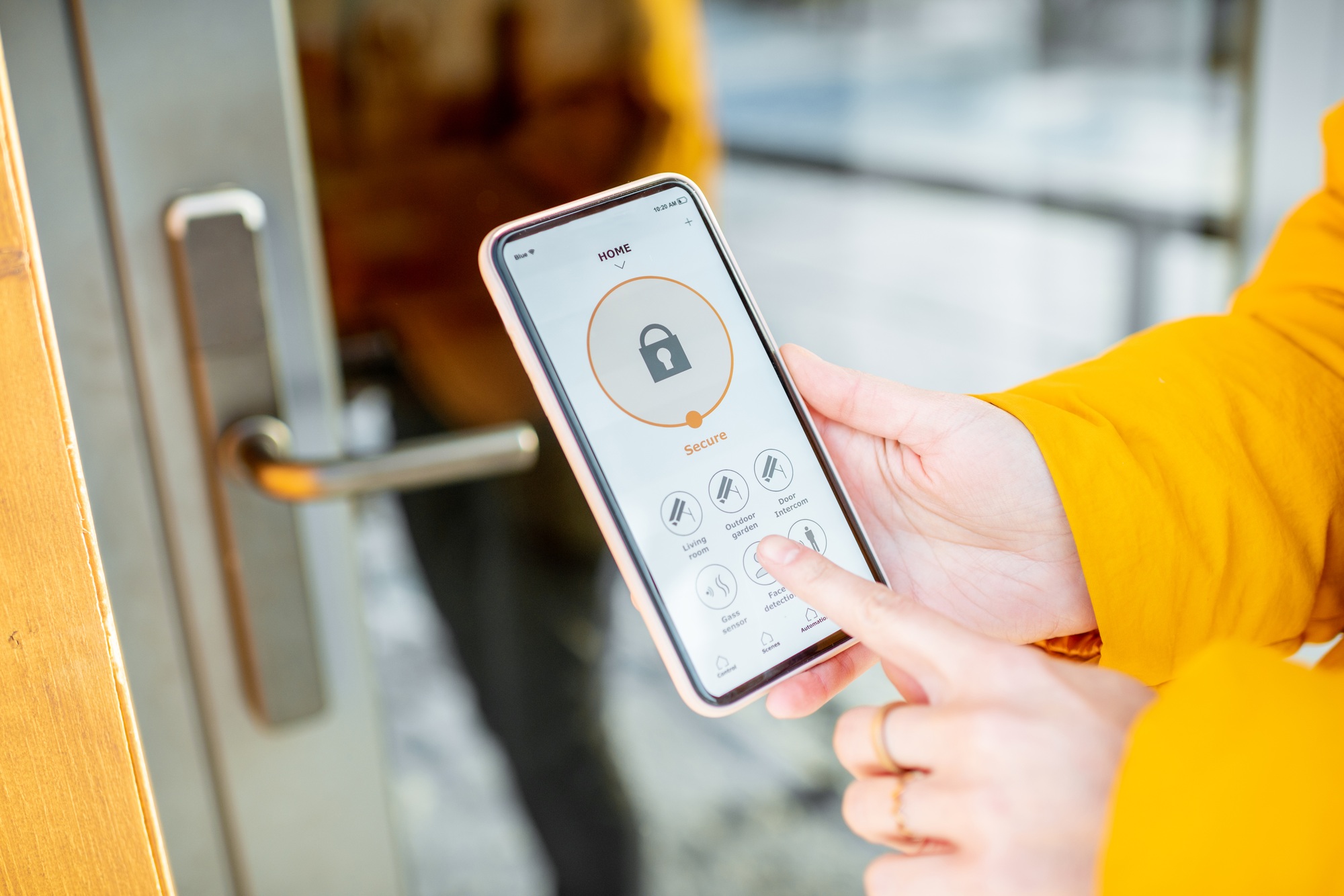
Are you finding it hard to focus at home? With more people working remotely, setting up a good workspace is a top priority. We will look at how modern tech can make your home office better. The right setup helps you maintain focus and get more done in less time. This guide will cover how smart lighting, climate control, automated security, and intelligent software can upgrade your remote work experience.
Key Takeaways
- Automated lighting systems can reduce eye strain and enhance focus by improving ambient light conditions.
- Smart thermostats maintain ideal temperatures between 68-76 degrees Fahrenheit, boosting your everyday comfort.
- Voice-controlled assistants streamline task management, allowing hands-free operation of your devices.
- The universal adoption of the Matter protocol has made smart home device compatibility effortless and scalable.
- Energy-efficient smart plugs and thermostats can significantly cut down on your utility costs.
- To get the best experience, you need to understand the hidden subscription costs and networking requirements of smart devices.
Introduction to Home Office Automation
With more people working from home, making our offices smart is more important than ever. This shift is notable in tech-forward regions where professionals prioritize comfort and efficiency. Home office automation offers modern tools to transform personal spaces into highly productive workspaces. Companies specializing in IoT (Internet of Things) integration are leading the charge in this area, creating custom solutions for a variety of different needs.
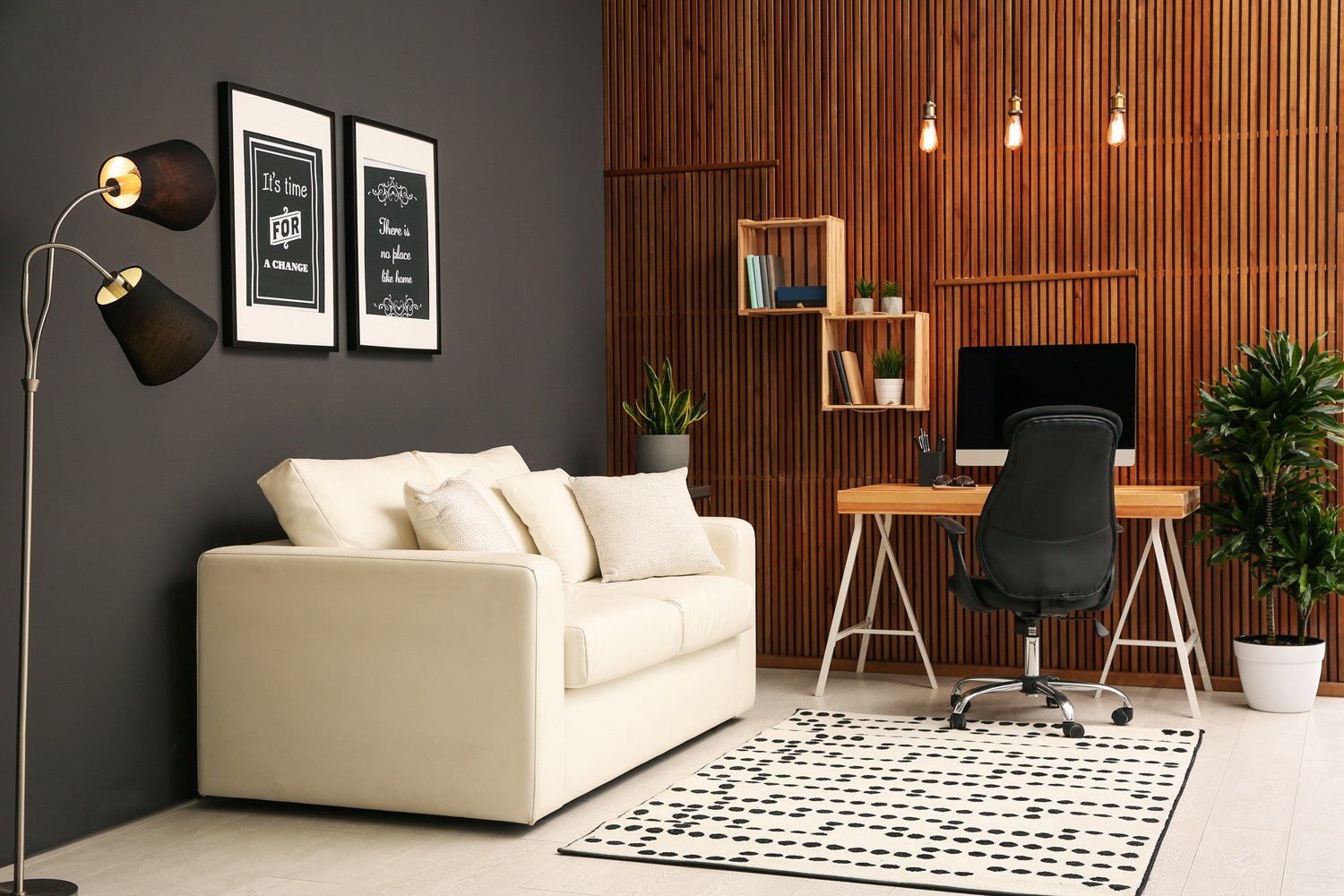
Putting Smart Technology to Work in Remote Workspaces
The smart home tech market is experiencing rapid growth, with projections from Statista indicating it could surpass $141 billion by 2028. This journey began in the late 1990s with the advent of Wi-Fi. Today, with the rollout of Wi-Fi 7 and the industry-wide adoption of the Matter smart home standard, the smooth integration of these devices allows you to easily incorporate new technology into your life without worrying about brand compatibility.
When it comes to home office automation, modern tools for lighting and temperature control are changing the way we work. These advancements not only boost productivity but also contribute to major energy savings. Imagine adjusting your office environment with just your voice, thanks to smart assistants like Amazon Alexa and Google Assistant, which simplify your daily routines.
Smart office technology is a game-changer for energy efficiency. Imagine thermostats and lights that automatically turn off when you leave the room, reducing unnecessary energy consumption and lowering costs. Additionally, smart locks and cameras provide solid security, ensuring your home office is a safe haven for your work.
Understanding Home Automation Systems
Home automation connects devices to control your home’s ecosystem. It makes living and working from home better by letting you easily control everything from a centralized hub or device.
What is a “Hub” and Why Do You Need One?
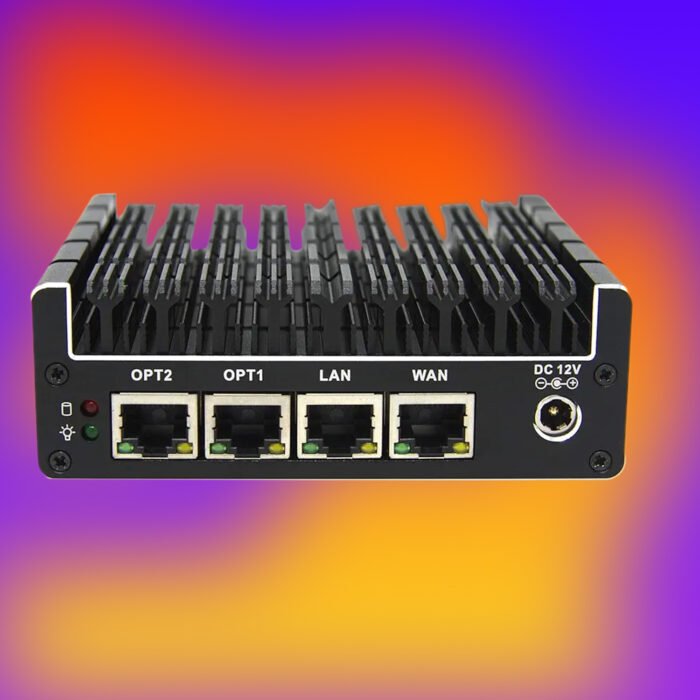
Before buying a dozen smart bulbs, you need to know how they communicate. A smart home “hub” acts as the brain of your setup. Depending on the brand, this could be an Apple HomePod, an Amazon Echo, a Google Nest display, or sometimes just an app on your smartphone. Thanks to the Matter protocol, you can pick whichever hub ecosystem you prefer, and most modern smart devices will easily connect to it.
Key Components and Benefits for Home Offices
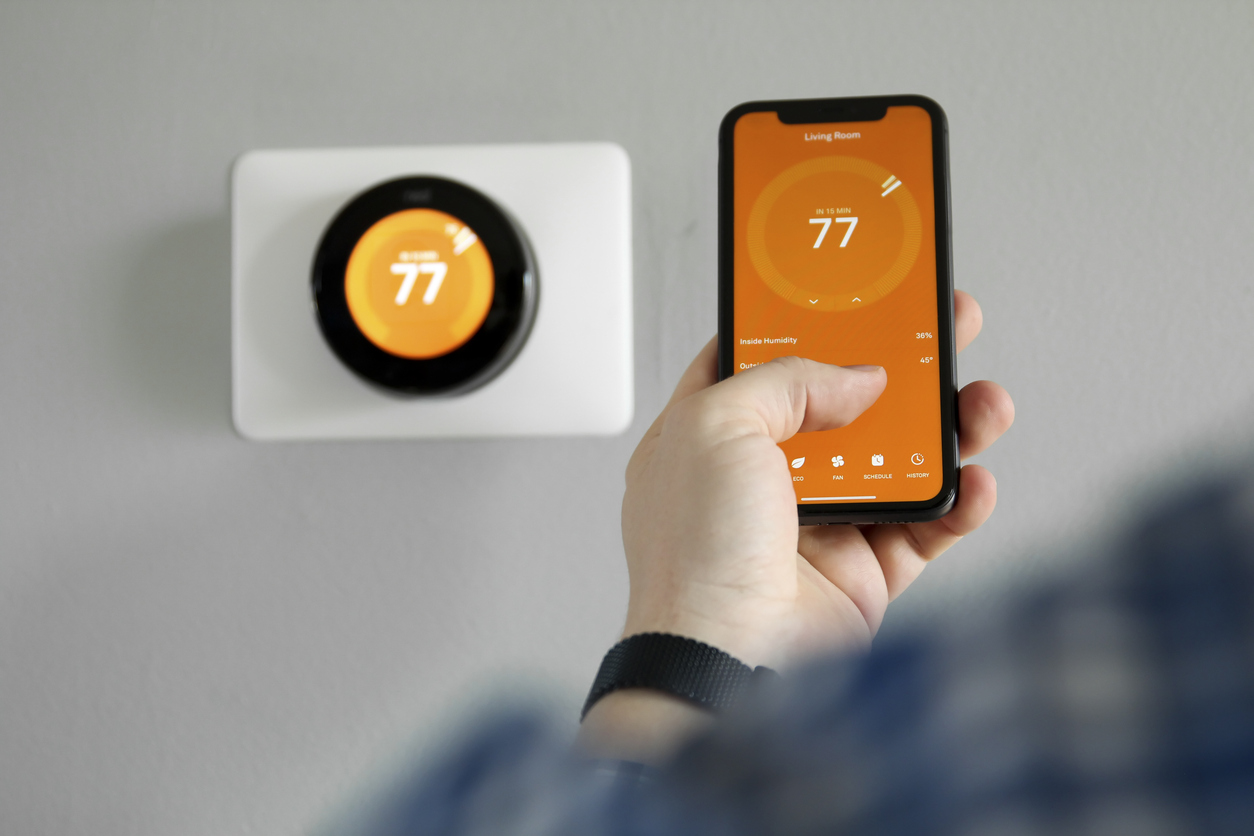
Home offices get smarter with devices like smart thermostats and lights. Smart thermostats, like Nest, can save up to 10-12% on heating bills and 15% on cooling bills, according to Google’s internal energy data. While smart bulbs cost more upfront than regular ones, they save money over time and offer far more functionality.
Voice assistants are also incredibly helpful. Historical studies by Loup Ventures have shown that Google Assistant correctly answers over 92% of queries, making it a reliable aide in a home office setting. Keeping your office safe is also a top priority, and smart locks and sensors by trusted brands help achieve peace of mind.
Here is a look at some popular smart devices for the home office:
| Device | Key Benefit | Estimated Cost | Popularity |
| Nest Thermostat | Energy Savings (10-15%) | $249 | High |
| Smart Bulb | Energy Efficiency | $32 | Moderate |
| Amazon Echo | Voice Control | $99.99 | High |
| Ring Security | Enhanced Security | $199 | High |
Smart Lighting Solutions for Home Offices
Good lighting is key to a great workspace. It makes your eyes less tired and boosts your mood. Now, we have smart lighting systems that change how we light up our home offices. You can adjust the light’s strength and color, and as a bonus, they save a significant amount of energy.
Enhancing Ambiance and Productivity with Automated Lighting
Smart lights cut costs by more than half when paired with PoE (Power over Ethernet) technology. They use motion sensors to save energy, ensuring lights turn on or off only as needed. Human-centered lighting goes a step further; it adjusts throughout the day to fit our natural circadian rhythms, shifting from cool blue light in the morning for alertness to warmer tones in the evening.
Because we are indoors a lot, organizations like the International WELL Building Institute (IWBI) set standards to make these spaces healthier. Their guidelines focus on specialized lighting that matches our inner body clock, making us feel and work better. Switching to LED saves up to 80% on energy, and using smart controls can save an extra 20% compared to traditional lighting.
| Lighting Product | Feature | Average Cost |
| Ring Light | Boosts lighting for video calls | $29.99 |
| Smart Dimmer Switch | Customizable room intensity | $18.99 |
| LED Strip Lights | Ambient, energy-efficient backlighting | Varies |
| Smart Desk Lamp | Adjusts color temp to reduce eye strain | $45.00 |
Climate Control and Comfort in Home Offices
Keeping your work area comfortable helps you do your best work. Smart thermostats make it easy to keep things just right. They adjust the temperature for you, saving energy and money.
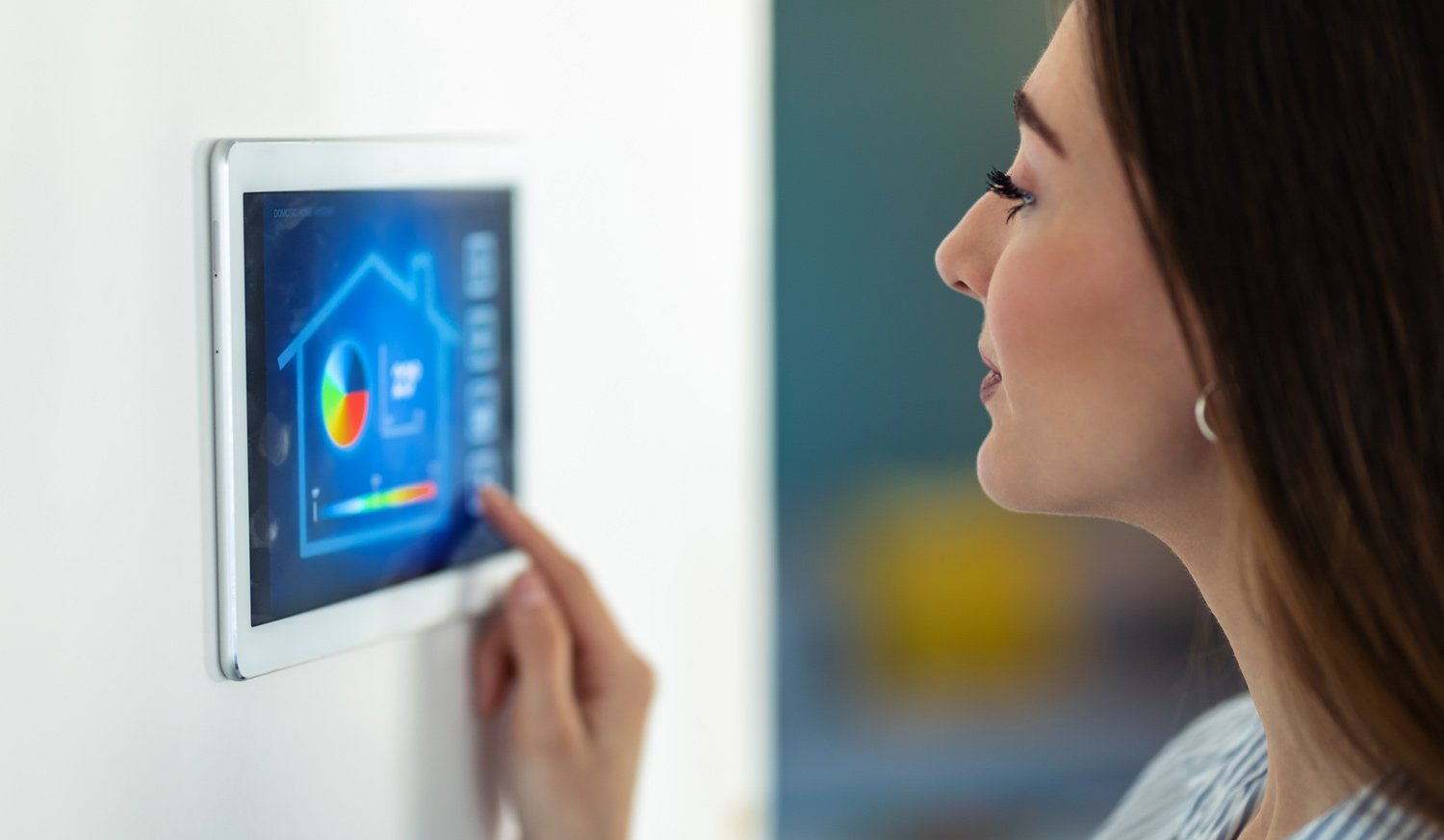
Building a Better Work Environment
Studies show that working in an environment between 68°F and 72°F is ideal for productivity. Smart devices keep the temperature perfect without you having to fuss, and they also regulate humidity so the air isn’t too dry or damp.
These devices work flawlessly with mobile apps, and you can use voice commands to change the settings. This means you can stay focused on work without being interrupted. They also use less energy by adapting to what you need in the moment, which will help you save money on your utility bills.
| Feature | Benefit |
| Automated Climate Control | Maintains consistent temperatures for better focus. |
| Smart Thermostats | Adjusts temperature and humidity based on real-time data. |
| Voice-Controlled Thermostats | Provides hands-free operation to reduce work interruptions. |
| Mobile Integration | Enables remote temperature adjustments via mobile apps. |
Beginner Gotchas: What You Need to Know Before Buying
If you are just starting your smart home journey, there are a few practical realities you need to know so you aren’t caught off guard.
- Hidden Subscription Fees: While a smart doorbell or camera might cost $100 upfront, many brands (like Ring or Google Nest) require a monthly subscription fee of $5 to $15 to save your video history or access premium features. Always check the recurring costs before buying.
- Your Router Might Need an Upgrade: Adding 15 smart bulbs, a thermostat, and a camera to the cheap, five-year-old router your internet provider gave you will likely crash your network. For a reliable smart office, investing in a “Mesh Wi-Fi network” (which spreads a strong signal throughout your house) is highly recommended.
- What Happens When the Wi-Fi Goes Down? This is the most common fear for beginners. Don’t worry—you won’t be trapped in your office or left in the dark. Smart locks still have physical keypads or traditional keys, and smart bulbs still turn on and off if you flip the physical wall switch.
The Drawbacks: Privacy and Security Concerns
While home office automation provides huge benefits, it is important to acknowledge the limitations and risks. Integrating dozens of internet-connected devices into a home network expands its “attack surface,” making it potentially more vulnerable to cyber threats.
Also, voice assistants and smart cameras continually collect user data. To maintain a secure home office, you must practice strong digital hygiene: utilizing strong, unique passwords, setting up separate guest Wi-Fi networks specifically for your connected devices, and regularly reviewing your privacy settings to limit unnecessary data collection.
Smart Office Infrastructure and Furniture Automation
Smart office tools are changing how we physically interact with our workspaces. For example, smart office furniture can adjust to fit your preferred working style. Smart standing desks move to the exact height you like best and can remind you to stand up after an hour of sitting, helping to keep you comfortable and healthy all day.
Creating a Better Workspace with Intelligent Solutions
Smart office tech uses smart algorithms to help manage space better and keep things secure. Sensors in the office can change the lights, heating, and air based on how many people are in the room. This saves energy and is good for the planet. For instance, by aggressively utilizing smart building tech, the U.S. General Services Administration reported dropping its gas emissions by 51% compared to 2008 baselines.
Budget-Friendly Home Office Automation Ideas
Automating a small home office doesn’t have to be expensive. We can make our work area better without breaking the bank using budget-friendly solutions.
Using simple tech like smart plugs can make your daily work routine start smoother. From automatically turning on your computer monitors in the morning to setting them to “away mode” when you are gone, these ideas are very handy. Adding smart LED bulbs can make your space look better and save energy.
For a DIY approach, tech enthusiasts can use a Raspberry Pi. With a Raspberry Pi, an RF transmitter, and smart sockets, you can automate your office quickly and cheaply. Setting up a basic smart home bridge like Home Assistant on a Raspberry Pi allows users to control lights, temperature, and more on a shoestring budget while keeping data strictly local and private.
Home Office Automation Software for Remote Workers
Home office automation software is a must-have for working better and faster. It helps remote employees handle emails, organize tasks, and find important info. A widely cited report by the McKinsey Global Institute noted that the average professional spends a staggering 28% of their workweek just reading and answering emails.
Streamlining Tasks and Enhancing Efficiency with Smart Tools
Smart office software handles tedious, repetitive tasks for you, cuts down on human error, and keeps your workflow smooth.
- Asana and Trello: These platforms make managing tasks easy and visually intuitive, boosting project success rates.
- Automated Scheduling Tools: Apps like Calendly schedule meetings automatically, eliminating the back-and-forth of finding a time to meet.
- Workflow Connectors: Platforms like Zapier or Microsoft Power Automate act as bridges, allowing your emails, calendars, and to-do lists to trigger actions across different apps automatically.

Conclusion: Working Smarter, Not Harder
Looking ahead, smart tech will become the cornerstone of making home offices work better. Experts at McKinsey predict that generative AI and automation could add trillions of dollars yearly to the global economy.
Smart home tech offers massive advantages. It makes our homes comfortable and our work easier by optimizing our environments. The future home office blends internet-connected devices, smart software, and the Matter protocol smoothly.
However, the ultimate goal of all this technology isn’t just to make you work more hours—it’s about reclaiming your time. By automating the busywork, optimizing your physical comfort, and managing your energy use, you create space for a healthier work-life balance.
Ready to upgrade your workspace? Start small by picking up a smart plug or a smart bulb today, and see how a single change can improve your focus.
Frequently Asked Questions
What is home office automation?
Home office automation uses smart tech to manage your home workspace. It includes network-connected devices like smart thermostats, intelligent lighting, and automated security tools that help you focus and work more efficiently.
How can smart lighting systems help in increasing productivity?
Smart lighting lets you change light colors and brightness based on the time of day. This reduces eye strain, supports your natural circadian rhythm, and boosts your mood.
What are the benefits of using smart thermostats in a home office?
Smart thermostats automatically adjust your room’s temperature and humidity. They keep your space comfortable and save energy by turning down the HVAC system when you leave the room.
What is the Matter protocol?
Matter is an open-source connectivity standard updated heavily between 2024 and 2026. It ensures that smart home devices from different brands (like Apple, Google, and Amazon) can easily communicate with one another.
Are there budget-friendly options for home office automation?
Yes! You can use inexpensive smart plugs to control standard devices, install entry-level smart LED bulbs, or even build a custom, highly private system using a low-cost Raspberry Pi.
What are some useful software tools for remote workers to enhance efficiency?
Apps like Asana or Trello help manage tasks, while tools like Zapier automate repetitive digital workflows, linking your apps together so you do less manual data entry.