The ‘Brain’ of the House: Why Your Choice Matters
Before I get into cleaning sensors, let’s talk about the ‘Brain’—your hub. If you use a system that lives on the web, your control is an illusion. But if you’ve moved up to Home Assistant or Hubitat, you can take charge before things break. These systems are faster because they don’t have to wait for a signal to bounce off a server in another state, but they require a bit more soul from the owner.
Home Assistant (HA): The Heavyweight
I love Home Assistant because it’s top-tier for privacy. Unlike basic hubs, HA works with over 2,800 types of gear. It’s free software you run on a small computer. Since it handles everything inside your own walls, it’s fast. It doesn’t quit just because a server in Virginia goes down.
The Blunt Reality: You’re the tech support. Local control means you own the data, but you also own the failures. If you don’t clean your data files, the system will run out of room and crash, likely right when you’re trying to turn off the lights for bed.
Also, never—and I mean never—run a major update at 11 PM on a work night. Curiosity has a cost. That cost is usually spending your sleep time fixing a broken script that used to work perfectly. One bad update can turn your house back into a “dumb” one in seconds.
Hubitat: Fast and Straightforward
Hubitat is the middle ground. It’s a box made to work inside your home without needing the web for every task. Like HA, it talks to your devices directly. It’s easier to set up than HA, which makes it great if you want speed without learning to code. It stays out of your way, but it still needs a gentle hand to keep the radio signals from getting tangled up.


Last updated on 2026-09-16
The Dust Bunny’s Revenge: Why Sensors “Lie”
Grit is the enemy. If your motion sensors are acting weird or your cameras look hazy, they’re likely just dirty. I once spent three hours debugging a “broken” camera only to find a single spiderweb was the culprit. Physical decay leads to digital ghosts.
Lenses and Night Vision
Outdoor cameras are magnets for pollen and webs. Spiders love the warmth of night-vision (IR) sensors. They see that glowing ring of heat and think it’s a luxury hotel. A single web can set off ten fake “motion” alerts at 3 AM because the IR light bounces off the silk. Use a soft cloth and wipe those lenses every few months. For motion sensors (PIR), a quick puff of air stops dust from blocking the heat signals they need to see. If the sensor can’t “see” your body heat through the dust, your lights won’t turn on.
Smart Lock Friction
If your smart lock sounds like it is struggling, your door is likely not lined up. These locks fail when they have to fight a door that does not shut right. It’s called “binding.” Check the metal plate on the frame. If the bolt does not slide in with ease, the motor has to pull three times as much power to finish the job.
Your batteries will die in weeks. Use a little dry spray in the keyhole to keep the parts moving. If you hear a grinding sound, stop what you’re doing and fix the alignment before the motor burns out.
Last updated on 2026-09-17
Battery Roulette: Fix It Before It Fails
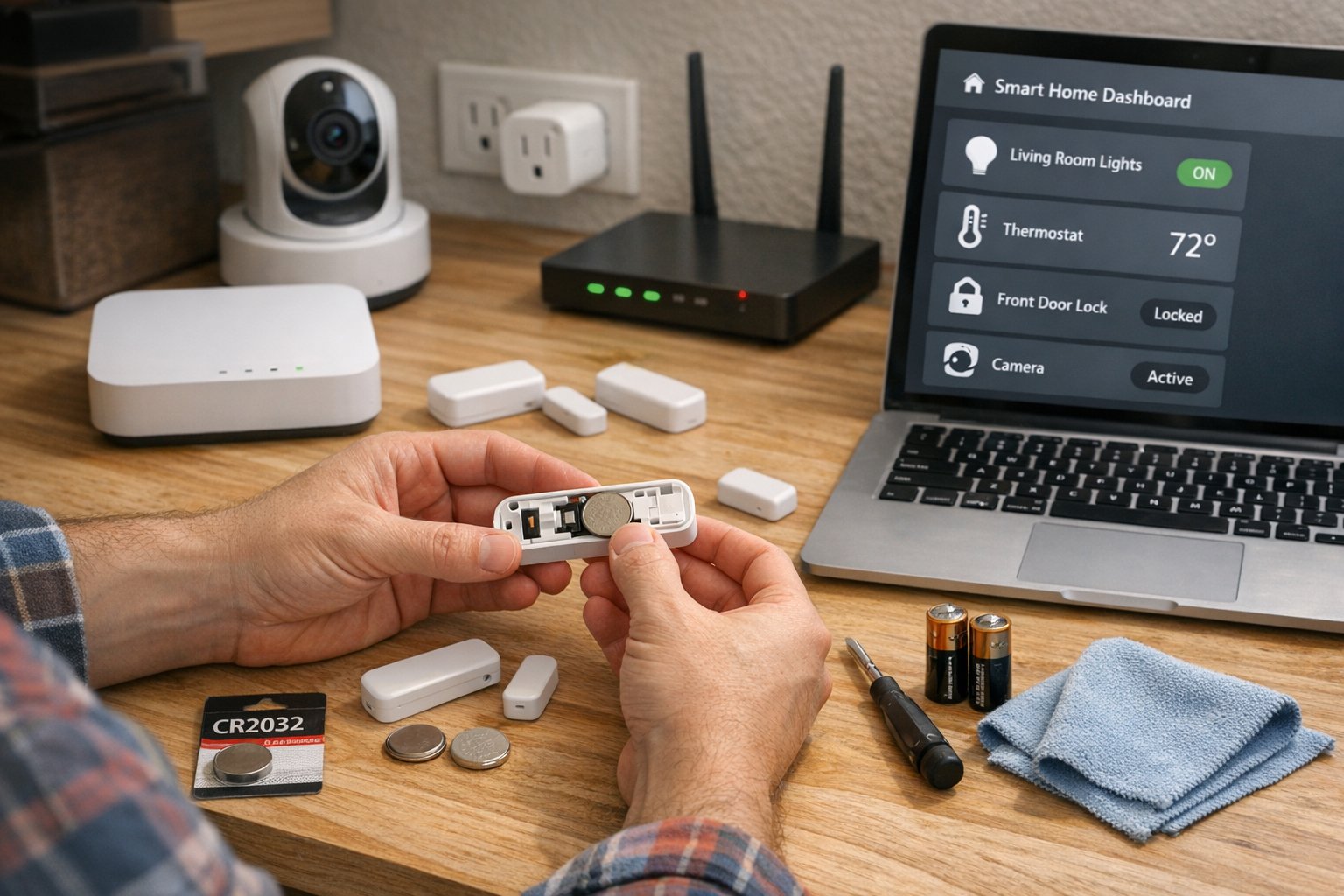
Nothing kills the mood faster than a dead battery in a water sensor. I’ve learned this the hard way: by the time you find a dead battery, the basement is already a pool. Sensors often lie about their battery levels until it’s too late.
Buy the good stuff:
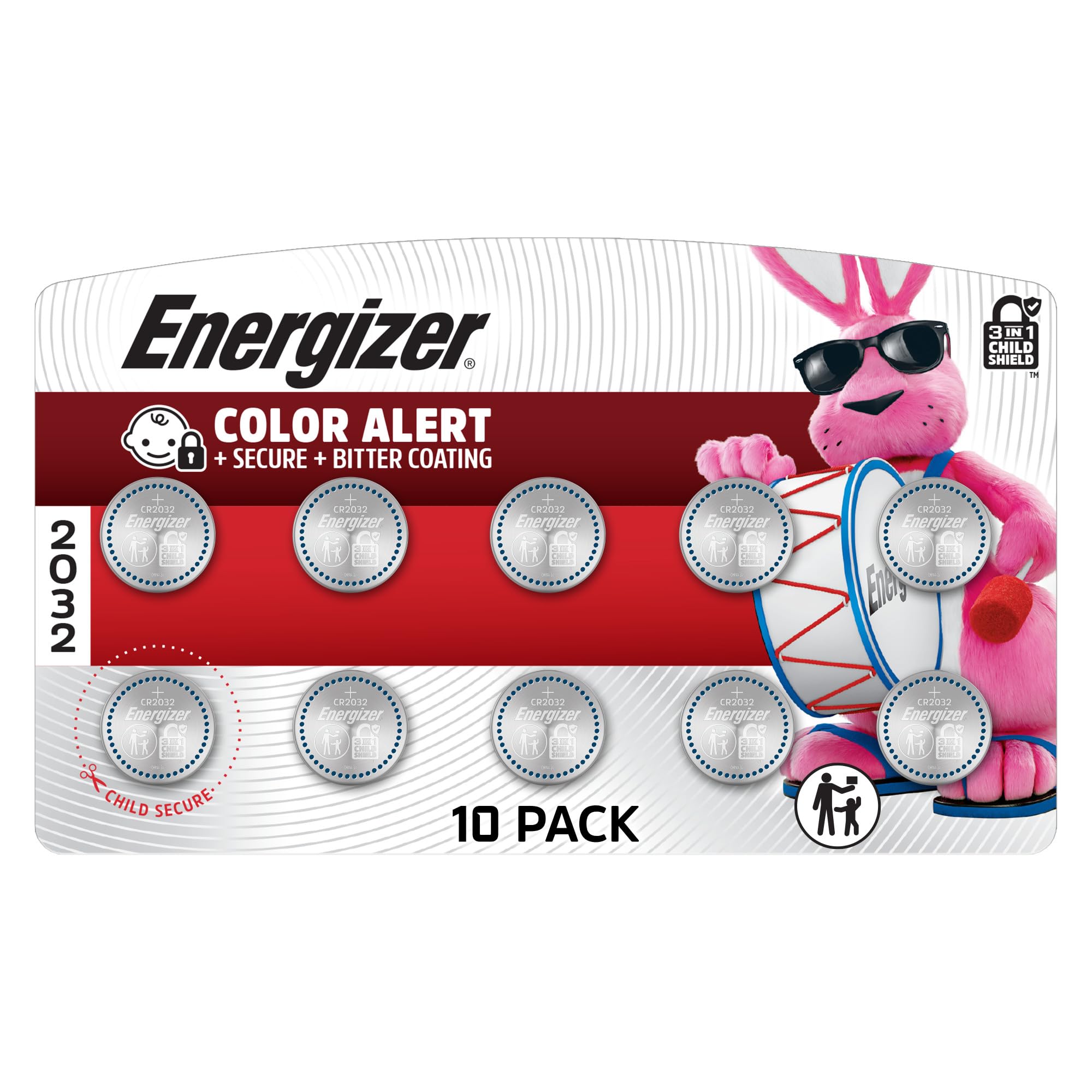
Most sensors use “coin” batteries (CR2032) or camera cells (CR123A). Skip the cheap, unbranded packs. They leak and make sensors quit for no reason.
The 20% Rule:
Don’t wait for 0%. Unlike a flashlight that slowly gets dimmer, the lithium cells in smart sensors drop off a cliff. They stay at a steady voltage for a long time, then they crash.
They might look “fine” at 30%, but once they hit that voltage drop, they die instantly. This is why you get “zombie” sensors that report 100% for a year and then vanish without a word. Check your levels every three months.
Last updated on 2026-09-17
Hub Health: Keeping the Brain Sharp
If your hub gets “clogged,” the whole house feels slow. You press a button, and the light turns on two seconds later. That lag is a sign that your hub’s “brain” is struggling to breathe.
Clean HA Data:
HA records every tiny change—every degree of temperature and every light flip. If you don’t set it to delete old info after a week, your storage will fill up. When that drive hits 100%, the whole system locks up.
Restart Hubitat:
A planned weekly restart clears out minor errors in the memory. If a light switch is slow, use the “repair” tool in the settings. It forces the devices to find the fastest path back to the hub, avoiding “dead” routes that slow things down.
Backups are Mandatory:
Never click “Update” without saving first. If the update fails and your hub won’t boot, a backup is the only thing that will save you from rebuilding your entire home from scratch. Move these files to a thumb drive or the cloud.
Wireless Signal Wars: The Invisible Network
Your devices “talk” using radio waves. When you add a new router or move a microwave, you can block those signals. This is the “hidden” side of maintenance.
The 2.4GHz Battle:
Many smart gadgets and Wi-Fi use the same space. It’s like a crowded bar where everyone is shouting. If your bulbs aren’t responding, try changing your Wi-Fi to “Channel 1” or “Channel 6.” This gives your other gear room to breathe.
The Mesh Rule:
Smart plugs act as “boosters.” If a sensor in the garage keeps quitting, check your LQI (Link Quality Indicator) in your hub. It’s a score from 0 to 255. Anything under 100 is a problem. If the score is low, add a smart plug halfway between the sensor and the hub. It bridges the gap and keeps the mesh strong.

Last updated on 2026-09-17
Security: The Price of Being Online
An unpatched device is a hole in your fence. Updates fix weak spots that hackers love. If you don’t keep up, you’re leaving the digital front door unlocked.
- Change Passwords: If your camera came with a code like “12345,” change it before you hang it up. Most “hacks” are just people logging in with default passwords they found in a manual.
- Use Extra Steps (2FA): If your app offers it, turn it on. It needs a code from your phone to log in. This stops strangers from seeing your home, even if they guess your password. It’s the most powerful tool you have for staying safe.
Is It Worth the Hassle?
For a beginner, this might sound like a lot of work. It’s not. I’m talking about thirty minutes of work every few months. This “Maintenance Sunday” prevents the slow creep of frustration that makes people rip out their smart switches and go back to “dumb” ones. A smart home should work for you, not the other way around.
Keep it clean, keep the batteries fresh, and keep the software current. Your home will work better because of it. But remember: maintenance won’t fix bad hardware. If a device is built poorly, no amount of cleaning will save it. Buy quality gear, treat it well, and it will stay loyal for years.

Last updated on 2026-09-09
Quick Check-Up
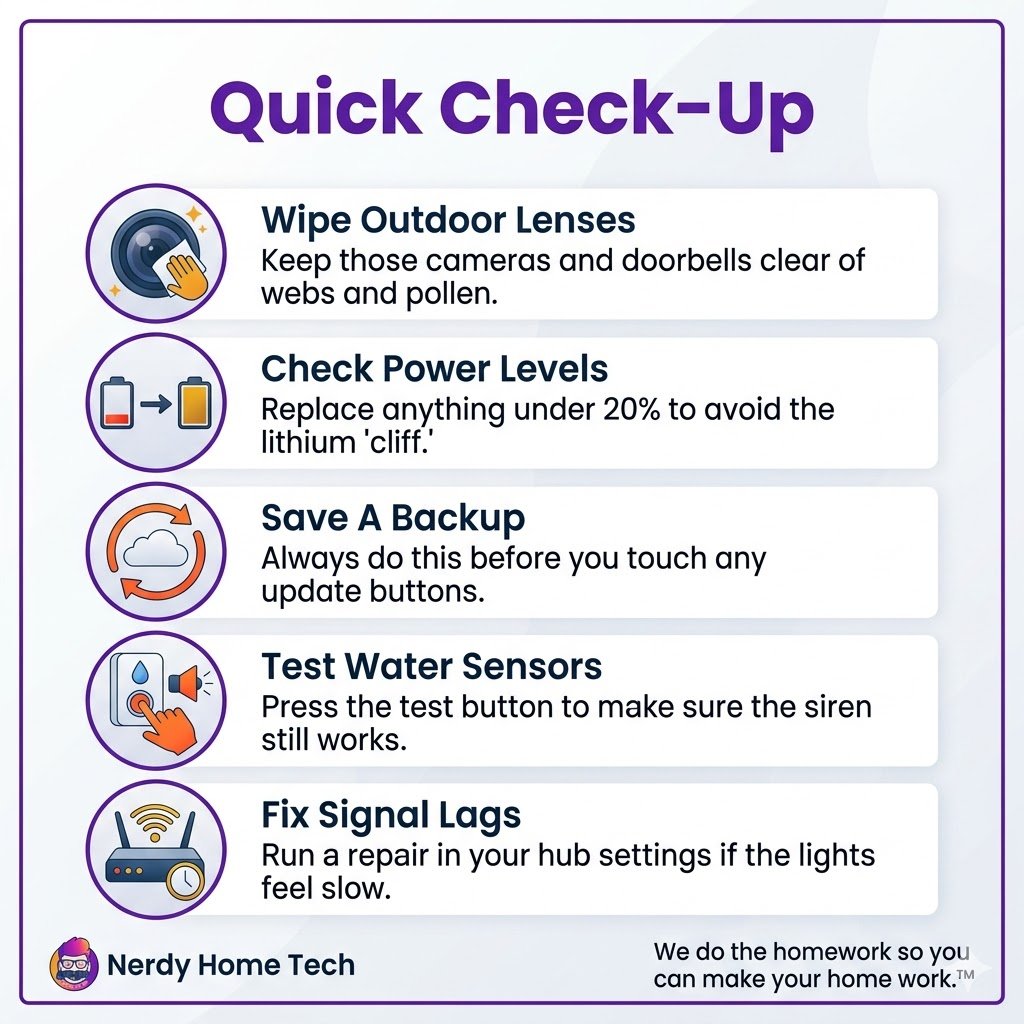
- Wipe outdoor lenses: Keep those cameras and doorbells clear of webs and pollen.
- Check power levels: Replace anything under 20% to avoid the lithium “cliff.”
- Save a backup: Always do this before you touch any update buttons.
- Test water sensors: Press the test button to make sure the siren still works.
- Fix signal lags: Run a repair in your hub settings if the lights feel slow.
Frequently Asked Questions
How often should I clean my smart cameras?
Do it four times a year. Spring pollen and fall webs are the biggest issues. If you live near a dirt road, you might need to do it once a month.
Why do my bulbs go offline?
It’s really signal blocking. Moving your router even a few inches or adding a smart plug “booster” often fixes it. If you have thick brick walls, you’ll need more repeaters.
Is Home Assistant too hard for me?
It takes time to learn, but it gives you the most freedom. If you want “plug and play” and don’t care about deep coding, choose Hubitat.
Do I really need a hub?
If you want speed and privacy, yes. Gear that only uses Wi-Fi stops working if your internet goes out. A hub keeps your home running even when the world is offline.