Smart Home Childproofing: How Connected Tech Actually Keeps Kids Safer
Baby gates and outlet covers have been doing the job for decades, and they still work. But somewhere between the toddler years and the “I can pick a lock now” years, a lot of parents start wondering if there’s a smarter way to keep watch — one that doesn’t require being in three rooms at once. That’s where smart home tech comes in. Used right, it doesn’t replace the basics. It backs them up, fills the gaps, and gives you a way to catch problems before they turn into emergencies.
Smart home childproofing pairs traditional safety measures — baby gates, outlet covers, locked cabinets — with connected devices like smart locks, cameras, plugs, and sensors that add remote monitoring, automatic shutoffs, and instant alerts hardware alone can’t provide.
This guide walks through where smart devices genuinely help with childproofing, where they fall short, and how to build a setup that fits your family instead of just your gadget budget.
Why the Basics Still Matter
Home hazards aren’t rare or exotic. According to the CDC’s National Vital Statistics System, unintentional injury is the leading cause of death for children and teens in the United States — and a large share of those injuries happen at home. Falls, poisoning, choking, electrical shock, burns, and drowning account for most of it. For the youngest kids specifically, drowning tops the list: it’s the leading cause of death for children ages 1 to 4.
Falls are the one most parents underestimate. A curious toddler treats a bookshelf like a ladder and a windowsill like a lookout post, and stairs without gates are an open invitation. Poisoning risk hides in plain sight, too — cleaning supplies under the sink, medications in an unlocked cabinet, even certain houseplants.
Choking hazards are anything small enough to fit in a fist: batteries, coins, loose toy parts. Electrical hazards come from exposed outlets and cords left where little hands can reach them. And burns happen fast, whether it’s a stovetop, a space heater, or a curling iron left plugged in.
None of this is solved by an app. Furniture still needs anchoring. Stairs still need gates. Cabinets still need locks. Smart tech’s job is to add a second layer on top of that — not to be the layer.
Device | Hazard It Addresses | Key Feature to Look For | Price Tier |
|---|---|---|---|
Smart Locks & Door Sensors | Wandering, unsupervised exits | Auto-lock, PIN or fingerprint entry | $$ |
Video Baby Monitor / Camera | Missed supervision | Two-way audio, night vision, motion alerts | $ |
Smart Plugs | Electrical shock, burns | Remote shutoff, scheduling | $ |
Pool Alarms & Water Sensors | Drowning | Instant splash/motion alert, wearable options | $$ |
Smoke & CO Alarms | Fire, gas leaks | Phone alerts, interconnected units | $$ |
Water Leak Sensors | Water damage, mold | Early leak / burst-pipe detection | $ |
Temperature extremes | Consistent, remotely monitored temp | $$ | |
Motion-Triggered Lighting | Nighttime falls | Automatic hallway/stairwell triggering | $ |
Locks and Door Sensors: Keeping Kids Out of Trouble
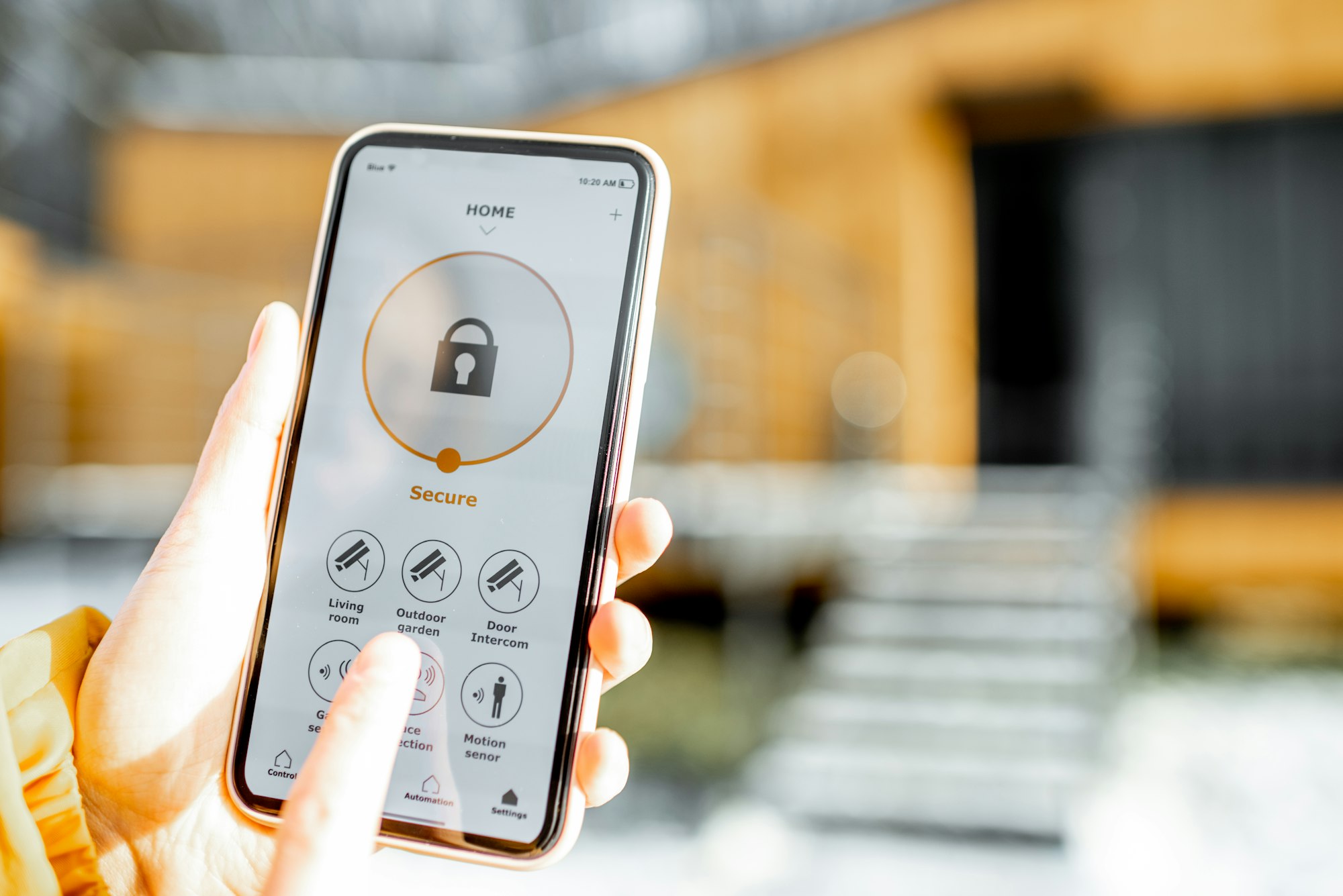
Smart locks and door sensors solve a very specific problem: kids who wander into rooms they shouldn’t, or worse, out the front door without anyone noticing. A sensor on a basement door or garage entrance can send an alert the second it opens, which matters a lot more than it sounds like it should — most parents don’t catch a door opening until they hear it, and by then a toddler’s already three rooms away.
Smart locks add access control on top of that. Some support PIN codes or fingerprint entry instead of a physical key, and most offer remote locking from a phone, so you’re not sprinting back to check if you locked the door on your way out. Auto-lock features are worth prioritizing here — a door that relocks itself after closing removes the “I forgot” factor entirely. In our experience covering this category, that’s the actual failure point in most real-world lock setups: not the technology, but someone forgetting to use it.
Smart locks also earn their keep the moment someone other than you needs access — a babysitter, a grandparent picking up from school, a dog walker. Instead of hiding a spare key outside, you can issue a temporary PIN that expires automatically after a set window. Camera access can be shared the same way, so a sitter’s arrival is confirmed on your phone without your having to be there. And when a caregiver relationship ends, revoking access takes seconds instead of requiring a rekey.
Cameras and Baby Monitors: Eyes You Can Trust From Another Room
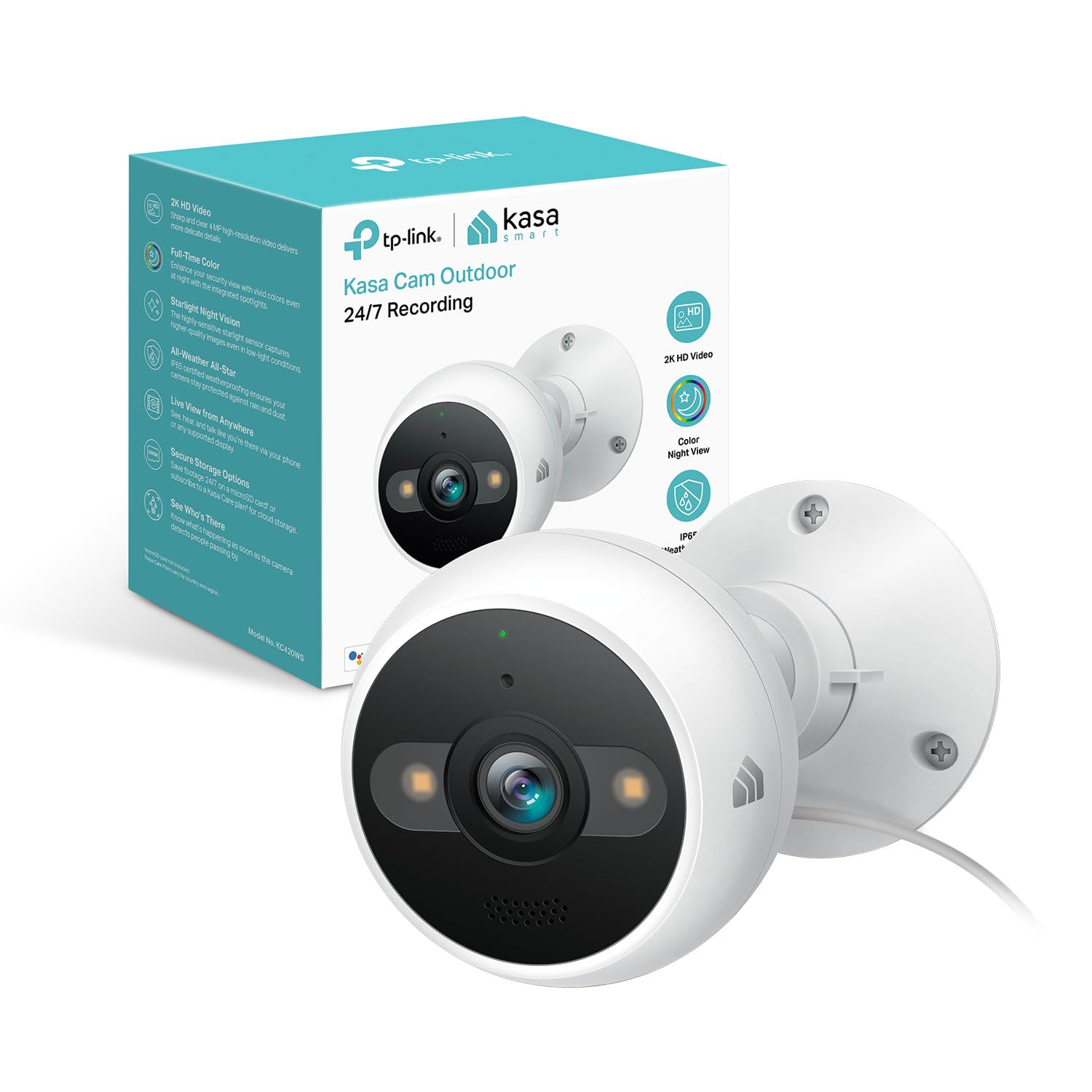
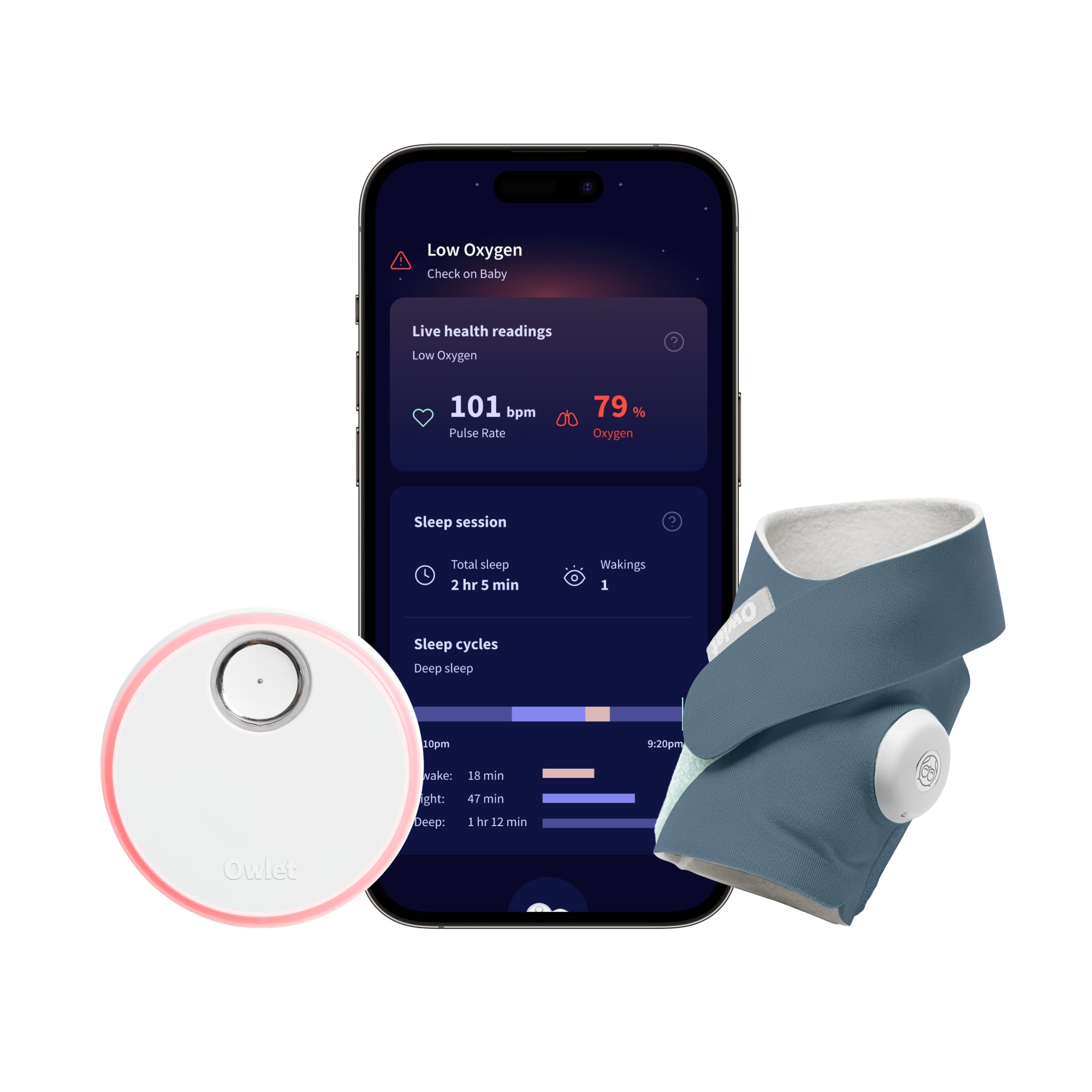
Video baby monitors and smart indoor cameras cover the supervision gap — the moments you can’t physically be in the room but still need to know what’s happening in it. Motion detection flags movement you’d otherwise miss, night vision keeps the picture usable after lights-out, and two-way audio lets you talk a toddler back to sleep without walking down the hall.
The upgrade from a basic monitor to a smart camera is mostly about reach: a dedicated monitor usually only works within your home’s Wi-Fi range, while a connected camera can be checked from anywhere with an app and an internet connection. That’s useful for checking on an older kid home alone after school, not just a napping infant.


Last updated on 2026-10-03
Smart Plugs and Outlets: An Easy Win Against Electrical Hazards
Smart plugs are one of the cheapest, lowest-effort upgrades on this list, and they punch above their price. Instead of remembering to unplug a space heater, curling iron, or anything else with a heating element, you can cut power to it remotely or set it to shut off automatically on a schedule — bedtime, for instance, or whenever the house is empty.
That scheduling piece matters more than it gets credit for. A smart plug that automatically kills power to the living room entertainment center at 9 p.m. is doing childproofing work even when nobody’s thinking about childproofing. It’s a background safeguard instead of a task on someone’s mental checklist.
Pool and Water Safety: The Risk Most Setups Ignore
Drowning is the leading cause of death for children ages 1 to 4 in the United States, yet it’s the hazard most smart home setups skip entirely. Smart pool alarms detect motion or a splash the moment something enters the water and push an immediate phone alert. Gate sensors on pool fencing catch a door left open before a child wanders through it. Wearable water-detection tags — worn on a wrist or clipped to a swimsuit — trigger an alert the instant they get wet, working even at a neighbor’s pool or a lake where you don’t control the hardware.
None of this replaces active supervision near water — no device reacts fast enough to substitute for a present adult. But as a second layer alongside a fence, a locked gate, and constant supervision, these alerts close the gap in the handful of seconds it takes for a toddler to slip out of sight.
Thermostats, Lighting, and the Alarms That Actually Save Lives
Smart thermostats, lighting, smoke detectors, carbon monoxide alarms, and leak sensors protect kids by monitoring the house itself — temperature, air quality, smoke, gas, and water — rather than reacting to what a child does.
Of everything on this list, smart smoke detectors and carbon monoxide alarms carry the most weight, in our view — they’re guarding against the hazards most likely to be fatal if missed. A connected alarm doesn’t just make noise in the room where the problem is happening — it pushes a phone alert wherever you are, which matters enormously if the danger starts while everyone’s asleep or if you’re not home when it happens. Water leak sensors do something similar for a quieter but still serious risk: catching a slow leak or a burst pipe before it turns into water damage or a mold problem.
Smart thermostats and lighting play a smaller, more preventive role. A thermostat that keeps a consistent, monitored temperature protects against extreme heat or cold in a nursery. Motion-triggered lighting in hallways and stairwells cuts down on nighttime trips and falls — the kind that happen when a kid (or a groggy parent) is moving through a dark house.
Screen Time and Parental Controls
Parental controls on smart TVs, streaming devices, and voice assistants protect kids from age-inappropriate content and screen-time overuse — not every childproofing hazard is physical. Most major TV brands — Samsung, LG, Sony, and Vizio among them — now build basic content and time restrictions directly into the TV, and individual streaming apps layer their own profile-based controls on top. The catch is that no single layer catches everything; a determined kid can often work around one app’s restrictions in an afternoon. Pairing TV-level controls with router-level restrictions gives you actual coverage instead of a false sense of one.
Building a Setup That Fits Your Family
Setup Step | What to Do | Why It Matters | Quick Tip |
|---|---|---|---|
Assess Your Layout | Walk your home and flag danger zones — stairs, garage, kitchen, medicine cabinets | Devices should match real risks in your specific house, not a generic list | Match devices to your kids’ current age, not a hypothetical future one |
Pick Your Ecosystem | Choose Alexa, Google Home, Apple Home, or SmartThings before buying devices | Most devices need one platform to share a single control app | Base it on what you already use daily — iPhone leans Apple Home, Android leans Google Home |
Check Compatibility | Look for the Matter logo when buying new devices | Matter lets devices from different brands share one app; camera support was added in late 2025 | Adoption isn’t universal yet, so confirm compatibility before buying |
Retrofit an Existing Setup | Audit what you already own through a childproofing lens first | An existing camera or plug may already be doing safety work without a reframe | Home Assistant users can add device types without breaking current automations |
The right smart home childproofing setup depends on your home’s layout and your kids’ current ages, not on a shopping list — there’s no universal starter kit, because “safe” looks different in a two-story house with a climbing toddler than in a ranch house with a ten-year-old home alone after school.
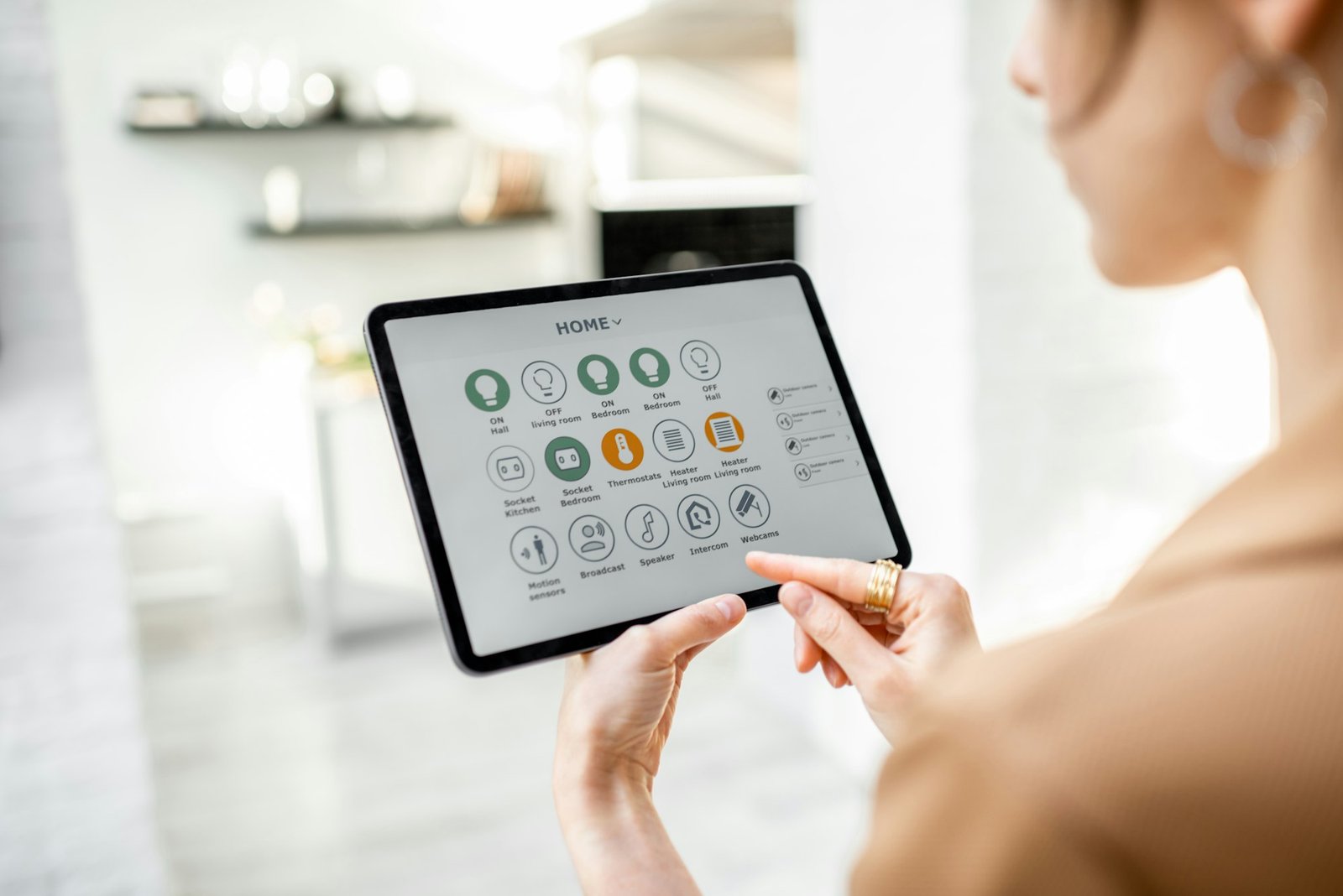
If you’re starting from zero, the first decision isn’t which device to buy — it’s which ecosystem to build around. Amazon Alexa, Google Home, Apple Home, and Samsung SmartThings are the four major platforms, and most devices need to work with one of them to be controlled from a single app. Pick based on what you already use daily; an iPhone household leans naturally toward Apple Home, an Android or Google household toward Google Home, since that’s the app you’ll actually open every day. This choice matters more early on than any individual device, because it determines what else will work with what you buy later.
Before buying anything, walk through your actual layout and flag the danger zones — stairs, the garage, the kitchen, any room with cleaning supplies or medication. Match devices to your kids’ current stage, not some hypothetical future one; a newborn doesn’t need a smart lock on the pantry, and a teenager doesn’t need a baby monitor. Check compatibility before you buy — devices that all talk to the same hub or app are dramatically easier to manage than five separate apps for five separate brands.
That part is easier than it used to be: the Matter smart home standard added native support for security cameras in its 1.5 update in late 2025, on top of the locks, sensors, and plugs it already covered, so as of early 2026, more new devices than ever can share a single app across brands. Adoption still isn’t universal — some manufacturers are slower to roll out support than others — but the Matter logo on a box is worth checking for before you buy. And be honest about ease of use. The best safety device is the one that actually gets used every day, not the one with the most features sitting unconfigured in a drawer.
Already have a smart home set up for other reasons? You don’t need to start over. Look at what you already own through a childproofing lens first — an existing camera might just need repositioning, and an existing smart plug might already be doing safety work without you thinking of it that way. From there, fill the specific gaps: locks on rooms you didn’t secure before, alerts on doors that didn’t matter until a toddler could reach the handle. If your setup runs on something like Home Assistant, our beginner’s guide covers how to add new device types without breaking your existing automations.
The Privacy Trade-Off You’re Making
Privacy Step | What to Do | Why It Matters | Risk If Skipped |
|---|---|---|---|
Choose Reputable Brands | Buy from manufacturers with a track record of security support | Consistent patches close vulnerabilities before attackers find them | No-name devices often stop getting updates entirely |
Keep Firmware Updated | Check for and install updates regularly | Over half of owners never update after setup; 25% of high-risk flaws are exploited within a day of disclosure | Unpatched devices become easy, known targets |
Use Unique Passwords | Give every device its own strong password | Stops one compromised device from opening your whole network | One reused password can expose every connected device at once |
Audit App Permissions | Review what each app can access, especially camera/mic | Confirms devices only reach what they actually need | Overlooked permissions can quietly expose video, audio, or location |
Every camera, lock, and monitor you connect to your home network is also a device that collects data, and it’s worth treating that seriously instead of shrugging it off. Stick to manufacturers with a track record of security support rather than the cheapest no-name option on a marketplace listing.
Keep firmware updated — surveys of smart home owners have found more than half never update their devices after initial setup, and security researchers report that roughly a quarter of high-risk vulnerabilities get exploited within a day of being publicly disclosed. An unpatched device sitting quietly on your network isn’t a theoretical risk; it’s exactly what that kind of research says attackers are looking for.
Use unique, strong passwords for each device instead of reusing one across your whole smart home, and periodically check what permissions your apps actually have, especially anything with camera or microphone access.
None of this eliminates risk entirely. It does meaningfully reduce the odds that a childproofing device becomes a privacy liability instead of a safety win.
What Smart Tech Can’t Do
It’s worth being honest about the limits here, because a lot of smart-home marketing skips this part entirely.
Devices fail. Firmware bugs happen, batteries die, and a smart lock that loses power at the wrong moment is a lock that doesn’t lock. Most of this category depends on a stable internet connection to function at full capability — lose Wi-Fi and your remote camera feed or phone alerts go with it. There’s a real learning curve, too, especially for anyone not naturally inclined toward apps and settings menus, and the more devices you add, the more there is to configure and maintain. Cost adds up as well, between upfront device prices and the subscription fees that a lot of cameras and monitoring services now charge for cloud storage or advanced features.
The fix for all of this is the same: never let a smart device be your only line of defense. Manual overrides, physical locks, and the traditional childproofing gear you already have should stay in place regardless of what’s connected to your Wi-Fi.
Start Small, Then Build
You don’t need to automate your entire house in one weekend, and honestly, you shouldn’t try. Start with whatever addresses your biggest actual risk — a door sensor on the pool gate, a smart plug on the space heater, smoke and CO alarms if you don’t already have connected ones — and get comfortable with it before adding the next device. This keeps costs manageable, keeps the learning curve from becoming overwhelming, and gives you time to figure out what your family actually uses versus what just seemed like a good idea in the store.
If you’re not sure which platform to build around yet, start there before you start buying individual devices. Our smart home hub buying guide walks through picking a system that fits your house now instead of one you’ll outgrow — or have to replace — within a year.

- Easy Installation and Excellent Customer Service: Compatible with most standard US deadbolts. 15-minute easy install without drilling…
- Control from Anywhere with Built-in Wi-Fi: No bridge required, you can control your smart lock from anywhere via the eufy Security app…


- Voice control: Kasa smart plugs that work with Alexa and Google Home Assistant. Enjoy the hands free convenience of controlling any…
- Easy set up and use: 2.4GHz Wi-Fi connection required. Plug in, open the Kase app, follow the simple instructions and enjoy

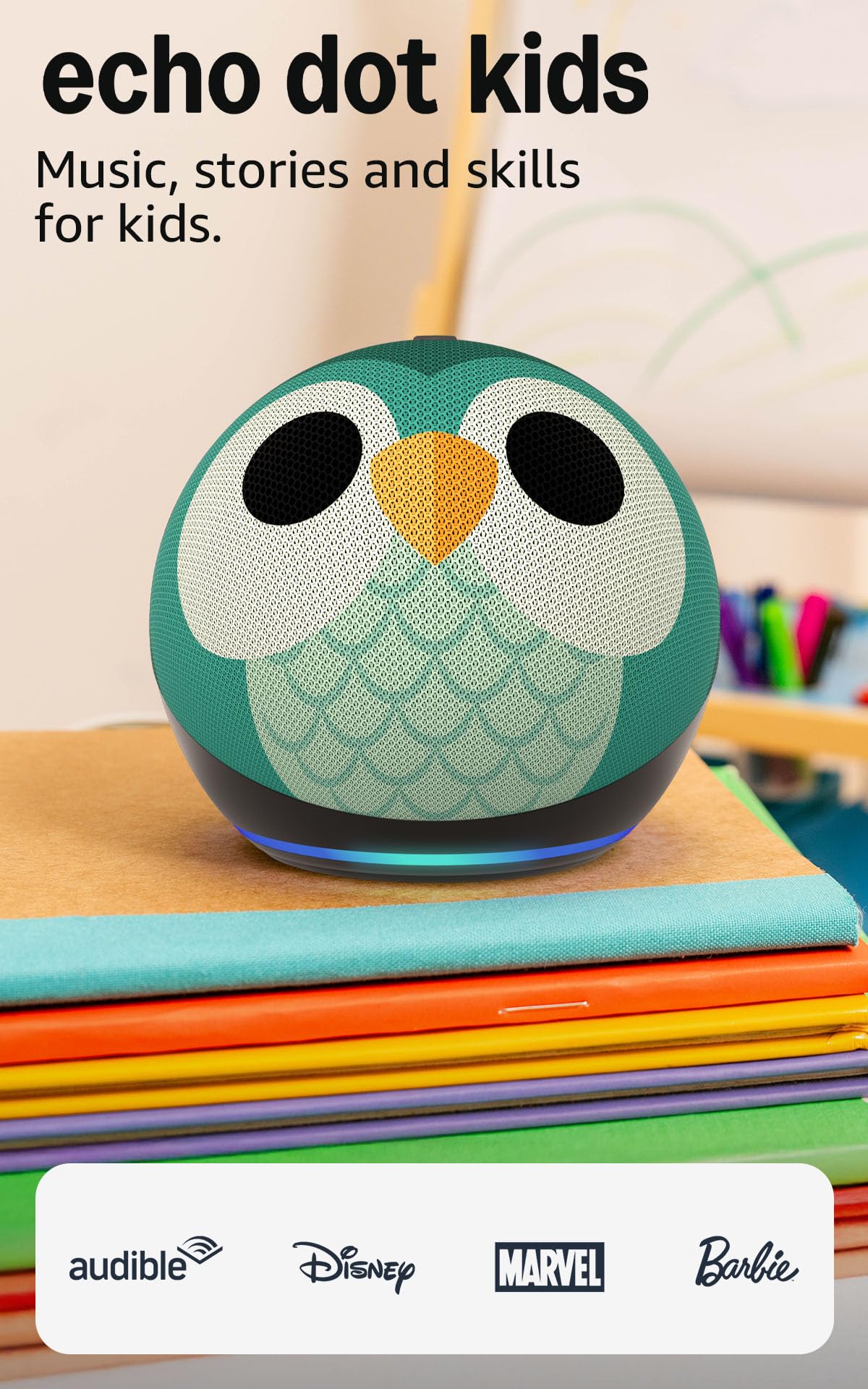
- Echo Dot Kids: Our most popular and cutest smart speaker with Alexa, made for kids (not a toy). A fun screen-free device kids love to…
- NEW with Alexa+ – Spark endless learning: Watch kids’ curiosity soar as they explore new topics through interactive conversations…
Last updated on 2026-09-27