Keeping a consistent feeding routine is one of those goals that sounds easy until life happens. Whether it’s an early meeting, a bad commute, or a Saturday where you’d just like to sleep in without a cat meowing in your ear, a smart feeder can be a lifesaver.
But here’s the thing: even the best smart pet feeders aren’t ‘set it and forget it’ miracles. They are mechanical tools with their own quirks and failure points. This guide is here to help you navigate the nitty-gritty so you can pick a model that actually fits your home’s reality.
The Reality Check: What These Tools Actually Do
Before you hit “buy,” it’s important to understand the limitations. Automation is a supplement to your care, not a replacement for you.
- It isn’t a pet sitter: Even the most advanced feeder can’t monitor your pet’s health or give them fresh water and affection.
- The Vacation Risk: I’d strongly advise against relying solely on a feeder for long trips. Power outages and mechanical jams happen. Always have a human backup plan.
- It won’t stop a “bully”: Standard feeders can’t prevent a dominant pet from pushing a submissive one away. For that, you’ll need microchip-access models.

The Beginner’s Guide to Smart Home Hurdles
If you’re just starting your smart home experience, there are three things that usually catch people off guard.
1. The “One More App” Struggle
Every smart device usually wants its own app. Before you know it, your phone’s cluttered with 20 different icons.
- Check the Ecosystem: Before you buy, see if the feeder works with Apple Home, Google Home, or Alexa. If it doesn’t, you’re stuck managing a standalone app just for kibble.
2. The 3-Year Reality
Don’t expect a $150 plastic feeder to last a decade. Between the oils in the food and the friction of the motor, plastic rotors eventually wear down.
- Expectation: Think of these as 2–3 year tools. If you get more time out of it, that’s a win, but moving mechanical parts in a budget device have a shelf life.
3. Don’t Choke Your Wi-Fi
Most smart feeders use the 2.4 GHz frequency. If you’ve got a basic router from your ISP and start adding cameras, lights, and feeders, your network might start to lag.
- Pro Tip: If the feeder has a camera, it’s going to be a data hog. Make sure your router is up to the task, or the video feed will be a stuttering mess.
Real-World Factors Most People Miss
Kibble Shape Matters
Most jams aren’t a motor failure; they’re a geometry problem. If your kibble is large or oddly shaped (like big triangles), it can “bridge” across the opening and stop everything. Always check the manufacturer’s size limits.
The Noise Factor
The clatter of kibble hitting a stainless steel bowl can be loud. If you’ve got a skittish pet, look for feeders with plastic or ceramic options, or those that dispense in small, quiet bursts.
Local Memory (Your Safety Net)
A lot of gear depends on the “cloud.” If your Wi-Fi drops, a “cloud-only” feeder might skip a meal. Look for models that store the schedule on the device. That way, the internal clock triggers the meal even if the internet is down.
Privacy and Data Security
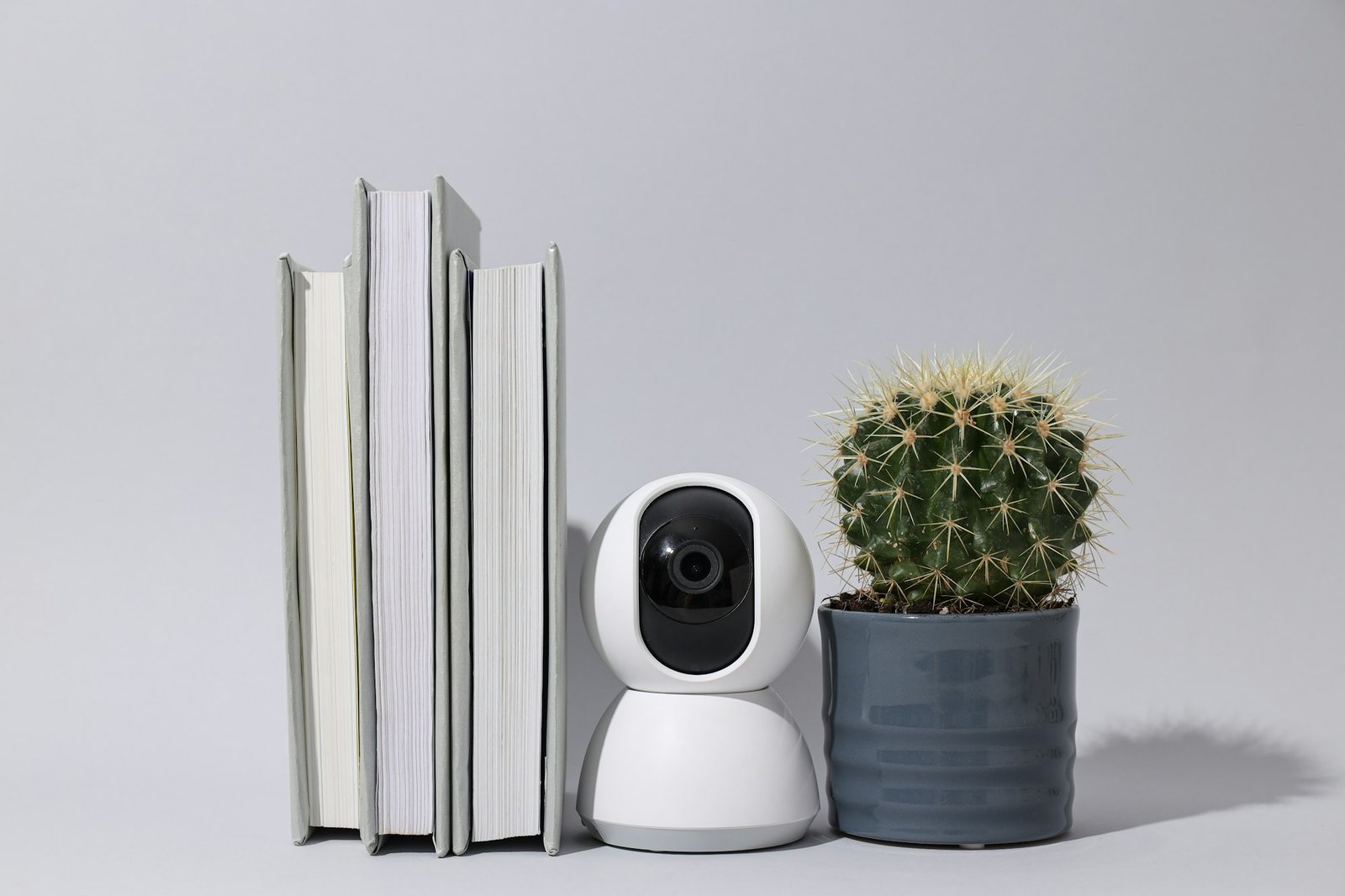
For feeders equipped with cameras, like the WOPET with Camera or the PETKIT, having a lens inside your home is a valid privacy concern. Before buying, verify if the manufacturer uses end-to-end encryption and check if video is stored locally on an SD card or in a proprietary cloud; local storage is generally the safer bet for those wary of their data living on a distant server.
App and Hub Compatibility
A common point of confusion for beginners is whether a “smart” device requires a dedicated hub like an Apple HomePod or an Amazon Echo. Most smart pet feeders connect directly to your home Wi-Fi and are fully controllable via a standalone smartphone app, meaning you don’t actually need a smart speaker unless you want to use voice commands to dispense a snack.
Power Consumption and “Vampire” Draw
While these devices are “always on” to maintain their Wi-Fi connection, their actual impact on your electric bill is negligible. Most smart feeders draw very little power—often less than a standard LED nightlight—but it is worth noting that models with active video streaming or cooling fans for wet food will have a slightly higher, though still minimal, energy footprint.
The “Account Fatigue” Reality
The hidden “cost” of a smart home is often the mental load of managing one more login. Most brands require you to create a unique account with a verified email and password just to dispense kibble; be prepared for a bit of “account fatigue” as you add more devices, and consider using a password manager to keep your pet’s feeding schedule secure without the headache of forgetting another set of credentials.
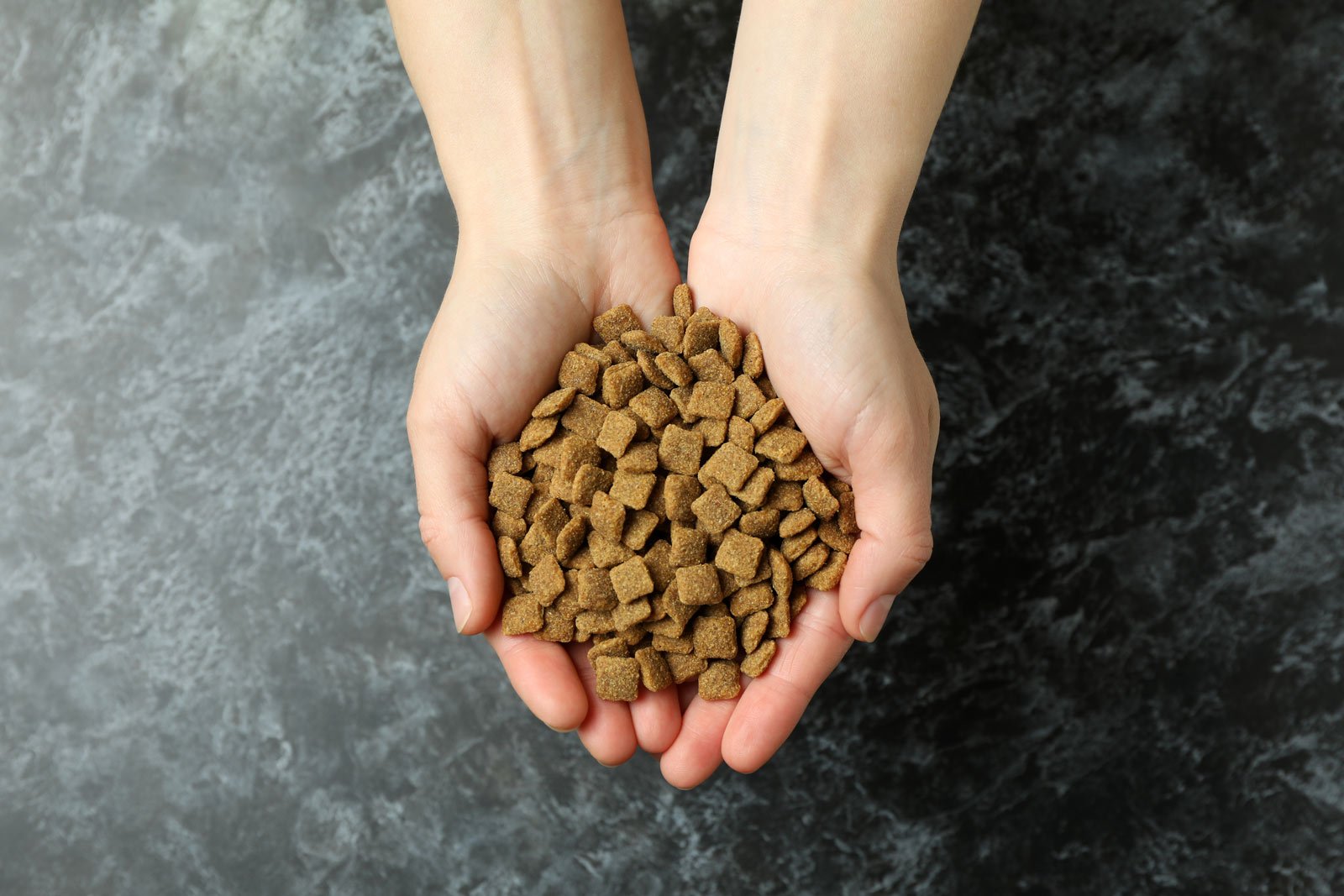
Kibble size and shape matters. Always check the manufacturer’s size limits.
2026 Product Comparisons: What to Watch For
| PRODUCT | BEST FOR | MECHANICAL WATCH-OUTS | |
|---|---|---|---|
| PetSafe Smart Feed | 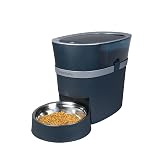 | The Reliable All-Rounder | Portions are volume-based. Use a kitchen scale to make sure your pet isn’t getting more than they should. |
| WOPET (Basic) |  | Budget Scheduling | These are usually noisier. Not the best pick if your pet is easily startled. |
| WOPET with Camera |  | Remote Monitoring | Needs a rock-solid Wi-Fi signal. If the router’s in another room, the video will probably lag. |
| SureFeed Microchip Feeder |  | Solving Food Theft | This isn’t a bulk hopper. You’ve still got to refill the bowl manually every day. |
| PETLIBRO (5G/2.4) |  | Easy Connectivity | Great for modern routers, but double-check if the app requires a subscription for the best features. |
| PETKIT | 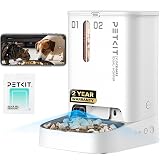 | The Sleek Look | Those proprietary desiccant packs are a recurring cost you’ll need to budget for. |
| Cat Mate C500 |  | Wet Food | It’s a mechanical timer, not “smart.” Ice packs only stay cold for a few hours, so it’s not for long-term use. |
The “Day One” Trust Checklist
Don’t just plug it in and walk away. Follow this 48-hour test protocol:
- The Scale Test: Dispense three portions and weigh them. You’ll often find they vary by 10% or more.
- The “Kill the Wi-Fi” Test: Unplug your router. If the feeder doesn’t dispense at the right time, it doesn’t have internal memory. Don’t trust it for travel.
- The Tip Test: If you’ve got a big dog or a determined cat, see if they can knock it over. If they can, you’re going to have a mess (and an overfed pet) on your hands.
- Check Your Alerts: Make sure your phone isn’t “silencing” the feeder’s app. You need those notifications to actually pop up if there’s a jam.
My Honest Take
A smart feeder is a tool to make your life a little easier and your pet’s routine more consistent. It works best when you respect the mechanical limits and keep it clean. For most homes, the PetSafe Smart Feed is the most balanced choice for reliability.
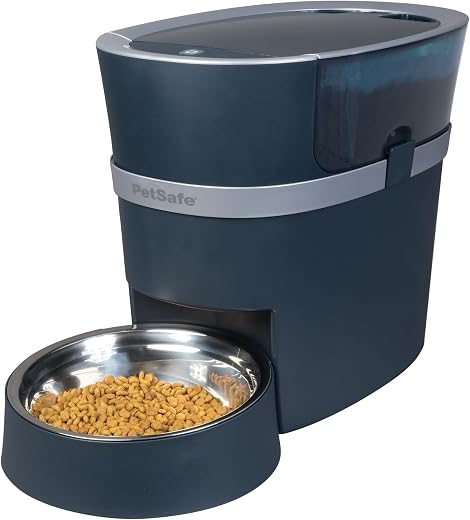
PetSafe Smart Feed Pet Feeder

Ready to simplify your morning? Check out our top-rated pick for 2026 here.
Who’s this for?
- Busy professionals who need a reliable way to ensure their pets are fed on time during long work shifts or commutes.
- Pet owners with “fast eaters” who benefit from the slow-feed setting to improve digestion and prevent vomiting.
- Smart home enthusiasts who want to integrate pet care into their existing Alexa or smartphone-controlled ecosystem.
- Travelers who want peace of mind knowing a battery backup will keep the feeding schedule active during power cuts.