
Smart Home Protocols: A Comprehensive Guide for 2026
Best Overall

Home Assistant Green
A purpose-built hub running Home Assistant OS that prioritizes local automation and privacy. It connects dozens of brands without relying on cloud services.
Skill Level: Intermediate to Advanced
Home Assistant is the benchmark for privacy. It’s built specifically for local automation—no servers involved, nothing sent to the cloud, and total transparency in how your home works.
What Setup Looks Like:
You’ll plug the box into your router, find its IP address on your computer, and use a web browser to configure your dashboard and link your accounts.
Starter Automations to Try:
- Turn off all lights and lock all doors automatically when the last family member’s phone disconnects from the home Wi-Fi.
- Flash the living room lights red and send a push notification if a water leak is detected under the kitchen sink.
Edge AI:
In 2026, it uses an on-device NPU (Neural Processing Unit). This is a specialized computer chip built just for handling AI tasks—like voice recognition—locally, ensuring your private conversations never leave the house.
Maintenance Expectation:
“Monthly Manual Checks.” You will need to log in, read the software release notes, and manually click “Update” to ensure third-party integrations don’t break.
View Specs & Features
Key Benefits
- Local-first automation for high reliability
- Extensive software integrations for cross-brand unity
- No cloud dependency for sensitive data
Special Highlights
- Official Home Assistant hardware
- Privacy-focused local control
- Expandable via USB radios
| Connectivity | Ethernet, USB, Bluetooth |
| Operating System | Home Assistant OS |
| Control Method | 100% Local Processing |
Best SmartThings Gateway

Aeotec Hub
The official hardware for the SmartThings ecosystem, supporting Z-Wave, Zigbee, and Matter. It provides a reliable route for coordinating smart home workflows within the SmartThings app.
Skill Level: Beginner
Samsung’s Station is a budget-friendly hub that doubles as a 15W fast wireless charger. It’s the most mature ecosystem for people who want broad device support without a computer science degree.
What Setup Looks Like:
“Frustration-Free.” You plug it into the wall, open the Samsung SmartThings app on your phone, and it typically auto-detects the hub via Bluetooth in seconds.
Starter Automations to Try:
- Double-tap the hub’s physical button to set “Movie Mode” (living room lights dim, TV turns on, blinds close).
- Turn on the porch light automatically exactly 15 minutes before sunset every day.
Reliability:
It uses Edge Drivers. These are mini-programs stored directly on the hub so it knows how to run your devices locally without asking a cloud server for instructions, keeping your routines alive during internet outages.
View Specs & Features
Key Benefits
- Seamless SmartThings platform integration
- Bridges legacy Z-Wave/Zigbee devices
- Low-friction routine management
Special Highlights
- Matter compatibility
- Native voice assistant support
- Stable Ethernet connectivity
| Platform | Samsung SmartThings |
| Protocols | Z-Wave, Zigbee, Matter |
| Connectivity | Ethernet & Wi-Fi |
Best For HomeKit Users

Aqara M3
A versatile hub that acts as a Matter controller and Thread border router with PoE support. It excels at bridging Aqara devices into ecosystems like HomeKit and Alexa.
Skill Level: Beginner to Intermediate
Apple HomeKit has been slow to release a native hub, and Aqara filled that gap perfectly with the M3.
The “Native” Alternative:
If you only own Apple-branded or Thread-enabled gear and don’t need Zigbee support, an Apple TV 4K (with Ethernet) or an Apple HomePod mini ($99, which specifically acts as an entry-level Thread Border Router) is actually the most stable “official” starting point. However, if you have a “messy” home with older sensors, the M3 is the bridge you need.
Legacy Tech Bridge:
The M3 features a built-in IR (Infrared) blaster. This allows it to control “dumb” legacy devices—like older air conditioners, ceiling fans, or TVs that operate via standard remote controls—and integrate them into your modern smart routines.
What Setup Looks Like:
You plug it in and use your iPhone to scan a QR code on the bottom of the device to add it directly to Apple’s Home app.
View Specs & Features
Key Benefits
Special Highlights
- Matter Controller & Thread Router
- Built-in Alarm Speaker
- IR blaster for legacy devices
| Compatible Platforms | HomeKit, Alexa, SmartThings, Google |
| Radios | Zigbee, Bluetooth, Wi-Fi, Thread |
| Power Options | PoE or USB-C |
Best For Local Control
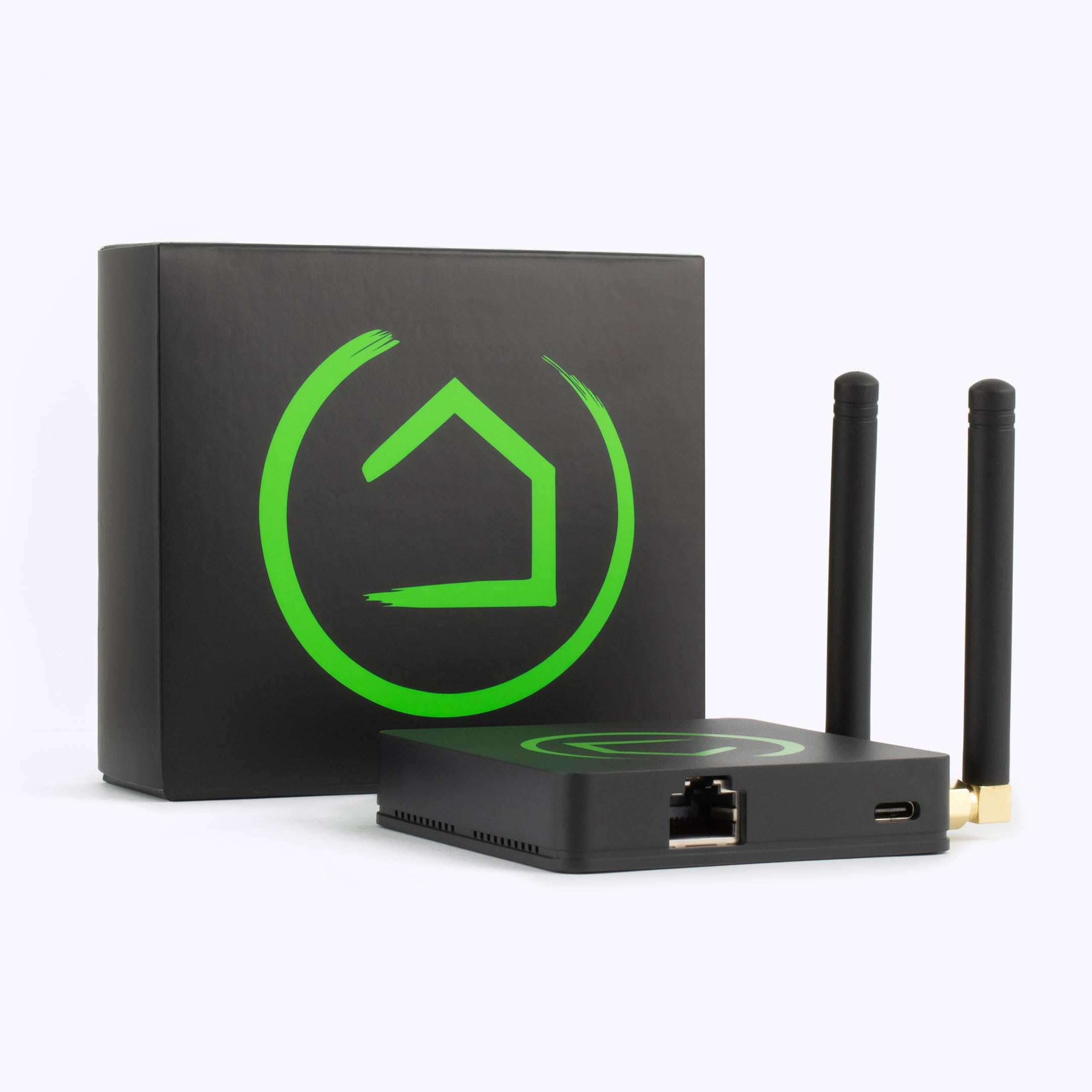
Hubitat C-8 Pro
A high-performance hub designed for zero-cloud latency and maximum privacy. It features the latest Z-Wave 800 and Zigbee 3.0 radios for responsive, local-only automation.
Skill Level: Intermediate
Hubitat prioritize speed and uses an automation engine built for 100% offline reliability rather than flexibility.
What Setup Looks Like:
Similar to Home Assistant. You plug it into your router, access it via a web browser, and pair devices one by one using its somewhat dated, spreadsheet-like interface.
Starter Automations to Try:
- Turn on the hallway lights the exact millisecond a motion sensor is tripped, with zero cloud delay.
- Turn off the bathroom exhaust fan exactly 15 minutes after the humidity sensor detects the shower is off.
View Specs & Features
Key Benefits
Special Highlights
- Z-Wave 800 LR support
- External antennas for better range
- Matter 1.5 certification
| Radios | Z-Wave 800, Zigbee 3.0, Bluetooth |
| Automation Type | Rule Machine (Local) |
| Compatibility | Apple HomeKit, Alexa, Google |
Best For Cross-Brand Compatibility
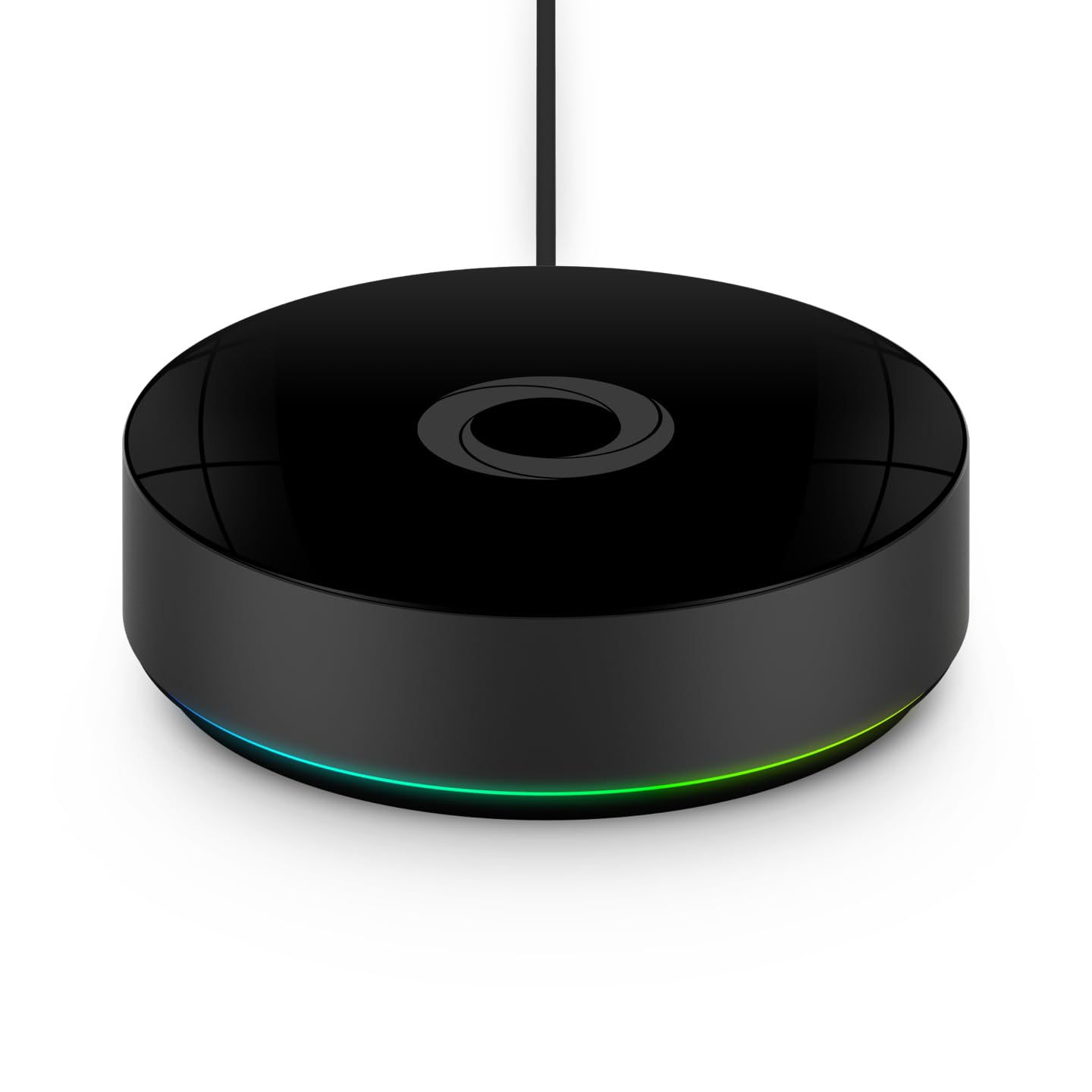
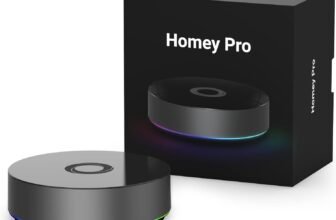
Homey Pro
A powerful unifier that supports thousands of devices across protocols like Zigbee, Z-Wave, and Matter. It features a user-friendly app for complex, multi-brand scene building.
Skill Level: Beginner to Intermediate
If you want a hub that talks to just about everything without requiring you to understand networking, this is it. It supports over 50,000 devices.
What Setup Looks Like:
You plug it in, download the highly polished mobile app, and use their visual, drag-and-drop “Flow” editor to create automations without any coding.
Starter Automations to Try:
- Delay starting the dishwasher or washing machine until your smart energy meter says electricity prices are at their lowest for the day.
- Pulse a specific Hue bulb blue when your Ring doorbell detects a package delivery.
View Specs & Features
Key Benefits
- Supports over 50,000 devices
- Drag-and-drop scene creation
- Unified control for Wi-Fi and Radio devices
Special Highlights
- Matter & Thread support
- Integrated Infrared control
- Multi-protocol radio array
| Protocols | Zigbee, Z-Wave Plus, Matter, Thread, IR |
| Brand Support | 1,000+ Brands |
| Connectivity | Wi-Fi, BLE, Ethernet (via adapter) |
Specialized Gear for 2026
The “Chromecast Successor”: Google TV Streamer (4K)
Google’s officially retired the Chromecast. This box is now a full Matter hub with a built-in Thread border router. It’s the best choice if you’re a Google Home user and want your TV to be the “Home Panel” to see your doorbell feed while watching Netflix.
The Dashboard: Amazon Echo Hub
If you’re an Alexa user, this is your move. It’s an 8-inch touchscreen panel specifically for your wall. It’s faster than the Echo Show because it’s stripped of the “bloat” and focused entirely on a fast smart home dashboard. It includes built-in Zigbee and Thread radios.
Maintenance & Reliability
Hub | Setup Effort | Monthly Fees? | Works Offline? |
|---|---|---|---|
Home Assistant | High (1-3 hrs) | Optional | 100% Local |
Low (15 mins) | None | Partially | |
Aqara M3 | Low (20 mins) | None | Mostly |
Hubitat | Medium (45 mins) | None | 100% Local |
Homey Pro | Medium (30 mins) | Optional | Hybrid Local |
Which Hub Is Right for You?
Scenario | Best Hub Choice | Why It Fits |
|---|---|---|
Family with kids | Easy setup, beginner-friendly app, reliable automations like “lights off at bedtime.” Doubles as a phone charger. | |
Privacy-focused homeowner | Home Assistant Green or Hubitat C-8 Pro | Runs everything locally, no cloud dependence. Keeps routines and voice commands private. |
Budget apartment dweller | Aqara M3 | Affordable, compact, works well with Apple HomeKit and mixed devices. Supports Power over Ethernet for stable performance. |
Tech tinkerer / DIY enthusiast | Home Assistant Green | Highly customizable, supports advanced automations, edge AI, and broad protocol compatibility. |
Compatibility seeker (lots of brands) | Homey Pro | Designed to connect “messy” homes with mixed devices. Beginner-friendly with wide protocol support. |
Speed lover (instant response) | Hubitat C-8 Pro | Known for fast, local automations. Great for multi-light setups where Wi-Fi bulbs cause lag. |
The “Ecosystem Lock-in” Warning
Before you commit, know the “Exit Cost” if you ever want to switch platforms. For example: If you build your home around Amazon Alexa and later decide to switch to Apple HomeKit, your voice routines won’t carry over—you’ll need to rebuild them from scratch in Apple’s app.
Platform | Switch Difficulty | What You Lose | What You Keep |
|---|---|---|---|
Apple HomeKit | High | Automations & Siri routines | Matter-branded devices |
Google/Alexa | Moderate | Voice history & routines | Most Wi-Fi smart gear |
Home Assistant | Low | Nothing (Self-hosted) | Everything (Hard data) |
The Beginner Reality Check Checklist
- The 14-Day Test: Keep your receipts and the original boxes. Test your first 3-5 devices extensively before the return window closes. “Compatible” on the box doesn’t always mean “flawless” in your specific house.
- Physical Placement: Location matters. Put your hub somewhere central in your home, not in a closet or behind a metal cabinet. Weak signal is the #1 reason automations fail.
- Neutral Wires: Most smart switches need a white “neutral” wire. Pre-1980 homes often lack these. If you’re missing them, buy “No-Neutral” switches from brands like Lutron.
- The “Internet Blackout” Test: Want to know if your local control actually works? Unplug your modem’s cable for 10 minutes (leave your router/Wi-Fi on). See which automations fail. This is the only way to verify if your hub is truly “sovereign” or just a cloud messenger in disguise.
- Basic Network Hygiene: Change your hub’s default passwords, enable 2FA, and never expose your hub’s ports directly to the open internet. Also, avoid ultra-cheap, no-name Wi-Fi cameras to prevent hacking.
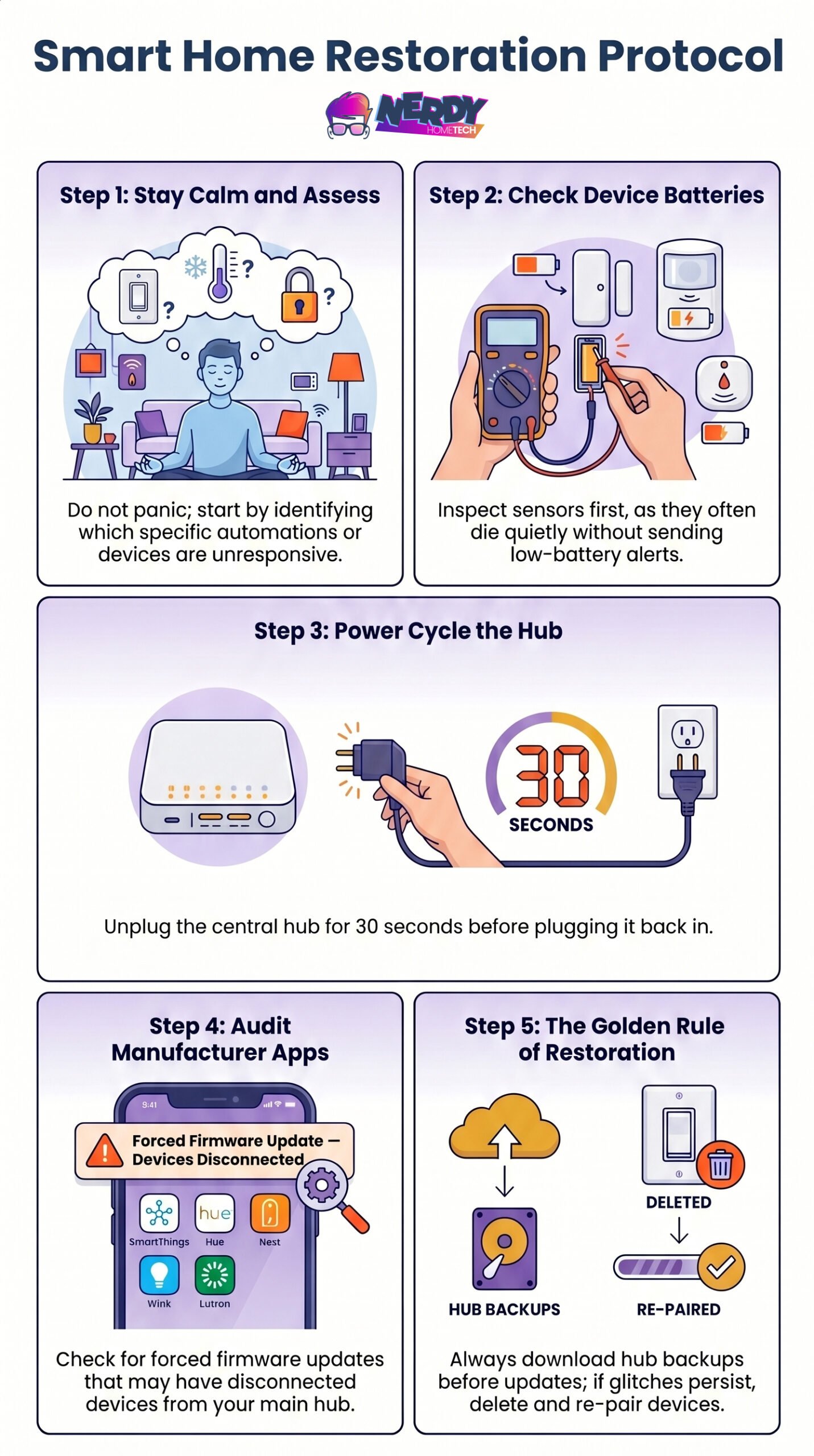
Troubleshooting 101: What to do if automations break:
The Hidden Costs of a Smart Home
The price tag on the hub is just your down payment. When budgeting for your smart home, keep these realistic startup costs in mind:
Sensors and Smart Plugs:
The real magic requires sensors. Expect to spend $15 to $40 per motion or contact sensor.
Infrastructure:
A stable hub needs stable connections. Budget for high-quality ethernet cables, mounting brackets, and in the case of Home Assistant, a dedicated SSD ($50+) and Zigbee dongle ($30) to prevent database crashes.
Subscriptions:
While the hubs themselves might be local, secure remote access (like Homey Premium or Nabu Casa for Home Assistant) often costs $3 to $7 a month. Cloud-based cameras will also tack on monthly fees for video storage.
Final Verdict
Start with two questions:
How many devices do you have?
If it’s 5+ from different brands, get the Homey Pro or Home Assistant Green. If you’re staying in one ecosystem, get the Aqara M3 or SmartThings Station.
Privacy vs. Convenience?
If you want total data sovereignty, go with Home Assistant or Hubitat. If you just want it to work without thinking about it, go with Homey Pro or SmartThings.
Whatever you choose, start simple: one hub, a few devices, and basic automations. Once you see how it works, expand from there.
Product Comparison Chart
| Product Name | Image | Connectivity Protocols | Special Highlights |
|---|---|---|---|
| Home Assistant Green | |
|
|
| Homey Pro (2026) | |
|
|
| Aqara Smart Home Hub M3 | |
|
|
| Aeotec Smart Home Hub | |
|
|
| Hubitat Elevation C-8 Pro | |
|
|
| Shelly Pro 3 | 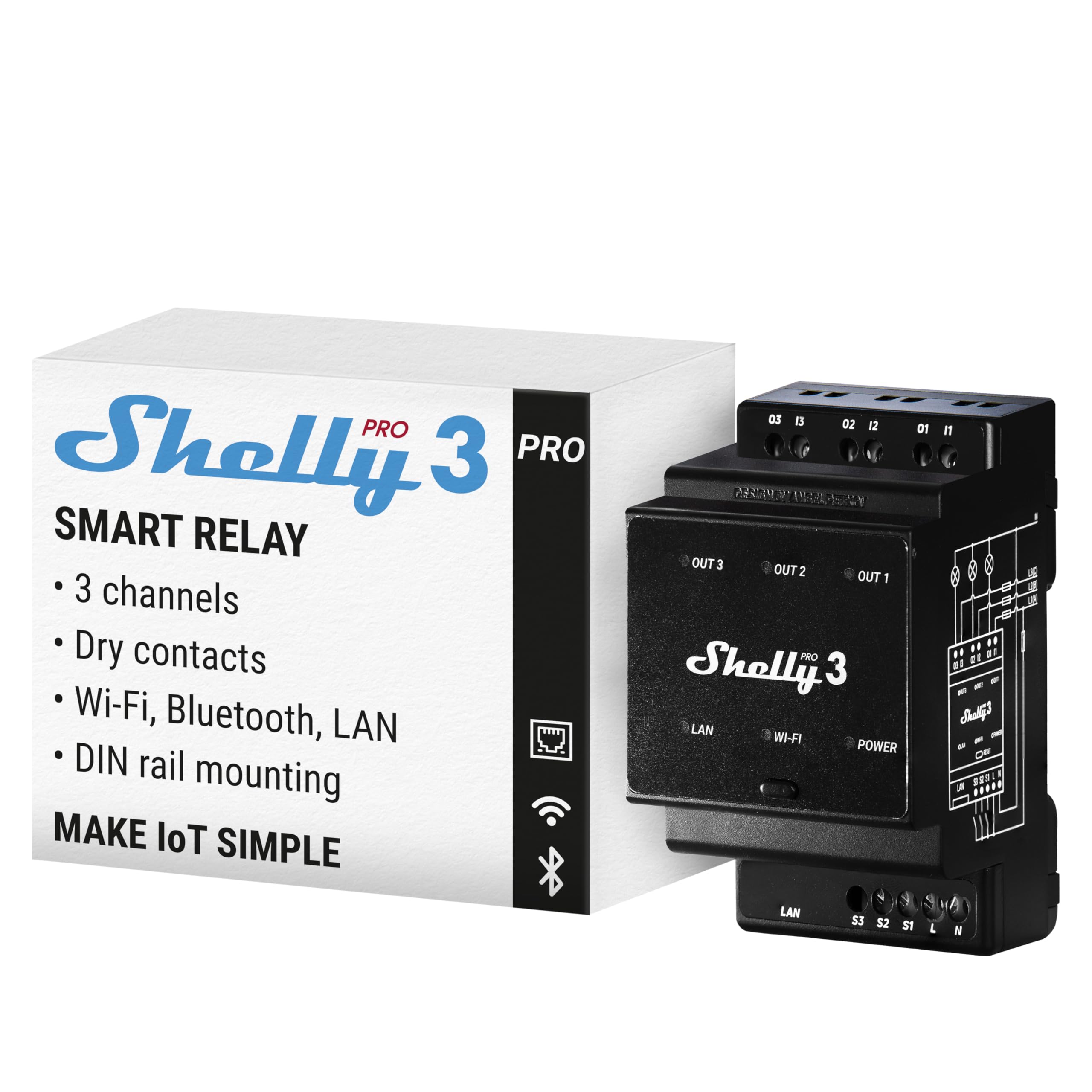 |
|
|
| SONOFF NSPanel Pro 120 |  |
|
|
| Amazon Echo Show 15 | 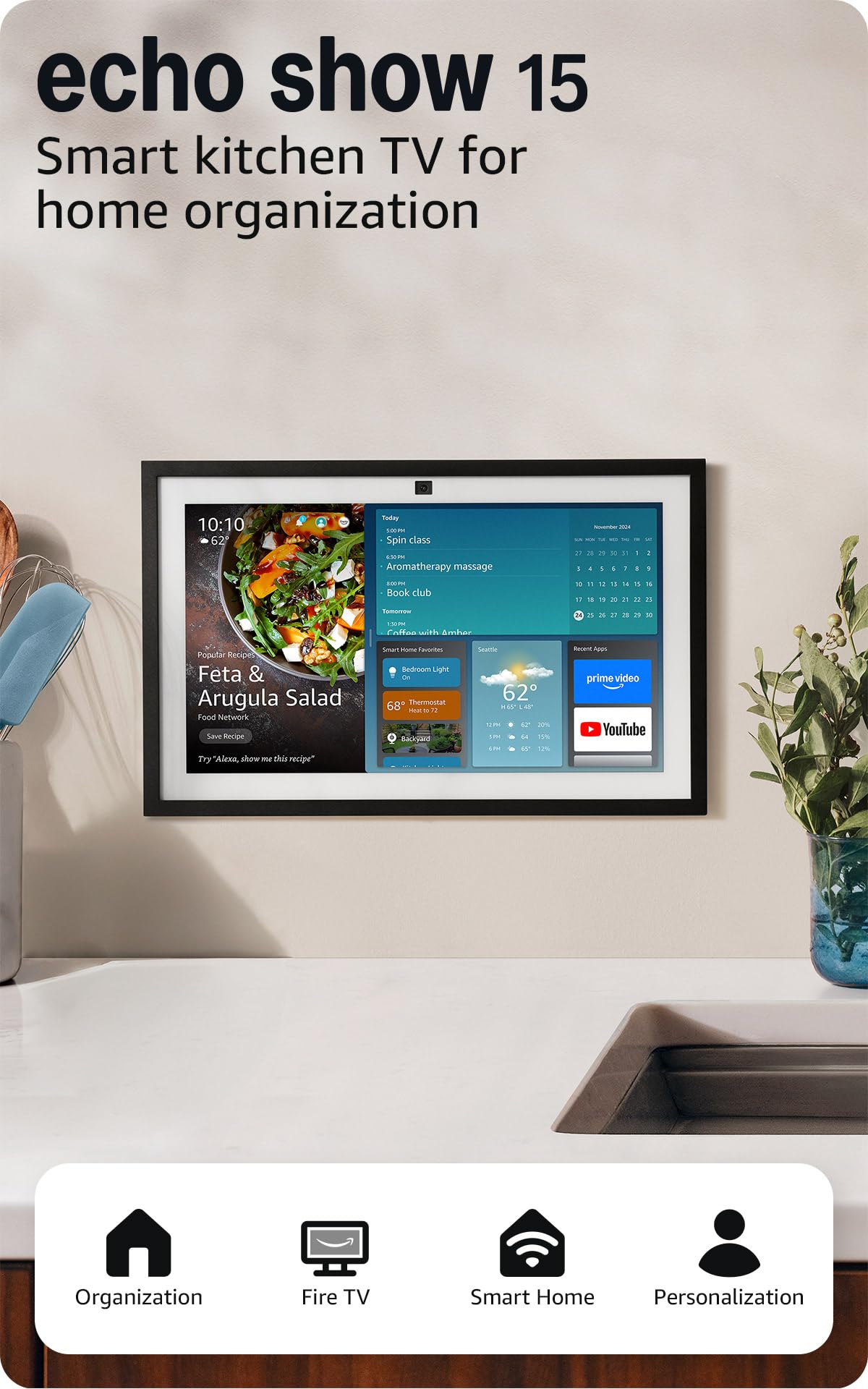 |
|
|