The Best Smart Locks for 2026
The market fragments between ultimate connectivity, uncompromising physical defense, and budget-friendly accessibility when evaluating top-tier options.
For a concrete contrast, consider Aqara U400 with seamless app integration and cloud access, versus August Smart Lock which prioritizes offline robustness and battery longevity. August Smart Lock shines for renters and tech enthusiasts who want quick, remote control and smart routines, while Encode Plus delivers fortress-grade security and lengthy battery life for remote properties. This spectrum helps buyers pick based on priority: smart convenience, rugged security, or versatile compromise.
Best for Brute Strength: Schlage Encode Plus
Schlage is a century-old lock company that happens to implement smart technology correctly. If your priority is commercial-grade security, this is arguably the strongest choice on the market. Earning an ANSI Grade 1 rating—the highest residential security tier—the Encode Plus features anti-pick, anti-bump, and anti-drill construction.
Tech outlets like CNET and Wirecutter consistently praise its reliability. During major weather events like hurricanes, users widely reported that these battery-powered keypad units easily outlasted prolonged power grid failures. It also features instant Apple Home Key support, letting you tap your iPhone or Apple Watch to open the door.
- The downside: The internal motor is noticeably loud, and you can’t customize the auto-lock timer down to the exact second.

Best for Versatility: Ultraloq Bolt Fingerprint
Consistently named a top contender by tech reviewers like PCMag, the Ultraloq Bolt Fingerprint gives you options. It provides six independent methods to unlock your door, including a biometric scanner, keypad, traditional key, and a companion app. Because it utilizes built-in Wi-Fi, you don’t need to buy a separate plug-in hub to connect it to Alexa or Google Assistant.
- The downside: A percentage of users report sudden battery drain issues during harsh winter months, so relying solely on the biometric reader in freezing temperatures is a gamble.

Best Tech Showcase: Aqara U400
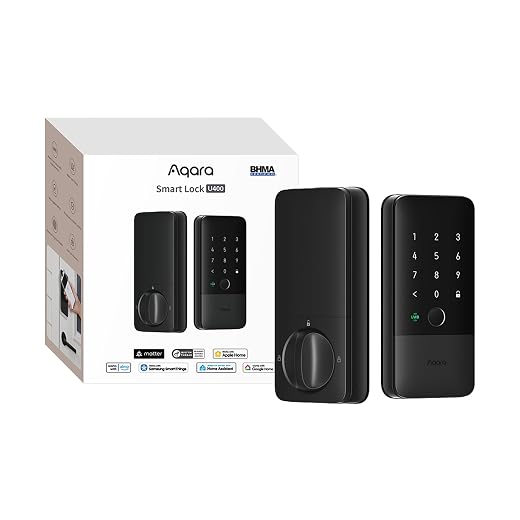
Named a “Most Innovative Smart Lock” at CES 2026, the Aqara U400 is a masterclass in modern connectivity. It uses UWB technology alongside Matter over Thread to calculate the exact angle of your approach, effectively killing the dreaded “accidental unlock.” Crucially, Aqara includes a physical keypad and a fingerprint reader as backup options.
- The downside: To extract the lock’s most advanced automation features, you often have to purchase one of Aqara’s specific proprietary hubs.
Best for Renters: August Wi-Fi Smart Lock
If you rent your home, your landlord will likely not let you change the outside hardware. The August Wi-Fi lock solves this by clamping onto the internal side of your existing deadbolt. You keep your current physical keys and the outside of the door looks completely untouched.
- The downside: Because it relies solely on a built-in Wi-Fi radio rather than a low-power Thread network, it eats standard CR123 batteries aggressively. If your router is far away, you will be replacing batteries every few months.

Best Budget Biometric: Wyze Lock V2
Priced well under $100, the Wyze Lock V2 delivers features normally reserved for hardware three times its price. It boasts a fingerprint reader capable of storing 100 prints, remote smartphone access, and the ability to hand out time-restricted guest codes.
- The downside: Budget locks utilize more internal plastic components than their $300 competitors. It is a calculated financial tradeoff regarding how long those gears will survive a decade of slamming doors.

What Happens When the Batteries Inevitably Die?
Smart locks run on batteries, and batteries will eventually fail. When they do, you have to rely on failsafes.
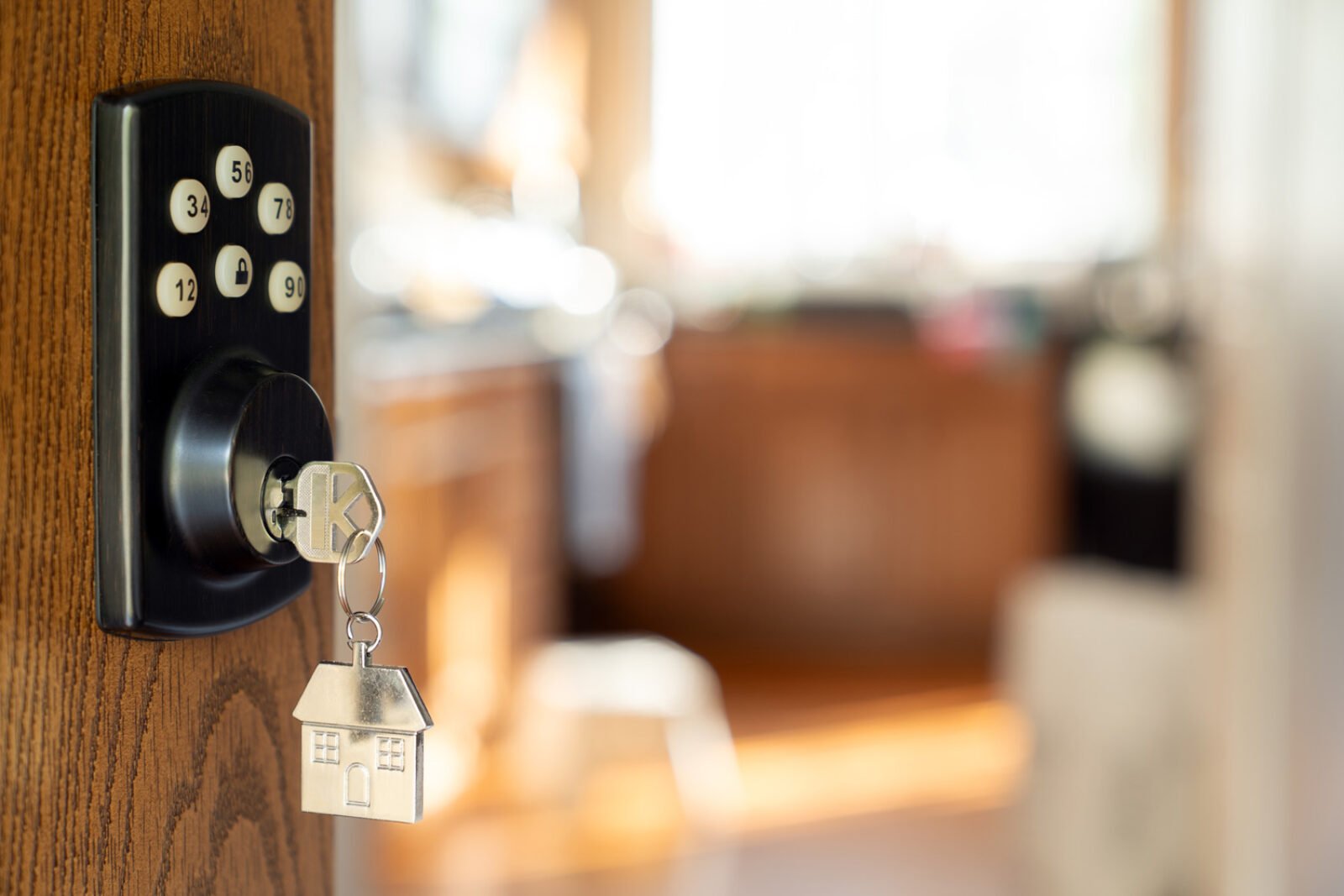
Most models offer a hidden physical keyhole or bottom-mounted metal contact points where you can press a 9V battery to temporarily jumpstart the device. You should absolutely set up redundant battery-drain notifications via both push alerts and email so you are never caught off guard.
If you ignore the low-battery warnings for weeks, experience a localized Wi-Fi outage, and don’t carry a physical backup key, you’ll end up paying a $150 premium for an emergency locksmith. Always hide a spare physical key somewhere outside your house.
The Hackability Myth vs. Real Threats
The fear of remote cybercriminals hacking your front door is largely overstated. In most homes, burglars are far more likely to use physical means—crowbars, kicking in doors—than to exploit a bespoke cyber avenue. Modern security designs emphasize local communication with limited cloud dependence, which reduces exposure to internet-based attacks.
Be cautious of budget models touting anti-hijacking distress features. The concept sounds clever, but it hinges on a silent alert system that assumes uninterrupted Wi-Fi and immediate response from contacts.
In real-world scenarios, network outages, power gaps, or delayed responses can blunt effectiveness. These features should complement, not replace, a dedicated home alarm and a robust physical barrier.
Your Next Steps
We haven’t reached absolute infallibility with smart home tech. Technical friction still exists. But if you value giving the dog walker a temporary entry code or tapping your Apple Watch to get inside, today’s hardware is more capable than ever.
Before you buy anything, test your front door. Lock and unlock the deadbolt by hand. If you have to push the door with your hip to get the lock to click, fix your strike plate first. When the door swings and locks smoothly, pick a model that fits your budget, install it, and enjoy never digging for your keys in the rain again.

 Amazon.com