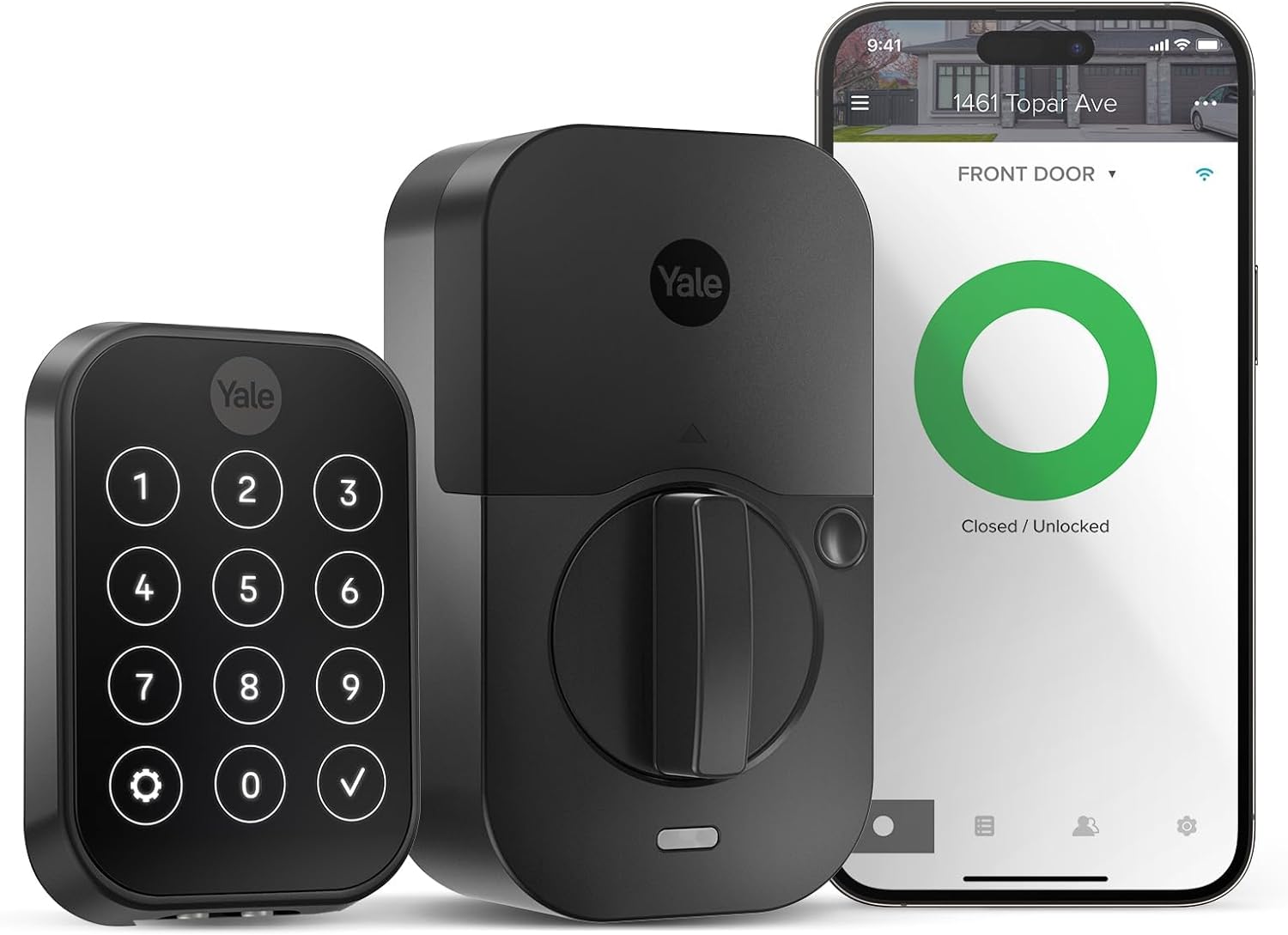
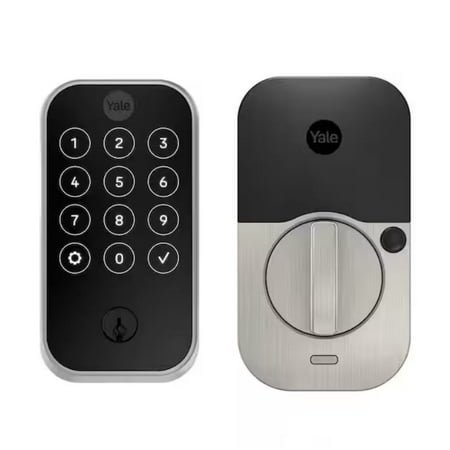
Yale Assure Lock 2 Wi-Fi Smart Door Lock with Touchscreen Keypad, Satin Nickel
Start With Your Door, Not the Lock
Before I’d spend a dollar on this lock, I’d inspect the door itself. That sounds obvious, but it’s the step most people skip, and it’s where a lot of smart lock misery begins.
The Yale Assure Lock 2 expects a standard 2 1/8-inch face bore hole. If your home has an older 1.5-inch hole, this stops being a quick swap and turns into a real door modification project with a drill and a hole-saw jig.
The bigger issue is alignment. If your current deadbolt only works when you push, pull, or lift the door, don’t install this lock yet. A motorized deadbolt doesn’t “sense” resistance like your hand does. It just tries to drive the bolt forward. If the bolt is rubbing against a bad strike plate every day, you’re asking the lock to fight your door over and over again, and that’s how you wear out the internal mechanism much faster than you should.
That’s the first real buying filter with the Yale Assure Lock 2: if your door is already a little cranky, this lock won’t fix it. It will expose it.
Yale’s Modularity Is Useful, but It’s Also How the Price Creeps Up
One of Yale’s smarter design choices is the swappable radio module. In plain English, that means the lock can be configured around different wireless options without replacing the whole deadbolt. That’s good design. It also means the total cost can climb faster than people expect.
Here’s the practical breakdown:
| Version | What You Get | What to Know |
|---|---|---|
| Base model | Bluetooth access | Stable, battery-friendly, but no true remote access unless you also have a compatible hub nearby |
| Wi‑Fi version | Remote access from anywhere | Most convenient, but hardest on battery life |
| Swappable modules | Future protocol flexibility | Useful if you later move to Matter or Z‑Wave, but it’s another added cost |
| Plus model | Apple Home Key support | Worth it for Apple users, wasted money for Android owners |
If you’re on Android, I would not pay extra for the Plus model. That extra cost is tied to Apple Home Key hardware, and Android phones don’t benefit from it. If what you actually want is fingerprint access, the standard Touch model makes more sense.
This is one of those product lines where the “starting at” price can fool people. The attractive base price is not the same as the version most buyers actually want.
The Battery Story Is Less Pretty Than the Packaging Suggests
Yale, like every smart lock company, loves to talk about battery life under ideal conditions. That usually means a calm little Bluetooth-only setup in a friendly test environment. Real life is uglier.
If you go with the Wi‑Fi version, battery life changes. Fast. The lock is now maintaining a more demanding connection, and that convenience comes with a cost. In normal use, especially on an active front door, you should expect much more frequent battery swaps than the marketing suggests.
Why does that happen? Usually for two reasons.
First, the Wi‑Fi side of this lock is picky. It wants 2.4GHz, not 5GHz, and it plays best with WPA2 security. If your home runs a newer Wi‑Fi 6 or Wi‑Fi 7 mesh setup that tries to merge bands under one network name, or if you’ve gone all-in on WPA3, the lock may not connect the way you expect. That can mean creating a separate guest network or changing router settings just to make one lock happy. That’s not elegant, but it’s common.
Second, front doors are terrible wireless environments. Wood, metal, glass, insulation, and exterior placement all work against signal quality. If your router is too far away, the lock keeps trying to maintain that connection, and that extra effort burns battery life faster. In other words, a weak signal doesn’t just make the lock less responsive. It can make it more expensive to live with.

Security Is Good, but You Still Need to Think Like a Homeowner
The Yale Assure Lock 2 carries an ANSI Grade 2 rating, which is respectable for a residential smart lock. That’s the good news. The more useful question is what the weak points actually are.
If you buy the keyed version, you’re still dealing with a standard 5-pin cylinder. That means the lock may be fine for normal residential use, but the presence of a physical keyway still introduces a physical attack surface. If your priority is reducing that exposure as much as possible, the key-free version is the cleaner option. No keyway means one less thing to exploit.
The key-free version also has one of the lock’s smartest backup features: the 9V emergency contacts on the outside. If the AA batteries die, you can touch a 9V battery to those contacts and temporarily wake the lock up long enough to authenticate and get in. That is genuinely useful. But there’s a catch people don’t think about until it’s too late: a forgotten 9V battery is not a backup plan.
If you leave one baking in a glovebox for years, don’t expect it to save you on the worst possible day. If you’re going key-free, you need to treat that backup battery like actual emergency gear and check it once a year.
Fingerprint Access Is Convenient, Not Magical
The fingerprint reader is one of the reasons people buy this model in the first place, and to be fair, it is convenient. When your hands are clean and dry, it can make entry feel fast and effortless. That part is real.
But this is still a fingerprint sensor on an exterior door, not a lab instrument. Wet fingers, dirty fingers, cold weather, and rushed taps all make it less reliable. So yes, it’s useful, but no, I would never trust it as my only way in. If you buy the Touch model, memorize your backup PIN and act like you mean it.
There is one privacy upside here that I do like: Yale says the fingerprint data is stored locally on the lock rather than floating around in some cloud account. That’s the right way to do it.
The Finish Is Nice Until You Clean It Like a Kitchen Appliance
This is a small point, but it matters because people ruin expensive hardware with lazy cleaning habits. The Black Suede and Satin Nickel finishes use a PVD coating, which helps with wear and fading. The problem is that “durable” gets misread as “indestructible.” It isn’t.
If you hit this thing with Windex or ammonia-based cleaners because it’s on a door and “looks dirty,” you can damage the finish over time. That’s a dumb way to age a smart lock. A damp microfiber cloth is the right move here. Nothing fancy. Just don’t treat it like a shower door.
Android Auto-Unlock Can Be Annoying Until You Tame It
For Android users, the Yale Access app is usually fine in normal day-to-day use. The spot where things tend to get weird is Auto-Unlock. That feature relies on location and Bluetooth behavior working together at the right time, and Android’s battery management loves to interfere with exactly that kind of background activity.
If Auto-Unlock feels laggy or unreliable, the problem often isn’t the lock itself. It’s your phone deciding the Yale app doesn’t deserve to stay active. The fix is simple, but it’s not something most casual users will figure out on their own:
- Long-press the Yale app icon.
- Open App Info.
- Go to Battery and switch it from Optimized to Unrestricted.
- Then go into Permissions and set Location to Allow all the time with precise location enabled.
That usually improves Auto-Unlock behavior, but it comes with a tradeoff: more background activity means more phone battery drain. It’s not catastrophic, but it’s real. So the choice is basically this: do you want slightly better phone battery life, or do you want to stop standing on your porch waiting for your lock to get its act together?
How It Compares
If you’re trying to decide whether this is actually better than Yale’s earlier model or Schlage’s biggest rival, here’s the cleaner view.
Yale Assure 1 vs. Yale Assure Lock 2
| Feature | Original Yale Assure | Yale Assure Lock 2 |
|---|---|---|
| Interior size | Bulkier housing | Smaller, cleaner footprint |
| Door sensor | External sensor | Integrated DoorSense |
| Fingerprint option | No | Yes, on Touch models |
| Setup | More manual | App-based Bluetooth setup |
The Assure Lock 2 is the more refined product. Smaller body, cleaner integration, better feature options. That part is easy.
Yale Assure Lock 2 vs. Schlage Encode Plus
| Feature | Yale Assure Lock 2 | Schlage Encode Plus |
|---|---|---|
| Connectivity | Modular Bluetooth/Wi‑Fi/Matter path | Built-in Wi‑Fi and NFC |
| Android experience | Better once optimized properly | More app-dependent |
| Security rating | ANSI Grade 2 | ANSI Grade 1 |
| Fingerprint access | Yes, on Touch models | No |
| Electronics warranty | 1 year | 3 years |
This really comes down to priorities. Yale gives you more flexibility and fingerprint access. Schlage gives you the stronger security rating and the better electronics warranty. If you want the simpler answer, Schlage is easier to recommend to cautious buyers.
If you specifically want fingerprint unlocking and Yale’s modular approach, Yale has the edge.
So, Should You Buy It?
I think the Yale Assure Lock 2 Touch is a good smart lock for the right house and the right owner. It looks good, the modular design is smart, fingerprint access is genuinely useful, and the local handling of biometric data is a point in its favor.
But I would not call it carefree. If your door is misaligned, your Wi‑Fi near the entry is weak, or you hate doing occasional maintenance on connected gadgets, this lock can irritate you fast. It rewards a clean installation and a stable network. It punishes lazy setup.
So here’s the short version:
- Buy it if your door closes cleanly, your wireless coverage is solid, and you actually want fingerprint access.
- Skip it if your deadbolt already sticks, your router barely reaches the front door, or you expect zero maintenance.
- If you’re an Android user, don’t waste money on the Plus model just for Apple Home Key hardware you can’t use.
That’s really the whole story. The Yale Assure Lock 2 can be a smart, polished upgrade. It can also become an expensive little reminder that your door, your Wi‑Fi, and your expectations all matter more than the spec sheet.