The 10 Best Matter-Enabled Smart Locks for Your Home

Most smart locks solve one problem (losing your keys) but introduce three new ones: dead batteries, app glitches, and network drops.
Matter was introduced to fix the network side of that equation. In theory, a Matter-enabled lock communicates directly across Apple Home, Google Home, Amazon Alexa, and Samsung SmartThings without requiring a separate proprietary bridge.
However, buying a smart lock remains an exercise in risk management. You are modifying the physical security of your front door. At Nerdy Home Tech, we evaluate these devices based on strict criteria: physical build quality, battery drain, and actual software performance. I run a split household—testing Matter integration across standard Android and iOS setups—to see where the standard breaks down in the real world.
This guide outlines what Matter smart locks can do, what they can’t do, and ten options currently worth your money.
Why Matter Over Wi-Fi? (The Practical Case)
If you’re buying your first smart lock, you probably expect to buy a Wi-Fi model. Wi-Fi is familiar: you’ve got a router, you connect the lock to it, and you control it from your phone.
But Wi‑Fi wasn’t designed for battery-powered deadbolts.
Wi‑Fi radios draw a lot of power just to stay connected, and many Wi‑Fi locks lean heavily on cloud servers. When you tap “unlock” in a typical Wi‑Fi lock app, the request often goes from your phone to the internet, through the company’s servers, back to your router, and then to your lock. That can create a noticeable delay. And if your internet drops—or the company’s service has an outage—remote control may stop working.
Matter—especially Matter running over a Thread network—changes the math. Instead of bouncing signals off a distant server, devices can communicate inside your home network more directly. If your internet goes down, your lock can still respond locally (as long as your home network is up and your setup supports local control). And because Thread uses far less power than Wi‑Fi, batteries can last much longer in real-world use.
At-a-Glance: Wi-Fi vs. Matter (Over Thread)
| Feature | Traditional Wi-Fi Lock | Matter (Over Thread) Lock |
|---|---|---|
| Battery Life | 3 to 4 months (heavy drain) | 6 to 12 months (low power) |
| Cloud Dependency | High (relies on company servers) | Low (local network control) |
| Internet Outages | Remote control fails entirely | Local control continues working |
| Response Time | 2–4 seconds (must ping the internet) | Almost instant (local communication) |
| Ecosystem | Locked to specific integrations | Works across Apple, Google, Amazon |
| The Catch | Frequent battery changes | Requires a Thread Border Router |
The “Matter Tax”: What You Actually Get (and What You Lose)
Matter is a communication standard. It is not a replacement for a manufacturer’s app.
If you integrate a lock via Matter into your preferred smart home platform (like Google Home or Apple Home), you only get basic functions:
- Locking and unlocking
- Viewing locked/unlocked status
- Basic automations (like locking the door at 10:00 PM)
What you lose: By bypassing the manufacturer’s app, you almost always lose access to specific hardware features. Over a Matter connection, you generally cannot:
- Create or manage temporary PIN codes for guests
- Configure auto-lock timers
- View detailed history logs (who opened the door and when)
- Manage fingerprints
Expect to use the manufacturer’s app for setup and administration, and your main smart home app strictly for basic daily control.
The “Hub” Confusion Explained
You will see the words “Hub,” “Bridge,” and “Thread Border Router” thrown around constantly when shopping for these.
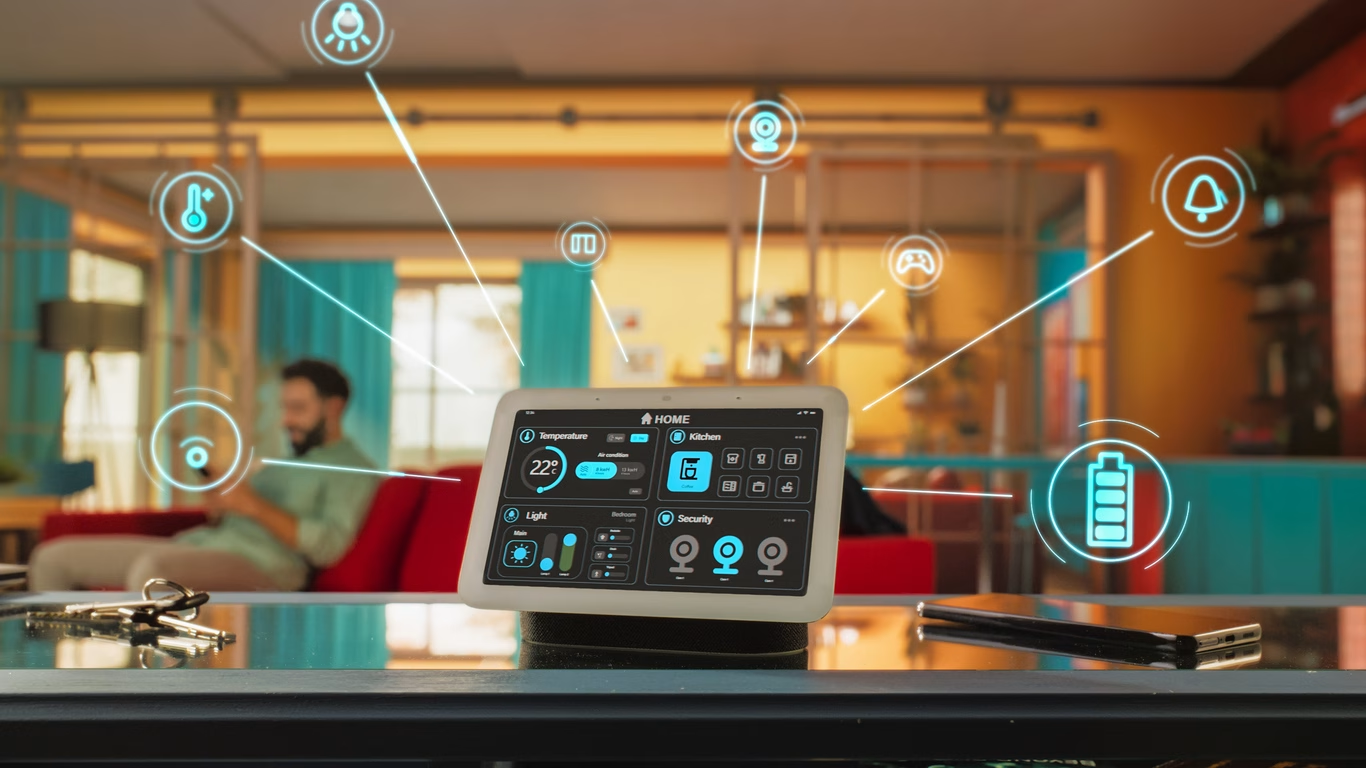
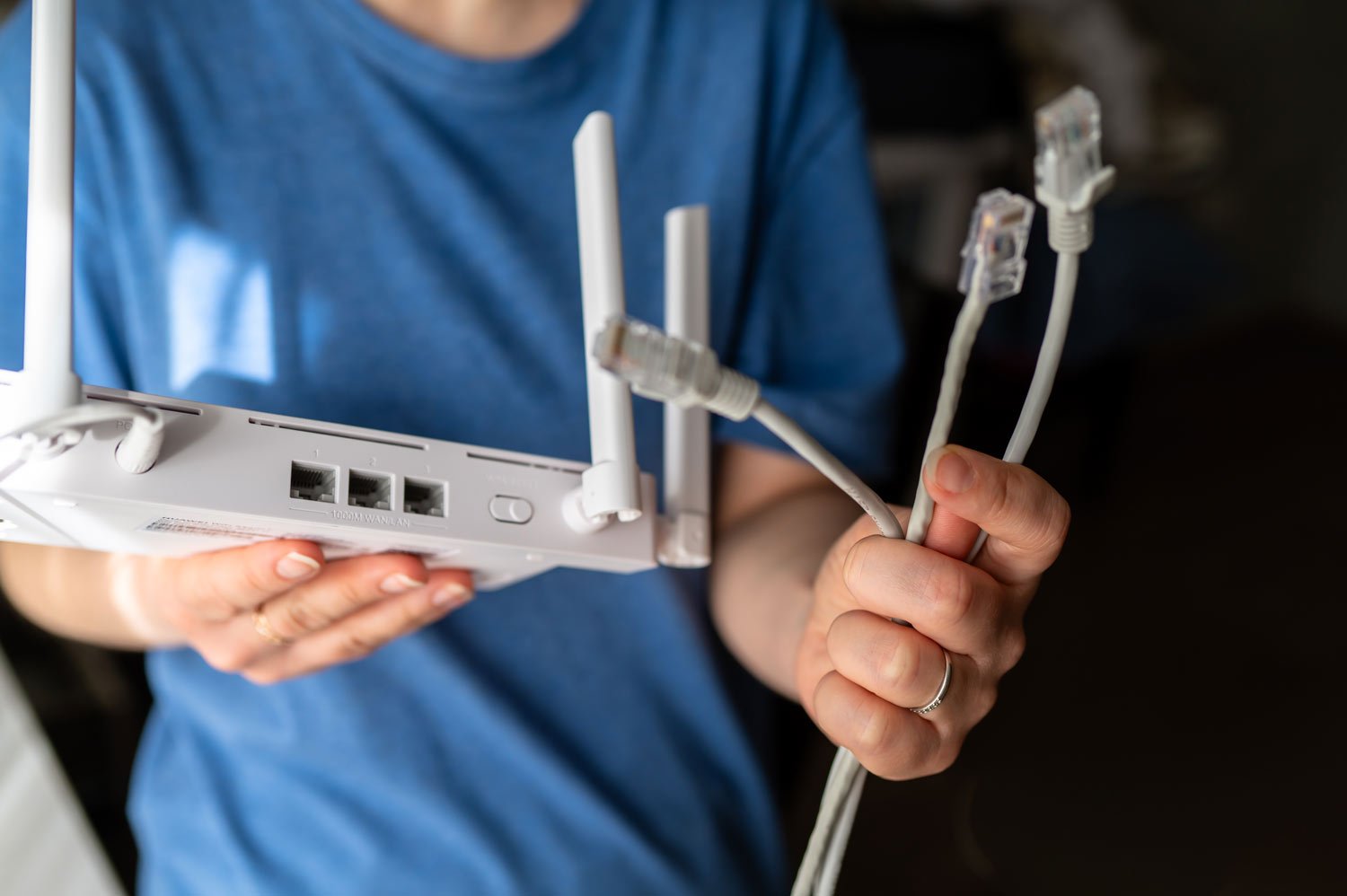
Many new Matter locks use a network protocol called Thread. As mentioned in the table above, Thread runs on battery power much better than Wi-Fi. To connect a Thread lock to your internet, you need a Thread Border Router.
A Thread Border Router is not necessarily a new piece of plastic you have to buy. It is usually a smart speaker or streaming box you already own. Examples include an Apple TV 4K, a Nest Hub 2nd Gen, or an Amazon Echo 4th Gen. Check your current hardware to see if you already have a Border Router active on your network before spending extra money.
Practical Realities Before You Buy
1. The Roommate/Partner Factor
Let’s be honest: not everyone wants to download an app just to walk into their own house. Spouses, roommates, and house sitters often hate app-based entry. Always prioritize a lock with a physical keypad. It provides a reliable backup method that requires zero technical knowledge to operate.
2. Re-keying Your Door
If you buy a full smart deadbolt replacement, you will get a new physical key. If you want to keep using your existing house key, you have two options:
- Buy a lock with Kwikset SmartKey technology, which lets you re-key the cylinder yourself in about 30 seconds.
- Buy a Schlage lock and take it to a hardware store to have it manually re-pinned to match your current Schlage keys.
3. Tool Requirements and Door Alignment
For 90% of installations, you only need a standard Phillips-head screwdriver and your smartphone.
However, if you currently have to push, pull, or lift your door to get your deadbolt to turn, do not install a smart lock yet. The motor will jam, the lock will fail, and the battery will drain in a week trying to force the bolt into the frame. Fix the strike plate alignment first.
4. Battery Life and Weather Truths
Wi-Fi locks drain batteries in 3 to 4 months. Thread locks can last 6 to 12 months.
Temperature dictates battery lifespan. If your front door faces direct sun in the Florida heat, or experiences freezing northern winters, expect your battery lifespan to drop by at least 20% to 30%. Look for an IP65 weather rating if your door lacks an overhang.
Top 10 Matter-Controlled Home Smart Locks
Matter support varies heavily by exact model number and current firmware. Treat this as a shortlist, and verify the specific product supports the features you need before hitting checkout.
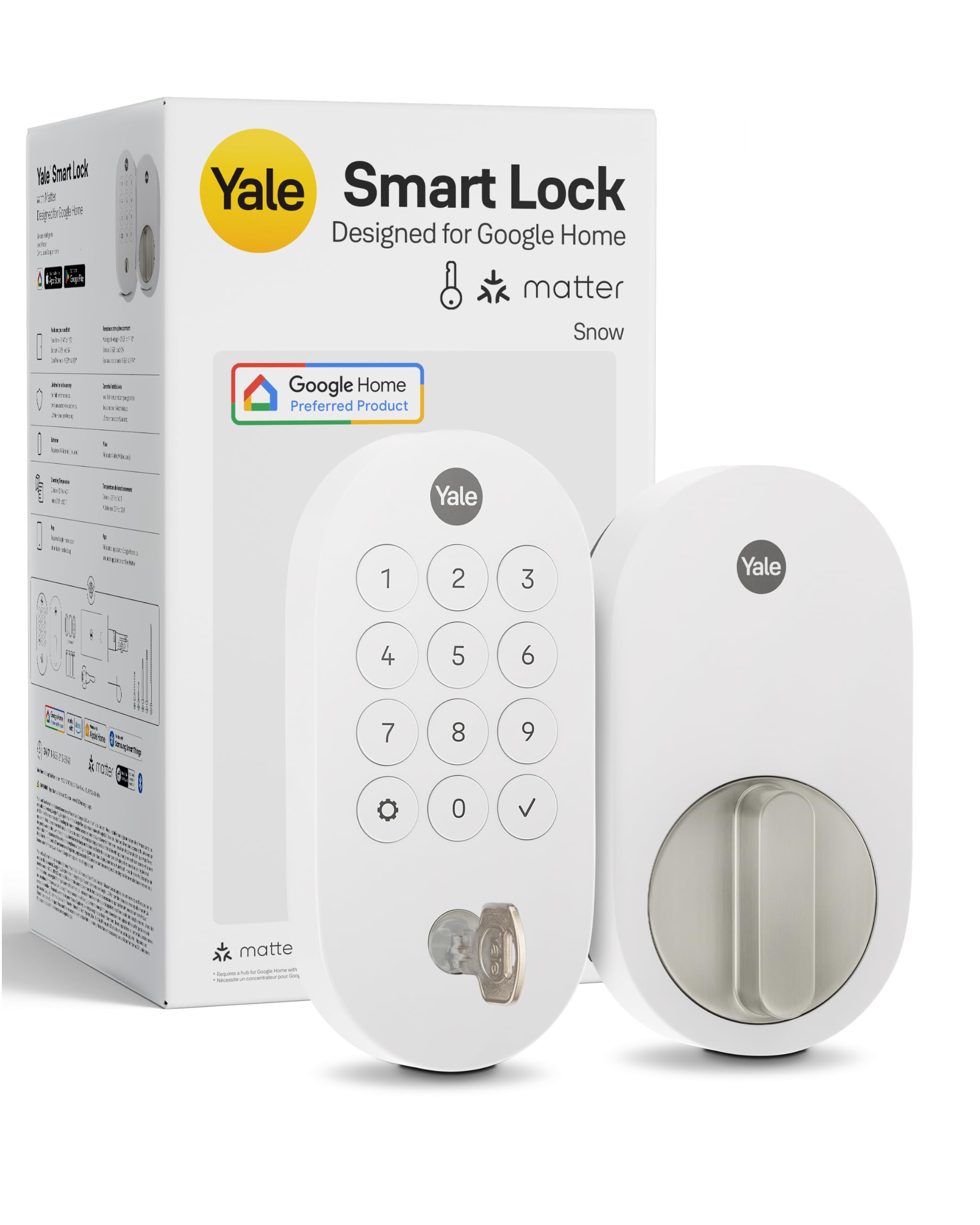
Yale Assure Lock 2
If you want a smart lock that looks like a normal, high-end piece of door hardware, the Assure Lock 2 is a solid starting point. It’s highly modular, meaning you can buy the base Bluetooth model now and upgrade it later.
- Features & Benefits: It comes in a variety of finishes and keypad styles (touchscreen or physical buttons). The app is generally stable, and the hardware feels substantial.
- Access options: Keypad, app, and a key backup (on some variants).
- The Catch: You must buy the specific Matter-enabled SKU out of the gate, or buy the base lock and purchase the plug-in Matter module separately later. It gets expensive if you piecemeal it.
- Easy installation
- Smartphone control
- Multiple access options
- Works with smart home systems
- Durable design
- Higher price than standard locks
- Connectivity issues reported
- Batteries need replacement regularly
- Limited compatibility with some systems
- Can be hacked if not secured
| Preview | Product | Rating | |
|---|---|---|---|
| Yale Keyed Deadbolt Smart Lock with Google Matter, Snow* | No ratings yet | CHECK PRICE |
Last updated on 2026-08-14
Aqara Smart Lock U300
If you want the most features for your dollar, Aqara is tough to beat right now. This is for the household that wants biometrics without spending $400.- Features & Benefits: The fingerprint reader is incredibly fast and reliable, which is often much faster than typing in a PIN or waiting for your phone’s Bluetooth to connect.
- Access options: Fingerprint, keypad, app, key.
- The Catch: The older U100 requires an Aqara hub (like the M3) for full Matter integration. The newer U300 natively supports Matter over Thread, but it has a bulkier, more polarizing design.
- Affordable pricing
- Multiple unlock methods
- Smart home integration
- Easy installation process
- Long battery life
- Limited availability
- Not for large doors
- Basic app functionality
- Occasional connectivity issues
- Less brand recognition
| Preview | Product | Rating | |
|---|---|---|---|
| Aqara Smart Lock U300, Fingerprint Keyless Entry Door Lock with Handle, Matter Over Thread with… | No ratings yet | CHECK PRICE |
Last updated on 2026-08-14
SwitchBot Lock Pro
If you rent your place and your landlord won’t let you change the locks, this is your guy. It’s a retrofit design, meaning it just slaps over the existing lock on the inside of your door.
- Features & Benefits: Zero drilling and zero impact on the outside of your door. Your current physical key will still work perfectly. It also offers an optional wireless keypad you can stick outside with double-sided tape.
- Access options: App (often paired with the separate keypad accessory).
- The Catch: It requires a separate SwitchBot Hub to get it onto Matter. It also looks quite bulky on the inside of your door.
- Supports Matter standard
- Easy installation
- Multiple access options
- Voice control compatible
- Affordable price
- Compatibility with older locks
- Requires stable Wi-Fi
- Plastic build quality
- Battery replacement needed
- Limited customer support options
| Preview | Product | Rating | |
|---|---|---|---|
| SwitchBot Smart Lock Pro Bundle: Lock+Keypad Touch+Hub Mini Matter, Fingerprint Deadbolt Retrofit… | No ratings yet | CHECK PRICE |
Last updated on 2026-08-14
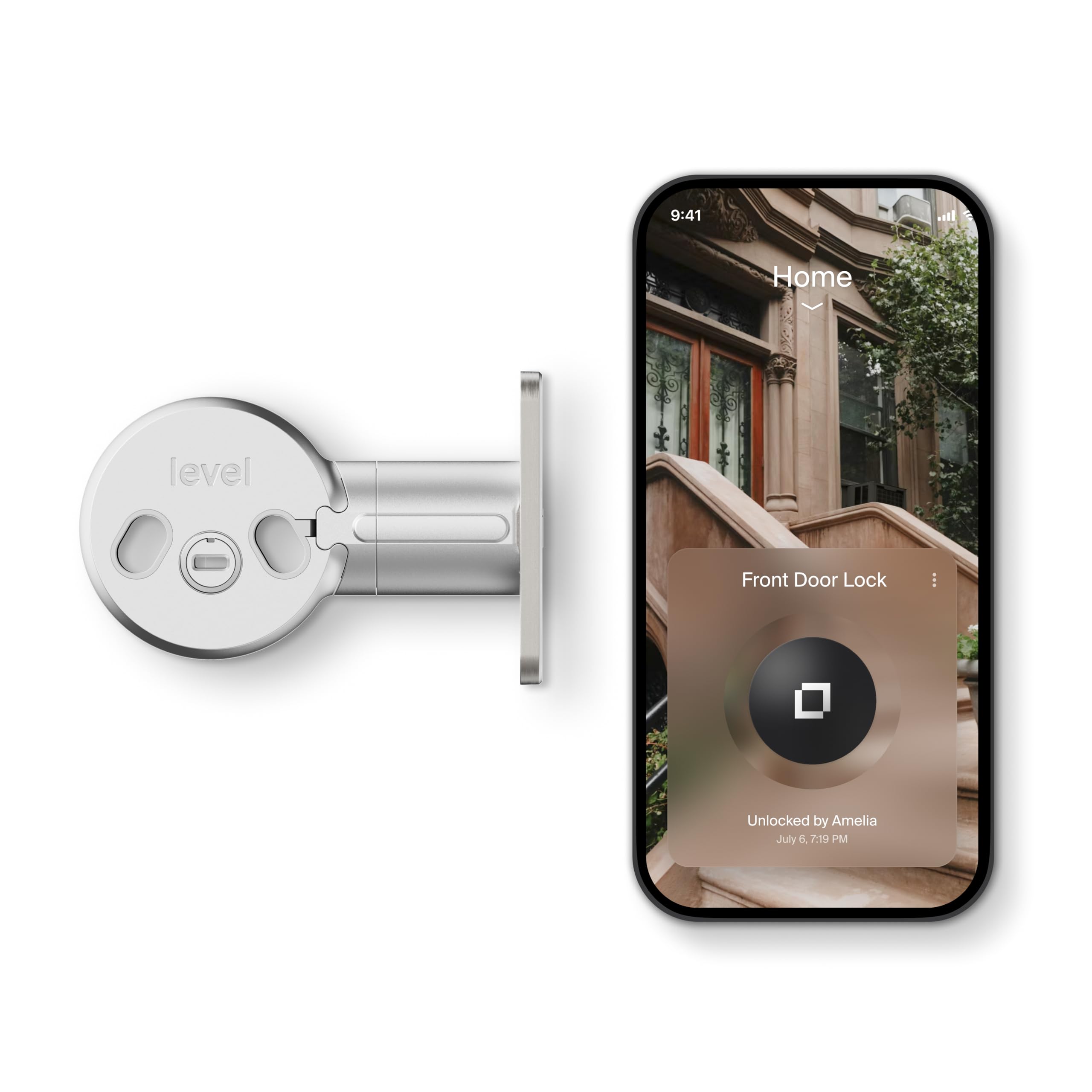
Level Lock Plus
This is the “invisible” smart lock. If your HOA has strict aesthetic rules, or if you live with someone who absolutely hates the look of tech gadgets on the front door, Level hides the entire mechanism inside the door itself.
- Features & Benefits: From the outside (and inside), it just looks like a standard, elegant deadbolt. It also supports Apple Home Key for tap-to-unlock.
- Access options: App, touch (capacitive), physical key.
- The Catch: Because of the extreme size constraints, it uses a smaller, non-standard CR2 battery. You will be replacing this battery frequently, and the motor isn’t quite as strong as bulkier competitors.
- Works with Matter standard
- Stays discreet on the door
- Easy installation
- Keyed access available
- Smart home integration
- Higher price than basic locks
- Limited remote access features
- Requires compatible hub
- Battery replacement needed
- Occasional connectivity issues
Last updated on 2026-08-14
Preview Product Rating
Level Bolt Smart Deadbolt – Make Your Lock Smart Without Changing Keys or Hardware… No ratings yet CHECK PRICE
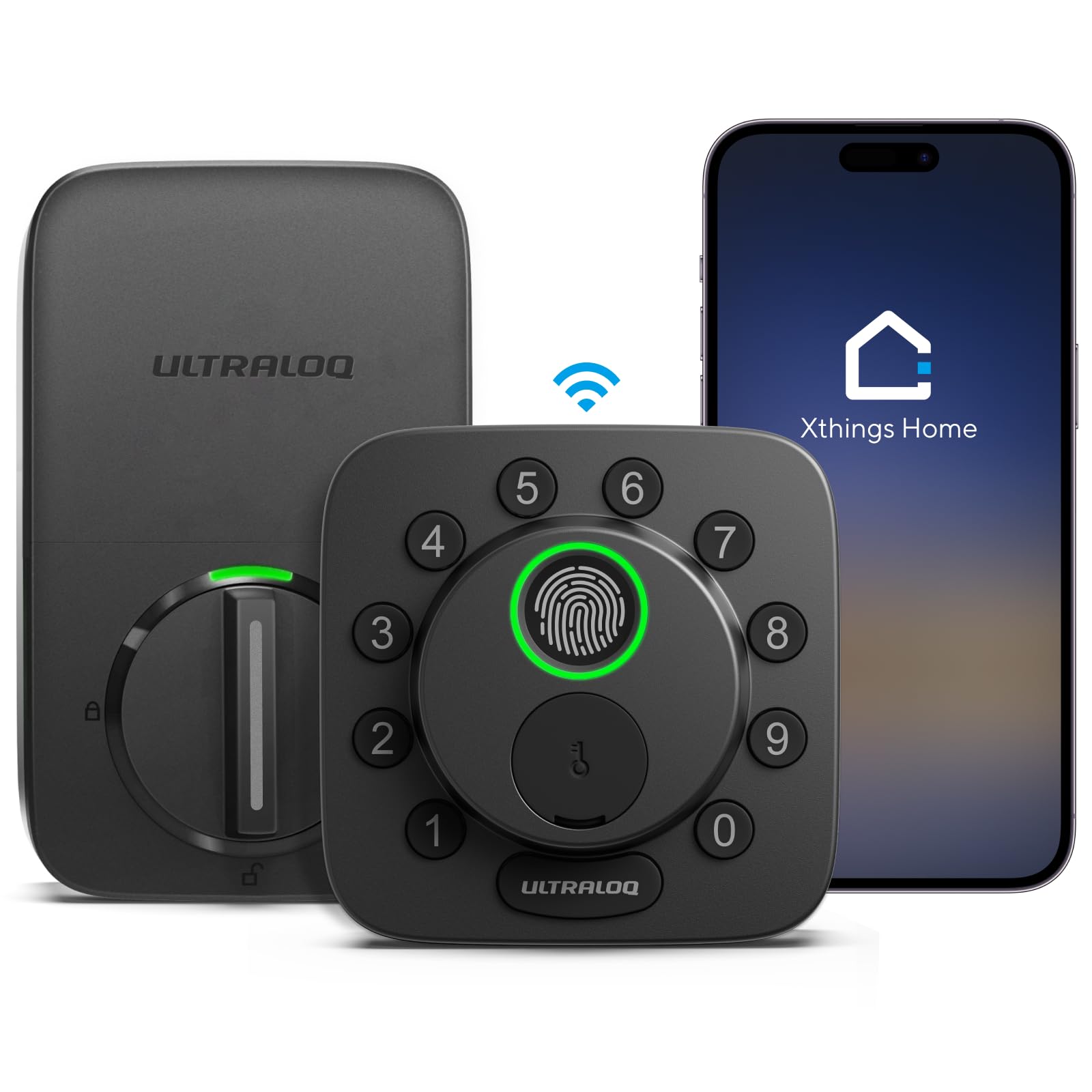
Ultraloq U‑Bolt Pro (Matter Version)
This is the “kitchen sink” lock. If you have a big family where the kids want to use fingerprints, the parents want to use the app, and the grandparents want a code, this accommodates everyone.
- Features & Benefits: Extreme versatility. It gives you every possible entry method in a relatively compact exterior package.
- Access options: Keypad, fingerprint, app, key.
- The Catch: The manufacturer sells identical-looking Wi-Fi, Z-Wave, and Matter versions. If you aren’t paying attention, it is very easy to accidentally buy the wrong one. Verify “Matter” is in the title before checking out.
- Supports Matter standard
- Multiple unlocking methods
- Durable design
- Easy installation
- Fingerprint recognition
- Bulky design
- Higher price point
- Battery replacement needed
- App functionality varies
- Some users report bugs
| Preview | Product | Rating | |
|---|---|---|---|
| ULTRALOQ Bolt SE Wi-Fi Smart Lock, Matter Over Thread, App Remote Access | Works with Apple Home… | No ratings yet | CHECK PRICE |
Last updated on 2026-08-14
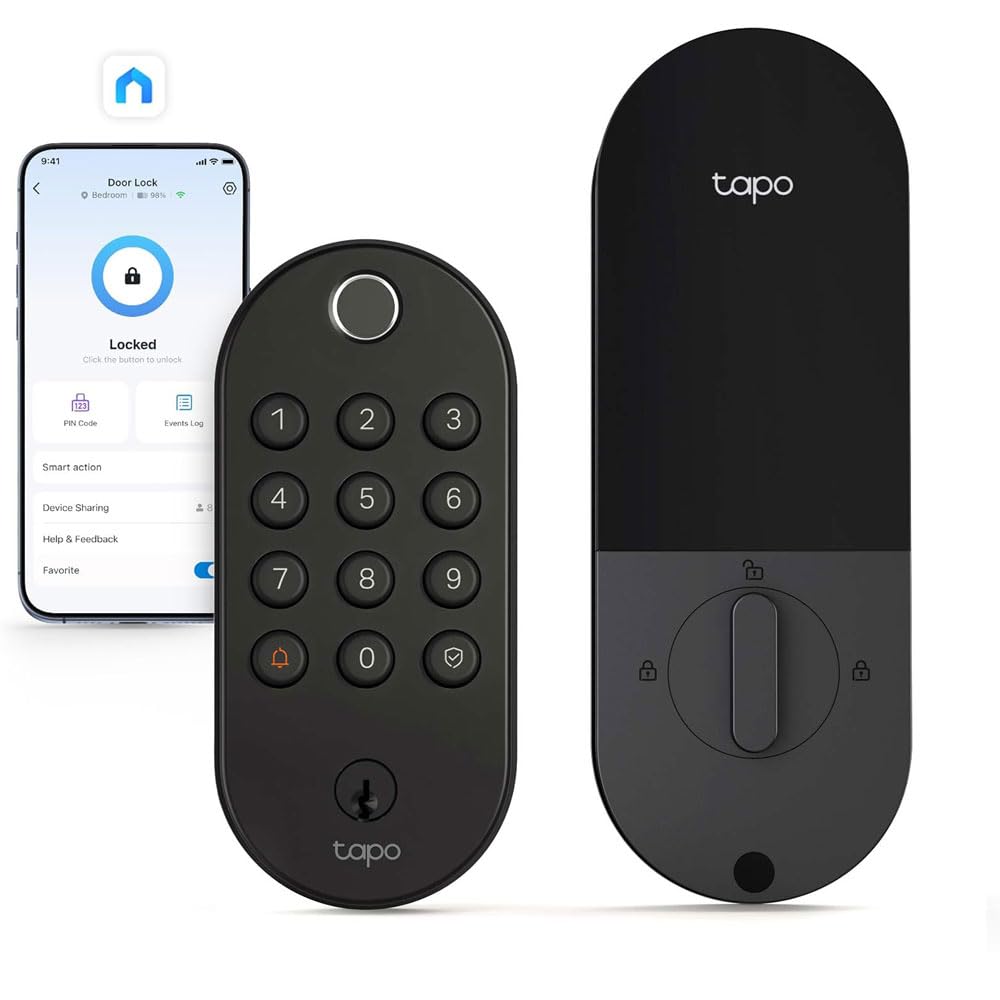
TP‑Link Tapo Smart Video Door Lock
If you hate the idea of having a smart doorbell and a smart lock cluttering up your door frame, this combines both into one massive unit.
- Features & Benefits: Consolidated front door security. You can see who is at the door and unlock it for them from the exact same screen in the app.
- Access options: App, PIN, fingerprint (depends on specific model).
- The Catch: It is huge. More importantly, running a camera, Wi-Fi, and a motorized deadbolt all off the same power source means you will be charging its battery pack frequently.
- Supports Matter standard
- Integrated video camera
- Smart home compatibility
- Remote access and control
- Easy installation process
- Higher price compared to locks
- Connectivity issues in some cases
- Requires Tapo Home Hub
- Camera quality could improve
- Battery replacement needed
| Preview | Product | Rating | |
|---|---|---|---|
| Tapo Smart Wi-Fi Deadbolt Door Lock, Fingerprint Recognition, DL105 | Keyless Tactile Buttons… | No ratings yet | CHECK PRICE |
Last updated on 2026-08-14
Next Steps Before Buying
A smart lock is an infrastructure purchase. If it fails, you are locked out of your house. Before you make a decision, take five minutes to do the following:
- Measure your door: Confirm your door thickness and backset (the distance from the edge of the door to the center of the deadbolt hole).
- Check your hub: Look at your current smart speakers or Apple TV and confirm you have an active Thread Border Router if you plan to buy a Thread-based lock.
- Check the strike plate: Manually turn your current deadbolt with the door closed. If you feel friction, grab a screwdriver and adjust the metal strike plate on the door frame until the bolt slides smoothly.
Once your door is prepped and you know your platform requirements, select the lock that fits your hardware constraints.
Final Nerdy Thoughts
If you’ve made it this far, you already understand the real takeaway: a smart lock isn’t a “fun gadget.” It’s a daily-use piece of infrastructure that either reduces friction—or creates it. The models on this list earned their spot because they solve the annoying parts (keys, guest access, “did I lock it?”) without forcing you to bet your front door on a flaky cloud connection or a fragile, single-brand setup.
So don’t keep researching forever. Pick the lock that fits your door and your habits—keypad for households, biometrics for speed, retrofit for renters, heavy-duty hardware if security is your top priority—then buy it online using one of the links above. Get it installed this weekend, set up one simple routine (like auto-lock at night), and you’ll feel the upgrade every single day you walk up to your front door.
Frequently Asked Questions
Can I use rechargeable batteries in my smart lock?
Usually, no. Most smart locks are calibrated for standard 1.5V alkaline or lithium batteries. Rechargeable batteries (like NiMH) operate at 1.2V. This lower voltage often confuses the lock’s internal battery sensor, causing it to read as “full” until it suddenly dies without ever triggering a low-battery warning.
What happens if the smart lock battery completely dies while I am outside?
If your lock has a hidden keyhole, you use your physical backup key. For keyhole-free (keyless) designs, most feature two small metal terminals hidden on the bottom of the exterior keypad. Pressing a standard 9-volt battery against these terminals provides enough temporary power to light up the keypad and enter your PIN.
Does the lock know if my door is actually closed before it auto-locks?
Not inherently. Unless the lock comes with a separate magnetic door sensor (often called “DoorSense” or a “Position Sensor”), it will blindly throw the deadbolt based on a timer, even if your door is standing wide open. Check the spec sheet for a door position sensor if you plan to rely on auto-lock timers.
Do I have to pay a monthly subscription to use a Matter smart lock?
No. Matter is a free, local communication standard. Core functions like locking, unlocking, and basic automations will not cost you a monthly fee. Subscriptions only come into play if you buy a model with a built-in camera and want to store video clips in the cloud.