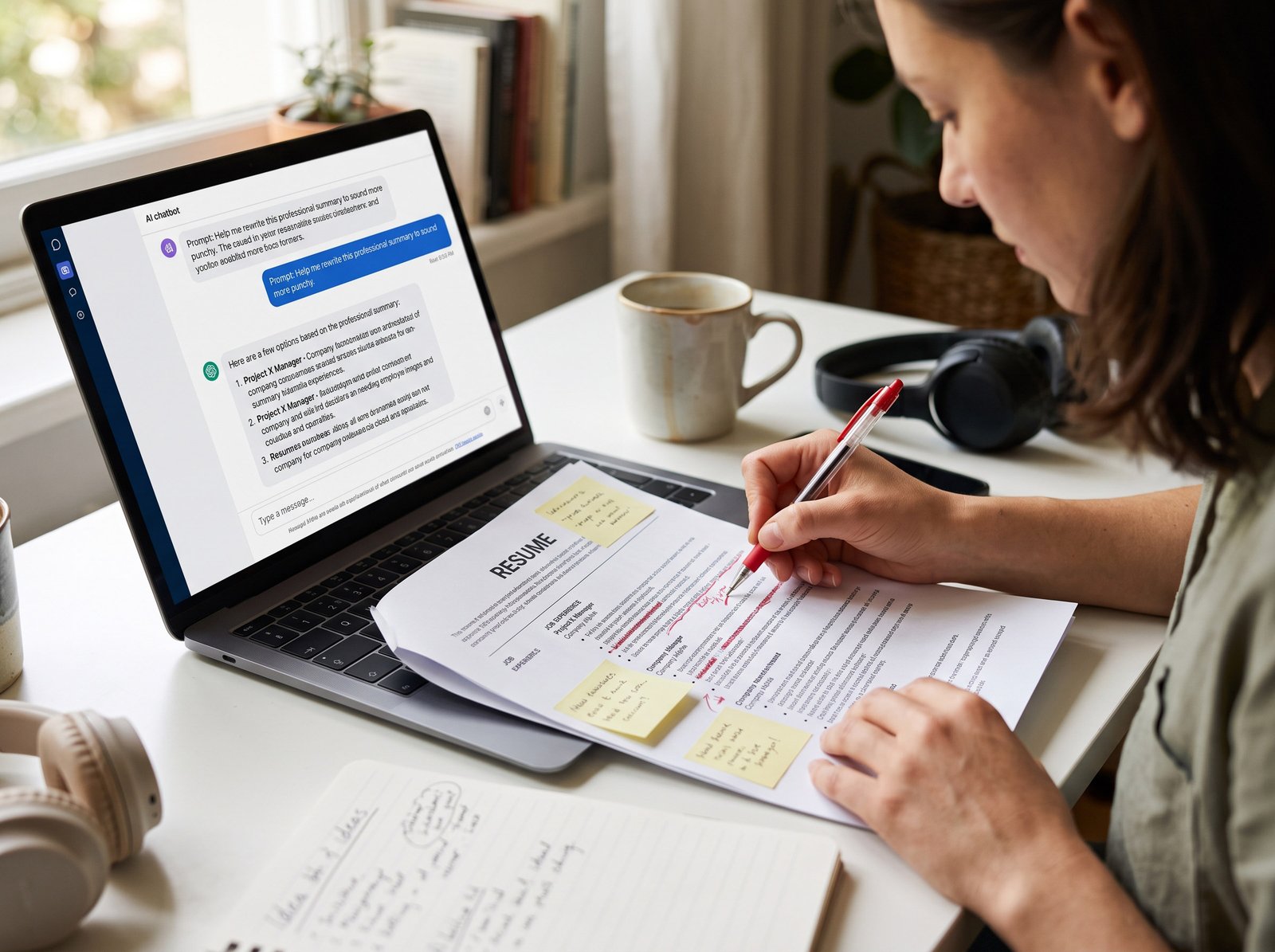
The prompt sequence: seven steps, in order
Do these in order. Each one builds on the last, and each time a prompt asks for your resume, paste your real experience — not a summary of a summary.
1. The brutal audit (always start here)
Act as a senior recruiter who screens 300 resumes a week for [target role/industry]. Review my resume and tell me, specifically, why it would be rejected or ignored within the first 10 seconds. Call out weak positioning, vague or unquantified claims, unclear career narrative, and structural problems. Don’t soften the feedback — I need the real read. Resume: [paste]. Target role: [insert].
Most people skip straight to “make this sound better,” which just polishes the same shaky foundation. An honest audit forces you to actually see the problem — usually “I genuinely can’t tell what this person did” — before you spend any effort fixing it. Don’t let the AI touch anything yet. Read the critique, keep what’s actually true (it won’t all be — the AI doesn’t know your full career), and turn it into your editing checklist for everything that follows.
2. Reset your positioning
Based on this background, write a 3-4 sentence professional summary that positions me for [target role]. It needs to answer three things concretely: who I am (title/level/years), what I specialize in (2-3 specific areas, not generic categories), and what measurable business result I consistently deliver. No adjectives that aren’t backed by a number or a named outcome. Background: [paste relevant experience, not just current title].
Ban “passionate.” Ban “dynamic.” If your summary could apply to five other people in your field after a find-and-replace of the job title, it isn’t done — push for a second and third draft that gets more specific, not more polished.
3. Turn tasks into achievements (watch this one closely)
For each bullet point below, convert it from a task description into a measurable achievement using the formula: Action verb + what you did + measurable result + business context. Only use numbers, percentages, or outcomes that I explicitly provide — if I haven’t given you a metric for a bullet, flag it and ask me for one instead of estimating. Bullets: [paste].
That last sentence is doing the most important work in this whole article. Leave it out, and the model fills quantification gaps with numbers that sound reasonable and aren’t real. If you genuinely don’t have a metric for something, use a real scope statement instead — “managed a team of 6” beats a made-up percentage every single time.
4. Match the job posting (do this per application, not once)
Compare my resume against this job description. List: (a) hard skills and tools named in the posting that are missing from my resume, (b) role-specific terminology the posting uses that I’m phrasing differently, and (c) qualifications I clearly have but haven’t stated in the posting’s language. Then suggest where each missing term could be added truthfully — don’t add anything I don’t actually have experience with. Resume: [paste]. Job description: [paste].
Notice “truthfully” is in there twice now. Stuffing keywords for tools you’ve never touched is the fastest way to get exposed in a technical screen — the point here is finding real overlap, not gaming the parser.
5. Tighten the tone
Edit this resume for concise, confident language appropriate for a [seniority level] candidate. Remove filler words, hedging phrases (‘helped with,’ ‘responsible for,’ ‘assisted in’), and passive voice. Do not change any facts, numbers, or claims — this is a line-editing pass only, not a content rewrite. Resume: [paste].
Locking it to “line-editing only” here stops the AI from quietly re-adding embellishments you already fact-checked in step 3.
6. Optimize for the 10-second scan
Reformat this resume’s structure and content order so the strongest, most role-relevant achievements are visible in the first third of the page — before any recruiter has to scroll or read a full bullet. Suggest a section order and bullet sequence, but keep formatting to standard, ATS-safe conventions: no tables, columns, icons, or text boxes.
That formatting note at the end matters. Left to its own devices, an AI optimizing purely for visual punch will sometimes suggest a two-column skills grid or a sidebar graphic — exactly the kind of layout that breaks ATS parsing. You want it scannable inside a plain, boring, parseable structure.
7. The final polish
Do a final read of this complete resume as an experienced resume writer would. Check for: consistent tense (past roles in past tense, current role in present tense), consistent formatting of dates and bullet punctuation, no redundant phrases repeated across multiple bullets, and a logical flow from most to least relevant experience. Flag anything that still sounds generic or could apply to any candidate, not just me. Resume: [paste].
This is a consistency check, not another rewrite. If the AI wants to substantially rewrite bullets here, that’s a sign step 3 or 5 wasn’t actually finished — go back and fix it there instead of piling more edits on top.
How to actually stop it from sounding like AI wrote it
This part is mostly about vocabulary and rhythm, and it’s a real, learnable skill.
Search-and-destroy these words on sight:
leverage, spearheaded, orchestrated, robust, dynamic, results-driven, detail-oriented, synergy, cutting-edge, passionate, proven track record, seamlessly, furthermore, moreover, “in today’s fast-paced [industry].” If your resume could get regenerated with a different job title and read exactly the same, it’s generic — doesn’t matter who or what wrote it.
Watch the rhythm, too.
Every bullet following the same beat — verb, object, metric, verb, object, metric — reads as machine-made even when everything in it is true. Ask the AI directly to vary sentence length and structure across bullets. And watch for rule-of-three phrasing (“strategic, scalable, and sustainable”) — it’s everywhere in AI output, and one real example almost always beats three vague adjectives.
The single best fix, though, is giving it your actual voice.
Paste in an email you wrote, a Slack message about a project, notes from a self-review — and tell the AI to match that register instead of defaulting to generic “professional” tone. AI doesn’t have a default voice of its own; it has an average of everything it’s ever read. Give it something specific to anchor to, and the output stops sounding like everyone else’s.
The part you can’t skip: checking it yourself
Before any of this gets submitted anywhere:
Verify every number.
If you can’t explain where a metric came from and defend it in an interview, cut it or fix it. Verify every scope claim — team size, budget, tools, certifications, employment dates. AI will sometimes smooth an ambiguous input into a specific claim you never actually made.
Check tense and date consistency by hand.
This slips through AI passes more than you’d expect once a resume’s been edited across a few sessions.
Read it out loud.
If a sentence doesn’t sound like something you’d actually say describing your own work, there’s still AI residue in it.
Make sure it matches your LinkedIn.
Recruiters cross-reference. A resume that’s been optimized into a different story than your public profile is a red flag, not a strength.
You’re the one who’s legally and professionally on the hook for everything on that document. AI drafts it. You own it.
What most guides leave out
A few things worth adding to your own process, because they’re easy to miss:
- Match the register to the role, not just the keywords. A “$500/hour executive resume writer” voice works great for senior leadership. For an early-career resume or a career change, that same voice reads as overreaching — swap the framing for “an experienced hiring manager in [industry]” instead.
- Fix the file format separately, and first. Before any of these prompts, check that your resume uses standard headers, a single column, and no embedded graphics or text boxes. No amount of prompting repairs a parsing problem.
- Align your LinkedIn using the same source material, so your summary, dates, and achievements match across both. Mismatches between the two quietly kill more applications than people realize.
- Use the finished resume to prep for the interview. One more prompt: “Based on this final resume, generate the 8 most likely interview questions a recruiter would ask about these specific achievements.” Every claim needs an answer ready to go.
- Don’t reuse one polished resume for everything. Rerun the job-matching prompt (step 4) per application. It’s the step people skip because it’s repetitive, and it’s the one with the best return for the time it takes.