
Let’s be clear: a standard $15 smoke detector will wake you up if your house is on fire. Upgrading to a smart smoke detector isn’t about better fire detection; it’s about remote awareness. You are paying for the ability to get a push notification when a wire shorts out while you are stuck at the office.
However, adding Wi-Fi or Z-Wave to a life-safety device introduces new points of failure. You are trading a simple local alarm for network drops, 2.4GHz mesh routing headaches, and significantly faster battery drain. Here is the unfiltered reality of our top picks for 2026, including why we recommend keeping at least one “dumb” detector in your setup.
Top Picks
| Category | Product | Score |
| Best for App Alerts (Wi-Fi) | Kidde Smart CO | 85/100 |
| Best Failsafe (No Wi-Fi) | X-Sense Combo | 92/100 |
| Best for Smart Hubs (Z-Wave) | First Alert Z-Wave | 70/100 |
You might also be interested in…
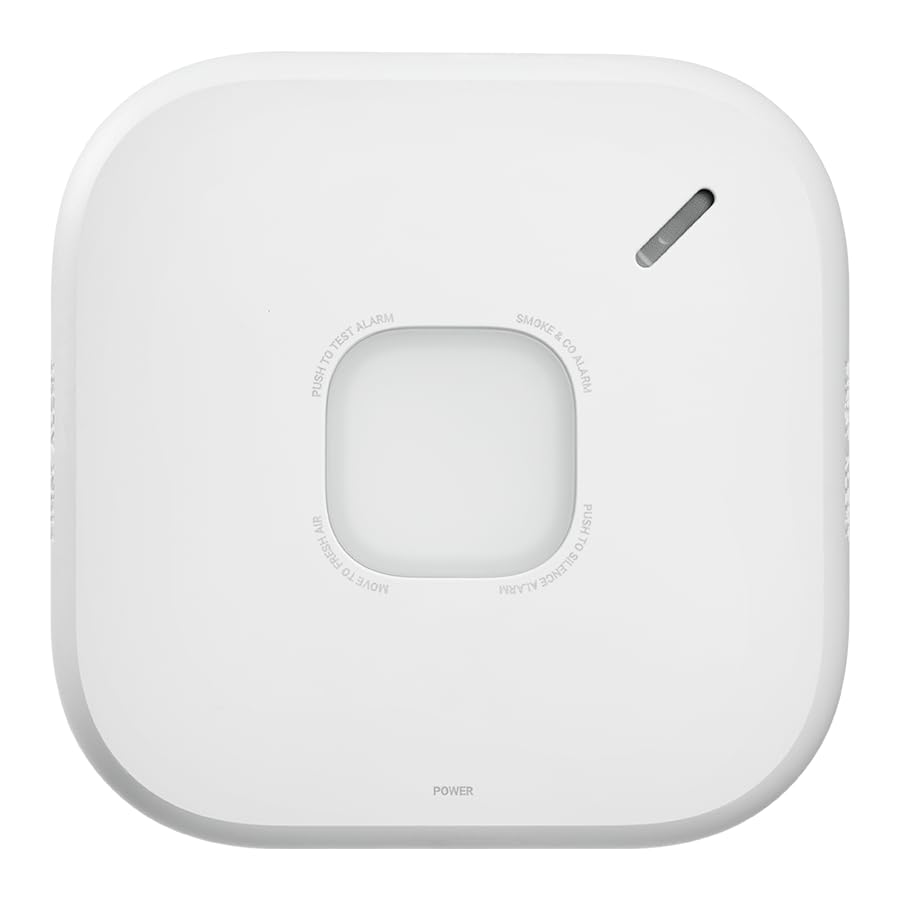
- Compatible with Google’s Nest Protect Alarm
- Sends alerts to your phone if smoke and CO are detected through the First Alert app

Last updated on 2026-09-20
Hardware Evaluation Criteria
We don’t care about marketing promises. We evaluate these units based on how they handle real-world network friction. We looked at sensor type (photoelectric for smoldering fires is mandatory), protocol reliability (Wi-Fi vs. Z-Wave), and the reality of battery maintenance.
Most importantly, we verified if the physical alarm still sounds reliably when your router inevitably reboots.
Kidde Smart CO
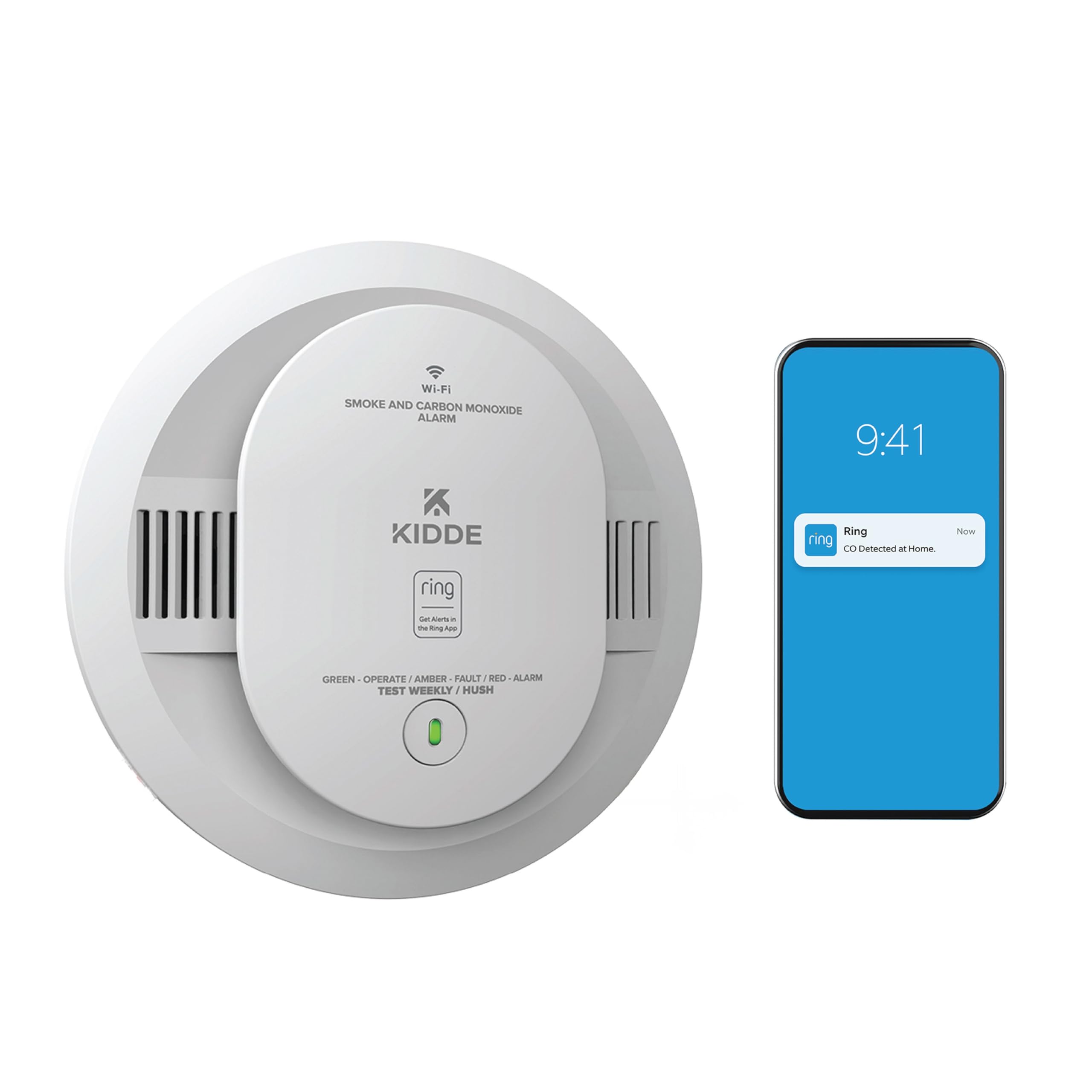
The Kidde Smart CO uses your home’s native Wi-Fi to push alerts directly to your smartphone via the Kidde or Ring app. While this means you don’t need to buy a separate Z-Wave smart hub to get remote notifications, there is a harsh technical tradeoff: native Wi-Fi drains batteries quickly.
Expect to swap the AA batteries far more frequently than a traditional unit. Additionally, like most IoT devices, it requires a strict 2.4GHz Wi-Fi band to pair. If you run a modern mesh router that auto-steers devices between 2.4GHz and 5GHz, you may experience initial pairing headaches.
What People Say
Customers praise the rapid Ring app integration and the wire-free interconnectivity (if one alarm trips, they all sound). However, the most common complaints stem from localized network drops. If your Wi-Fi signal is weak in the hallway where this is mounted, the unit will repeatedly beep to warn you that it has lost its cloud connection.
Pros | Cons |
 Fast alerts via Ring app integration Fast alerts via Ring app integration |  High Wi-Fi drain requires frequent AAs High Wi-Fi drain requires frequent AAs |
| No separate smart hub required | Intermittent 2.4GHz network drops |
| Wire-free whole-home alarm linking | Beeps annoyingly if router goes offline |
First Alert Z-Wave
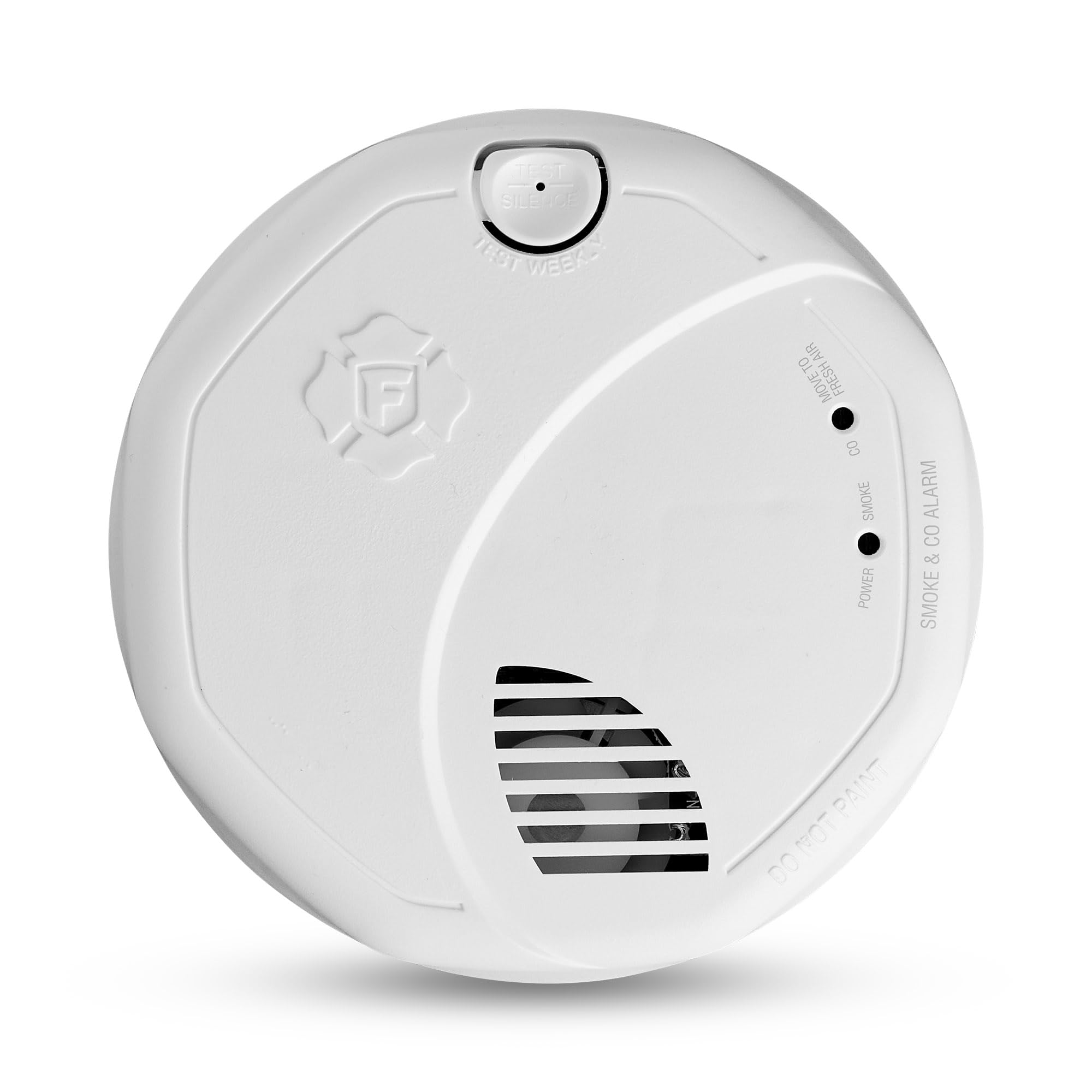
This is the unit for actual smart home builders. Instead of clogging up your Wi-Fi router, the First Alert uses the Z-Wave protocol to communicate locally with a hub (like SmartThings, Hubitat, or a Ring Base Station). Because Z-Wave is a low-energy mesh network, this detector sips battery power, easily outlasting its Wi-Fi competitors.
However, Z-Wave pairing is notoriously finicky. If this detector isn’t close enough to the hub during initial setup, or if your Z-Wave mesh lacks enough repeating nodes, the unit will silently drop offline.
What People Say
Buyers deeply embedded in the Ring Alarm ecosystem love how seamlessly this unit triggers professional monitoring. However, a significant portion of users report frustrating pairing hiccups, requiring them to repeatedly factory-reset the device to get their hub to recognize it properly.
Pros | Cons |
| ✅ Z-Wave uses far less battery than Wi-Fi | ❌ Requires a dedicated Z-Wave smart hub |
| ✅ Triggers Ring Base Station sirens locally | ❌ Initial pairing process can be tedious |
| ✅ Excellent for advanced home automation | ❌ Range relies on a strong Z-Wave mesh |
X-Sense Combo (The Essential Failsafe)

Why is a “dumb” standalone detector on a smart home list? Because technical gurus know that every automated home requires a mechanical failsafe. If your router dies, your hub crashes, or your power grid goes down for days, you need a life-safety device that simply works.
The X-Sense uses a sealed 10-year lithium battery and features a clear LCD to read real-time carbon monoxide parts-per-million (PPM). It offers zero app notifications and zero smart hub support, which also means it requires zero network troubleshooting.
What People Say
Reviewers appreciate the “install it and forget it” nature of the sealed battery. The digital display is frequently cited as a major upgrade over units that just flash ambiguous LED lights. The main grievance is the disposable nature of the hardware; once the internal battery dies after 10 years, the entire unit must go in the trash.
Pros | Cons |
| ✅ 10-year sealed battery (zero maintenance) | ❌ Zero smart app or remote notifications |
| ✅ LCD shows exact CO PPM levels | ❌ Cannot interconnect with other alarms |
| ✅ Immune to router and Wi-Fi outages | ❌ Entire unit is trashed when battery dies |
The Bottom Line
Upgrading to a smart smoke detector means choosing your preferred flavor of technical maintenance. If you want easy remote smartphone alerts and don’t own a smart hub, get the Kidde and prepare to buy a bulk pack of AA batteries.
If you run a dedicated smart home network and want to trigger your own automations, endure the First Alert’s Z-Wave pairing process for superior battery life. And finally, if you just want to stick a detector on the ceiling and ignore it for a decade, skip the smarts entirely and install the X-Sense as a foolproof backup.
| Kidde Smart Smoke and CO Detector | X-Sense 10-Year Standalone Combo | First Alert Z-Wave Smart Detector | |
|---|---|---|---|
| | | |
| Rating | 4.2/5 | 4.6/5 | 3.3/5 |
| Power Source | AA Batteries (High Drain) | Sealed 10-Year Lithium | AA Batteries (Low Drain) |
| Sensor Type | Photoelectric / Electrochemical | Photoelectric / Electrochemical | Photoelectric / Electrochemical |
| Connectivity | Wi-Fi (Ring App Enabled) | None (Standalone) | Z-Wave (Requires Hub) |
| See Pricing | See Pricing | See Pricing |