You want a smart home that actually saves time and reduces friction rather than creating another set of devices to manage. Choosing the right smart home hub determines how well your lights, sensors, locks, and voice assistants work together, how private your data stays, and how future-proof your setup is.
This guide cuts through the jargon and shows you how to match hub features to your technical comfort, budget, and long-term goals. We have investigated the top options on the market so you can get reliable automation with less upkeep, whether you are a weekend tinkerer or just want your lights to turn on when you walk in.
Top Picks for Smart Hubs
| Product | Best Category | Key Buying Info | Read More |
|---|---|---|---|
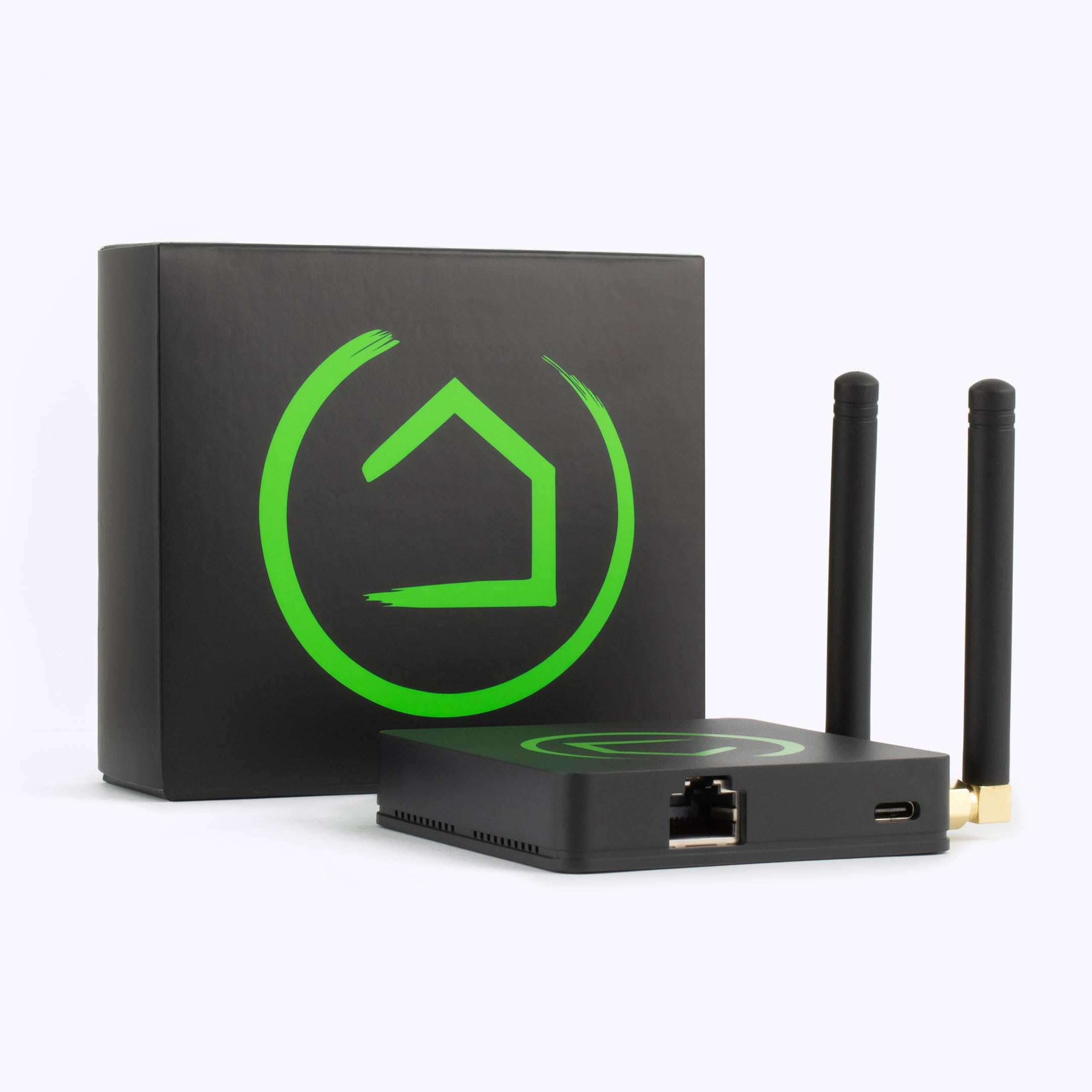
 Home Assistant Green | Best Overall | Score: 94/100 Cost Tier: Mid-Range A compact, local-first automation powerhouse. | |
 Homey Pro (2026) | Best For Cross-Brand | Score: 78/100 Cost Tier: Premium Packs seven smart protocols into one puck. | |
 Aqara Smart Home Hub M3 | Best For HomeKit Users | Score: 86/100 Cost Tier: Mid-Range Network-flexible Matter and Thread bridge. | |
 Aeotec Smart Home Hub | Best SmartThings Gateway | Score: 88/100 Cost Tier: Budget The official SmartThings hardware gateway. | |
 Hubitat Elevation C-8 Pro | Best For Local Control | Score: 84/100 Cost Tier: Mid-Range Strictly local processing with Z-Wave 800 LR. | |
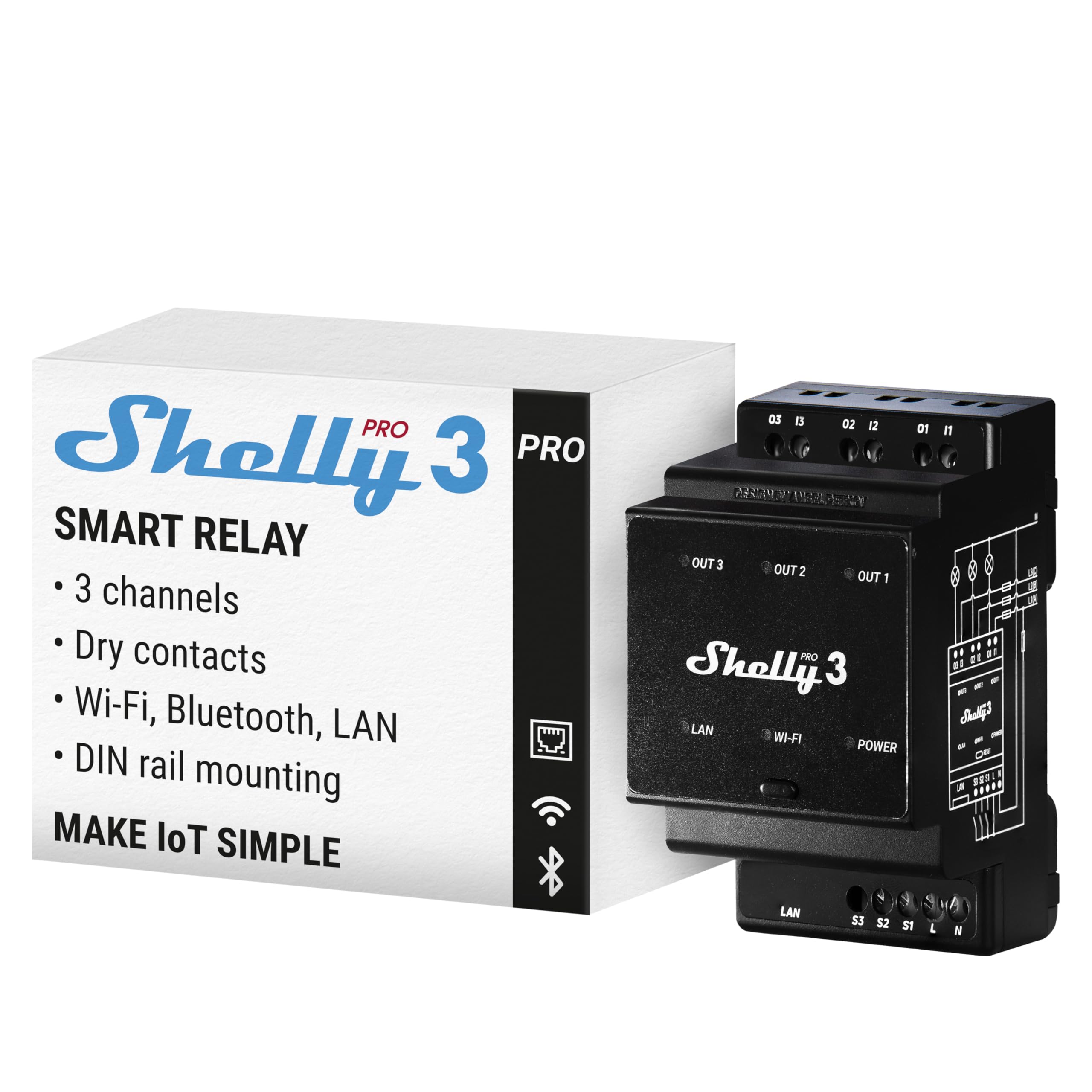 Shelly Pro 3 | Best For Electrical Auto | Score: 90/100 Cost Tier: Budget DIN-rail smart relay for heavy electrical loads. | |
 SONOFF NSPanel Pro 120 | Best Control Panel | Score: 85/100 Cost Tier: Budget Touchscreen wall replacement UI and gateway. | |
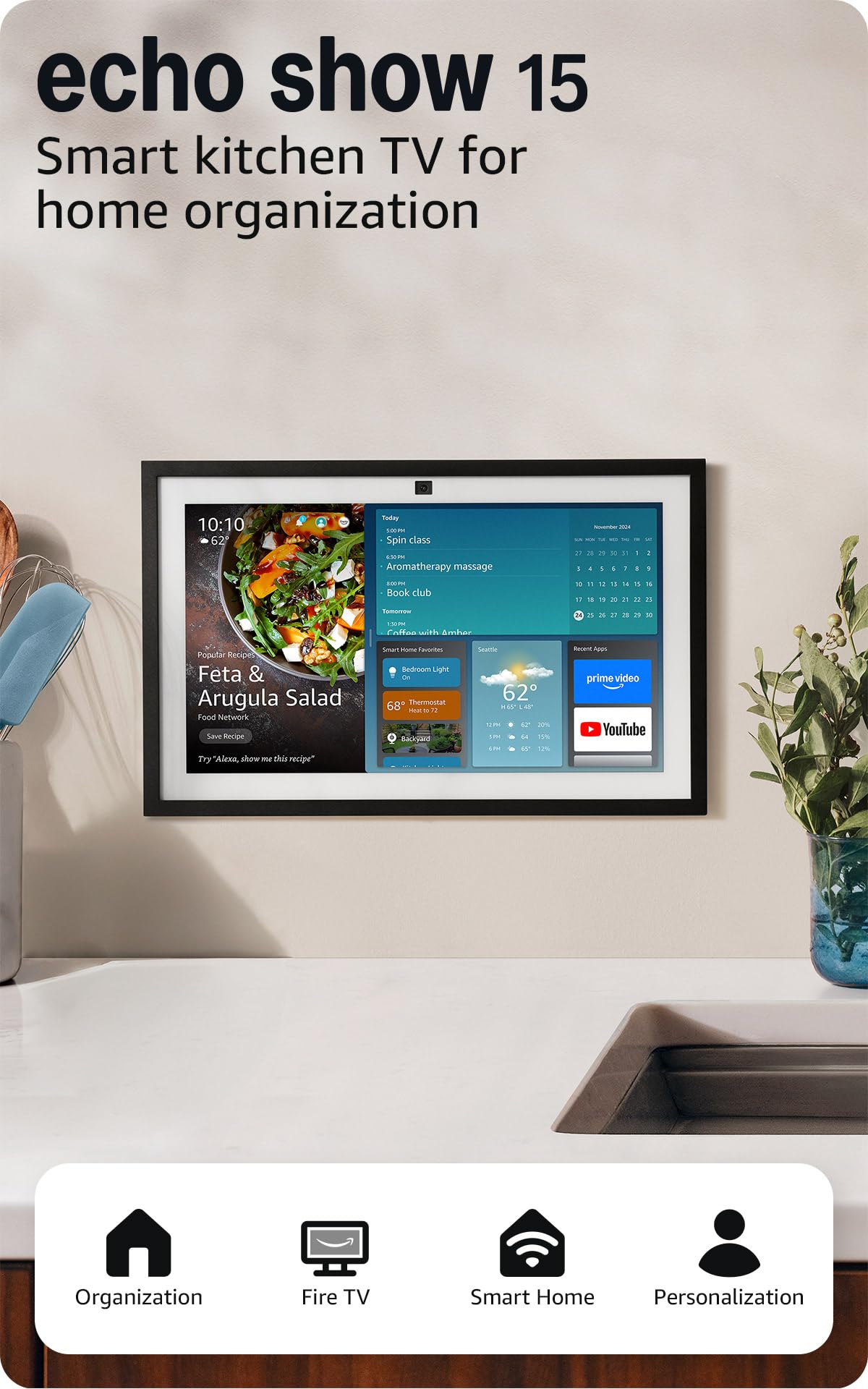 Amazon Echo Show 15 | Best Kitchen Display | Score: 91/100 Cost Tier: Premium Massive visual command center with Fire TV. |
How We Chose
When evaluating smart home hubs you should weigh compatibility, reliability, privacy, and ease of use. Compatibility means support for the protocols and ecosystems you already own, from Zigbee and Z-Wave to Matter and Thread. Reliability covers on-device performance, network stability, and whether automations run locally or require cloud services.
Privacy and security look at local control options, firmware update cadence, and vendor policies. Ease of use includes initial setup, mobile app quality, and the learning curve for advanced automations. Finally, we look at future proofing by checking for Matter, Thread, and regular vendor updates so your hub stays relevant over several years to protect your investment.
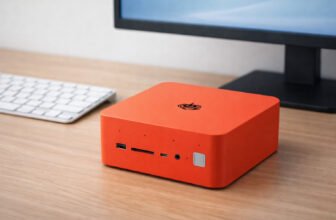
Home Assistant Green
You get a compact, purpose-built Home Assistant device that prioritizes local automation and flexibility. It runs Home Assistant OS, so you can tie together dozens of brands and protocols through integrations, USB adapters, or built-in Bluetooth.
If you value privacy and long-term control, this is a highly practical choice that scales effortlessly as you add devices. It snagged our Best Overall spot because it survives internet outages flawlessly, keeping your routines running without missing a beat.
Pros
- True local processing
- Vast integration catalog
- Active user community
Cons
- Needs USB radios for Zigbee
- Moderate learning curve
Tech Specs
| Major Features |
|
| Interface | Ethernet, USB, Bluetooth |
| Power Requirement | Alexa, Google Assistant, Siri (via HA) |
| Workflow Benefit | High (Native Local) |
| Hardware Specificity | Compact Standalone Box |
Ideal For
- Users prioritizing privacy
- Large mixed-device networks
- Offline reliability seekers
Not For
- Users wanting built-in Zigbee/Z-Wave
- Those afraid of tinkering
Editor's Take
The Home Assistant Green is the gold standard if you want true local control. It completely removes vendor lock-in, freeing you from cloud subscriptions. You will need to buy separate USB dongles to run Zigbee or Z-Wave networks, but the privacy payoff and raw speed are absolutely worth the extra step.
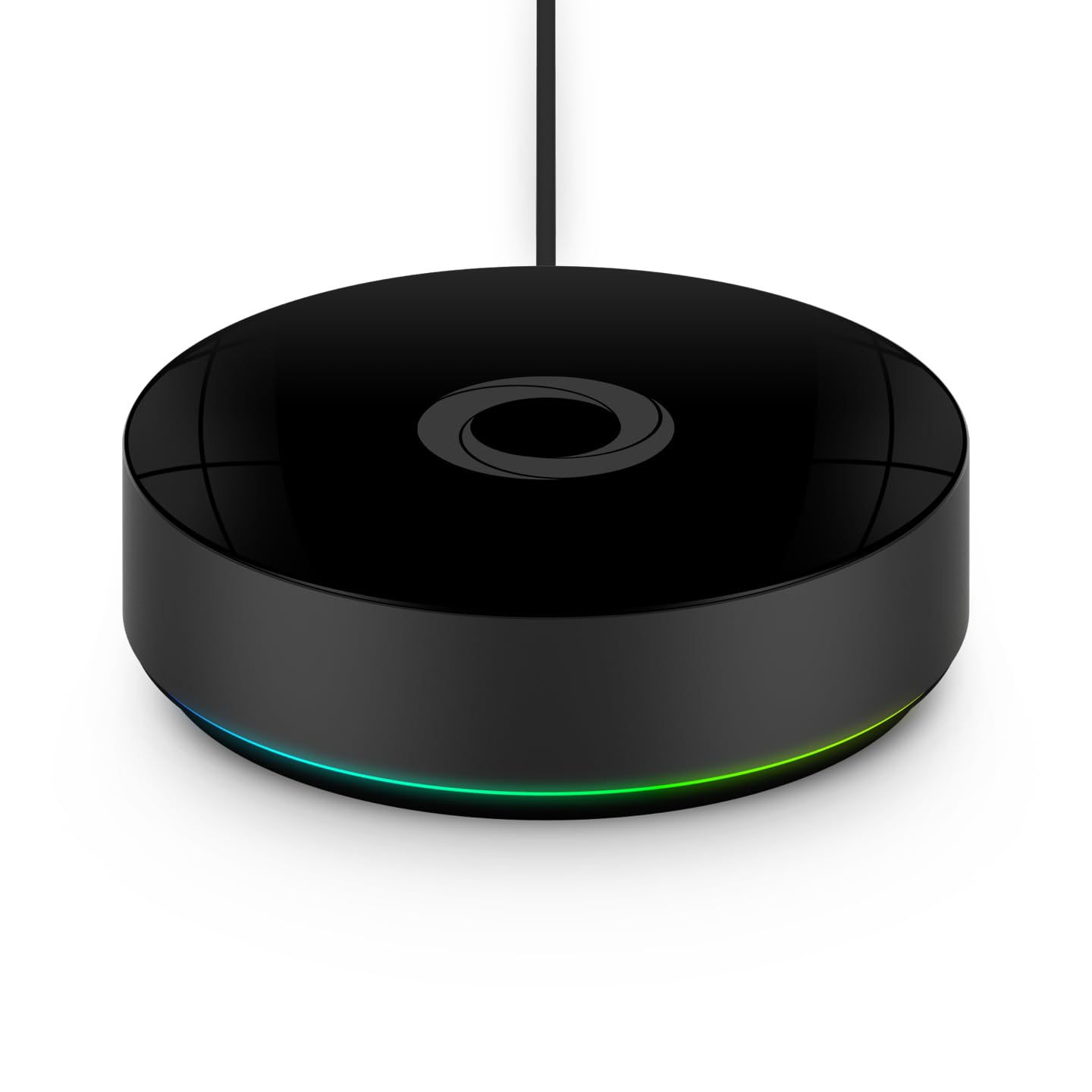
Homey Pro (2026)
This is an all-in-one hub packing seven smart home protocols into a single, sleek puck for massive cross-brand compatibility. Day to day it simplifies routines, voice control, and scene activation from a single beautifully designed app.
It wins our pick for cross-brand compatibility because it reduces the friction of juggling Wi-Fi bulbs, Zigbee sensors, and Z-Wave locks. It serves as a central brain that makes your fractured smart home feel totally cohesive.
Pros
- 7-protocol radio support
- Simple drag-and-drop app
- Matter and Thread ready
Cons
- High migration friction
- Requires some cloud routing
Tech Specs
| Major Features |
|
| Interface | Zigbee, Z-Wave Plus, Wi-Fi, BLE, IR, Matter, Thread |
| Power Requirement | Alexa, Google Assistant, Siri |
| Workflow Benefit | Moderate (App-driven) |
| Hardware Specificity | Standalone Puck/Box |
Ideal For
- Highly fragmented ecosystems
- Users wanting a unified app
- Buyers looking for built-in radios
Not For
- Budget-conscious buyers
- Single-brand households
Editor's Take
If you are tired of switching between five different apps to control your house, the Homey Pro is your fix. It packs an incredible density of radios into one device, future-proofing you with Matter and Thread. Be aware that migrating a massive established setup requires manual re-pairing, but the end result is a wildly user-friendly experience.
Aqara Smart Home Hub M3
This network-flexible hub offers Power over Ethernet (PoE) connectivity, serving as a Matter controller and Thread border router with strong Apple HomeKit ties. It centralizes sensors, locks, and alarms while maintaining incredibly fast response times.
We chose this for HomeKit users because it translates Aqara's famously reliable, cheap sensors perfectly into the Apple ecosystem. The built-in alarm speaker and IR blaster are just icing on the cake for local room control.
Pros
- Hardwired PoE stability
- Acts as Matter bridge
- Built-in alarm speaker
Cons
- Lacks Z-Wave support
- Specific to Aqara/Apple
Tech Specs
| Major Features |
|
| Interface | Wi-Fi, Bluetooth, Zigbee, PoE, IR, Matter, Thread |
| Power Requirement | Apple HomeKit, Alexa, SmartThings, Home Assistant |
| Workflow Benefit | High (For Aqara/Matter) |
| Hardware Specificity | Wall/Rack Mountable Box |
Ideal For
- Apple Home users
- Buyers wanting hardwired PoE networking
- Users needing sensor reliability
Not For
- Z-Wave dependent networks
- Users avoiding brand-specific hardware
Editor's Take
The M3 is a fantastic piece of networking gear disguised as a smart hub. Having Power over Ethernet (PoE) solves the wireless dropouts that plague lesser hubs. If you are deeply invested in Apple HomeKit, this bridges modern Matter tech and legacy IR devices flawlessly.
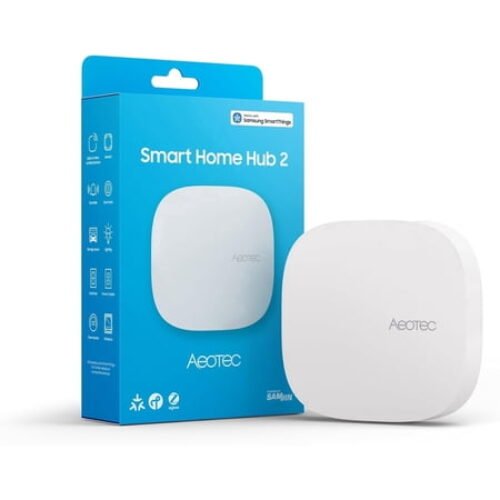
Aeotec Smart Home Hub 2 (v4) for SmartThings, Zigbee, Matter
 Walmart.com
 Built in collaboration with Samsung, this upgraded hub is designed for the modern era of smart connectivity. By focusing on Matter, Thread, and Zigbee 3.0, it delivers lightning-fast performance and professional-grade reliability.
Aeotec Smart Home Hub
This is the official hardware continuation of the Samsung SmartThings hub, providing Z-Wave, Zigbee, and Matter routing. It serves as the physical backbone connecting legacy switches and modern lighting into a single, familiar SmartThings workflow.
It takes our pick for SmartThings users because it seamlessly bridges older Z-Wave gear with new Matter devices without forcing you to learn a new programming language. It is approachable and reliable.
Pros
- Native SmartThings UI
- Z-Wave and Zigbee built-in
- Good legacy hardware support
Cons
- Samsung cloud dependency
- Basic local rules only
Tech Specs
| Major Features |
|
| Interface | Matter, Z-Wave, Zigbee, Wi-Fi |
| Power Requirement | SmartThings, Alexa, Google Assistant |
| Workflow Benefit | Moderate (SmartThings Edge) |
| Hardware Specificity | Standalone Box |
Ideal For
- Existing SmartThings users
- Those wanting a mix of old and new gear
- Users who prefer a low-friction app
Not For
- Privacy purists avoiding the cloud
- Users seeking extreme offline control
Editor's Take
If you already live in the SmartThings app, buying this is a no-brainer. It effectively replaces the old Samsung V3 hub and does all the heavy lifting to connect your Z-Wave locks to modern automations. Just remember that while it offers some local Edge processing, you are still ultimately tied to Samsung's cloud infrastructure.
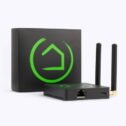
Hubitat Elevation C-8 Pro Smart Home Automation Hub

Hubitat Elevation C-8 Pro
This is a highly capable, strictly local-processing automation hub supporting the latest Z-Wave 800 LR and Matter 1.5 standards. It runs schedules, locks, lighting scenes, and energy rules on the device itself, providing instant response times.
It takes the crown for Local Control because it absolutely refuses to rely on the cloud. If your internet goes down during a storm, your Hubitat automations, security sequences, and motion lights keep functioning perfectly.
Pros
- 100% local processing
- Z-Wave 800 Long Range support
- Zero vendor lock-in
Cons
- Steeper UI learning curve
- Clunky default dashboard
Tech Specs
| Major Features |
|
| Interface | Matter 1.5, Z-Wave 800 LR, Zigbee 3.0, BT |
| Power Requirement | Ring, Alexa, Apple HomeKit, Google Home |
| Workflow Benefit | High (Strictly Local) |
| Hardware Specificity | Standalone Box |
Ideal For
- Power users and privacy advocates
- Homes with large Z-Wave meshes
- Buyers who despise cloud latency
Not For
- Beginners seeking plug-and-play
- Users who want beautiful native UI
Editor's Take
Hubitat is not here to be pretty; it is here to work. Featuring the rare Z-Wave 800 Long Range chip, this box can blast signals through massive homes. The rule machine has a steep learning curve, but once you set your automations, they execute instantly without consulting a server thousands of miles away.
Shelly Pro 3
This is a Wi-Fi and LAN smart relay module designed for DIN-rail installation to control heavy electrical loads, motors, and valves. It steps in when typical smart home devices cannot safely handle the high voltage required by hardwired appliances.
Critical Warning: This is a smart relay module for electrical panels, not a standalone smart home coordinator. It requires high-voltage wiring knowledge and acts as an endpoint controlled by hubs like Home Assistant or Hubitat.
Pros
- Handles heavy electrical loads
- Clean DIN-rail mounting
- LAN network fallback
Cons
- Requires panel wiring skills
- Not a standalone primary hub
Tech Specs
| Major Features |
|
| Interface | Wi-Fi, LAN |
| Power Requirement | Alexa, Google Home, Home Assistant, MQTT |
| Workflow Benefit | High (Via Local LAN/MQTT) |
| Hardware Specificity | DIN Rail Mount (Electrical Panel) |
Ideal For
- Advanced DIYers and electricians
- Automating HVAC dampers and pumps
- Small commercial applications
Not For
- Average consumers wanting smart bulbs
- Anyone uncomfortable with breaker panels
Editor's Take
The Shelly Pro 3 is industrial-grade magic for your breaker box. While it is technically an endpoint relay rather than a primary hub, it is the missing link that lets your central hub finally control pool pumps and heavy exhaust fans safely via clean LAN connections.
SONOFF NSPanel Pro 120
This is a 4.7-inch wall-mounted touchscreen that functions as a room controller, thermostat, and standalone Zigbee gateway. It streamlines quick actions like adjusting temperature or silencing an alarm without making you pull out your phone.
We love this as a control panel because it gives guests and family members a physical interface they can actually understand. It drastically reduces app fatigue in high-traffic shared spaces.
Pros
- Visual touchscreen UI
- Built-in Zigbee radio
- Replaces phone apps in-room
Cons
- Small 4.7-inch screen
- Requires in-wall wiring
Tech Specs
| Major Features |
|
| Interface | Zigbee, Wi-Fi |
| Power Requirement | Home Assistant, Alexa, Google, Apple |
| Workflow Benefit | Moderate |
| Hardware Specificity | 4.7-inch Wall Display |
Ideal For
- Homeowners wanting dedicated wall control
- Homes that host frequent guests
- Rooms needing a thermostat replacement
Not For
- Renters who cannot alter wall wiring
- Users needing massive display real estate
Editor's Take
Smart homes fail when you have to unlock a phone just to turn off a light. The NSPanel Pro solves that friction entirely. By serving as both a visual interface and a functional Zigbee gateway, you eliminate dead zones and create a premium, built-in feel for your living room.
Amazon Echo Show 15
This massive 15.6-inch visual smart display doubles as a media center and a Matter, Thread, and Zigbee border router. It turns a wall or countertop into a visual command center for following recipes, managing calendars, and controlling devices.
We picked it as the ultimate kitchen display because the Fire TV integration and huge screen make it incredibly useful even when you are not running automations. It bridges new smart home standards visually and naturally.
Pros
- Massive 15.6-inch display
- Fire TV media center built-in
- Family calendar dashboard
Cons
- Relies heavily on Amazon cloud
- Limited complex logic builder
Tech Specs
| Major Features |
|
| Interface | Wi-Fi 6E, Bluetooth, Zigbee, Matter, Thread |
| Power Requirement | Alexa Ecosystem, SmartThings (Limited) |
| Workflow Benefit | Low (Primarily Cloud-driven) |
| Hardware Specificity | 15.6" Wall/Counter Display |
Ideal For
- Families needing a central calendar
- Kitchens needing hands-free media
- Users deeply tied to Alexa
Not For
- Power users wanting complex local logic
- Homes avoiding Amazon's ecosystem
Editor's Take
The Echo Show 15 is fantastic at what it does: acting as a beautiful, functional family bulletin board that also happens to route your Zigbee and Matter traffic. It won't replace a hardcore Hubitat for complex rule-making, but for showing front door cameras and streaming Hulu while you cook, it is unbeatable.
Product Comparison
| Product | Features | Rating | See Price |
|---|---|---|---|
Home Assistant Green |
| 94/100 | |
Homey Pro (2026) |
| 78/100 | |
Aqara Smart Home Hub M3 |
| 86/100 | |
Aeotec Smart Home Hub |
| 88/100 | |
Hubitat Elevation C-8 Pro |
| 84/100 | |
Shelly Pro 3 |
| 90/100 | |
SONOFF NSPanel Pro 120 |
| 85/100 | |
Amazon Echo Show 15 |
| 91/100 |
Buyer's Checklist
| Feature to Consider | Why It Matters |
|---|---|
Native Protocol Support | Determines exactly which physical devices (Zigbee, Z-Wave, Thread) connect directly without extra bridges. |
Supported Ecosystems | Prevents you from buying hardware that isolates you from your existing smart home apps or voice assistants. |
Local Control Capability | Dictates whether automations will continue to run if the internet goes down, and influences your data privacy. |
Form Factor / Installation | Hubs range from hidden ethernet boxes to wall-mounted touchscreens; you must know where it lives physically. |
Final Thoughts
By 2026 the best smart home hubs balance protocol support, reliability, and the control model you prefer. If you want deep customization and local automations that refuse to break when the Wi-Fi drops, prioritize devices like the Home Assistant Green or Hubitat C-8 Pro. If you need broad device compatibility with a friendly, welcoming app experience, look to the Homey Pro or the Aeotec SmartThings gateway.
For Apple users, the Aqara M3 offers incredibly tight HomeKit integration and rock-solid PoE networking, while the Echo Show 15 doubles as a powerful visual display to keep the whole household organized. Match the hub to your technical comfort, preferred voice assistant, and whether you require local control or cloud conveniences, and your automations will stay robust and secure over time.
Frequently Asked Questions
How Do I Choose The Right Hub For My Devices?
Start by taking stock of what you already own and what you plan to add, because the best choice depends on device compatibility and the protocols you need. If most of your gear speaks Zigbee or Z-Wave, pick a hub that supports those radios; if you want a future-proof path, prioritize hubs with Matter and Thread support. Think about how much customization you want: some smart home hubs emphasize ease of use and a polished app, while others prioritize local automation and advanced rules.
Is Local Control Or Cloud Integration Better For Privacy And Reliability?
Local control generally gives you stronger privacy and more predictable automations when the internet falters, because routines run on the hub itself rather than relying on remote servers. Cloud integrations can add convenience, such as remote access and third-party services, but they may introduce latency and increase data exposure. A hybrid approach often works well: choose a hub that can run critical automations locally while allowing optional cloud features.
How Hard Is It To Move Devices Between Hubs Or Expand Later?
Migrating devices can be straightforward for some gadgets and frustrating for others because pairing is usually device-specific and many sensors or locks need to be removed and re-paired. Plan for migration by documenting device names and locations, backing up any hub configurations where possible, and moving devices in stages so your home remains usable. Where available, use standards like Matter to reduce future friction.