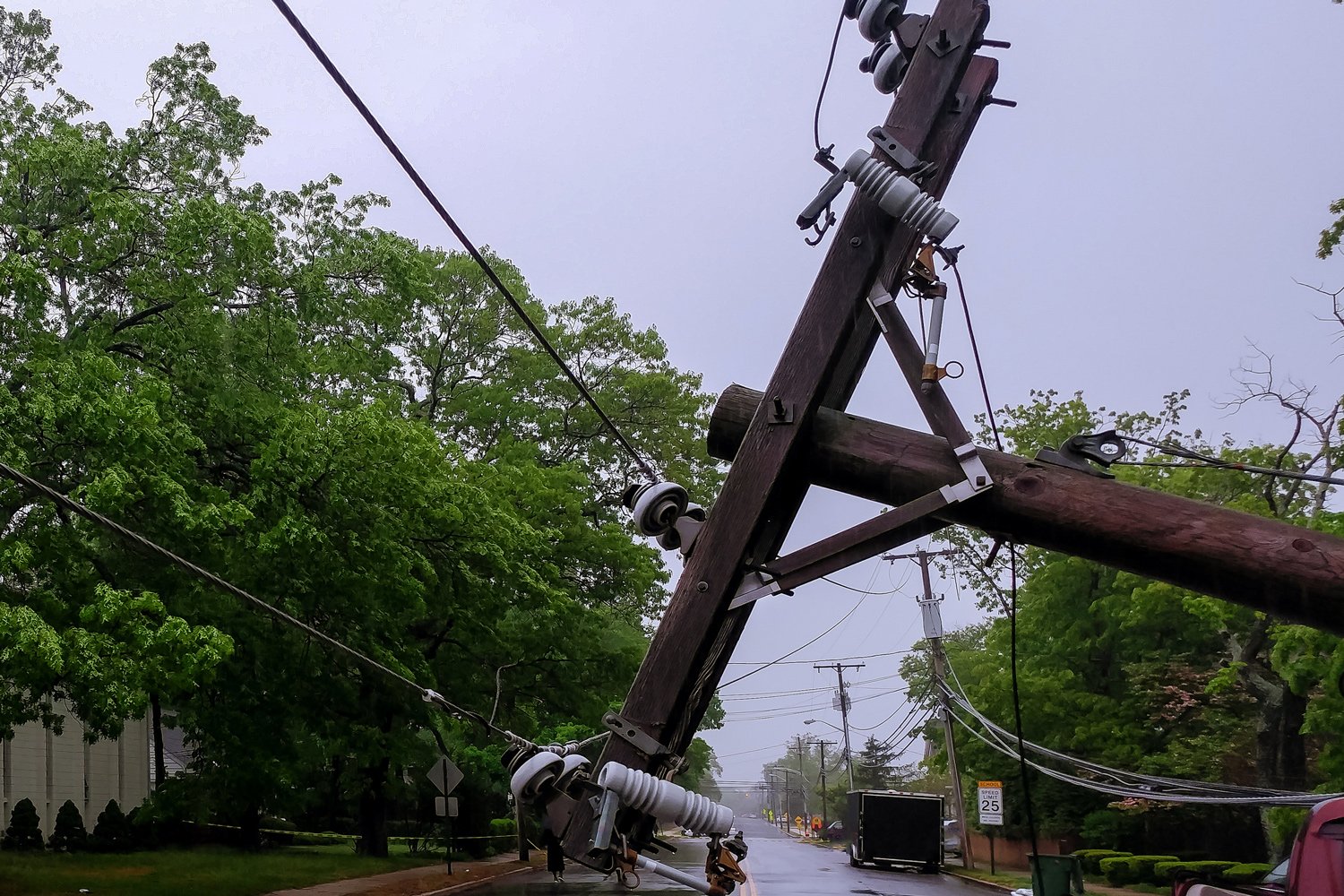
Ever been sitting in the dark during a power outage, watching your phone battery tick down to single digits, wondering how long this is going to last? I’ve been there, and it’s not fun. A backup generator can be the difference between a minor inconvenience and a full-blown household crisis — but choosing between gas and battery isn’t as straightforward as you might think.
I’m going to walk you through the real differences between these two options, including some things first-time buyers often overlook, so you can make a decision that actually fits your home and your budget.

The Powerhouses: Gas Generators
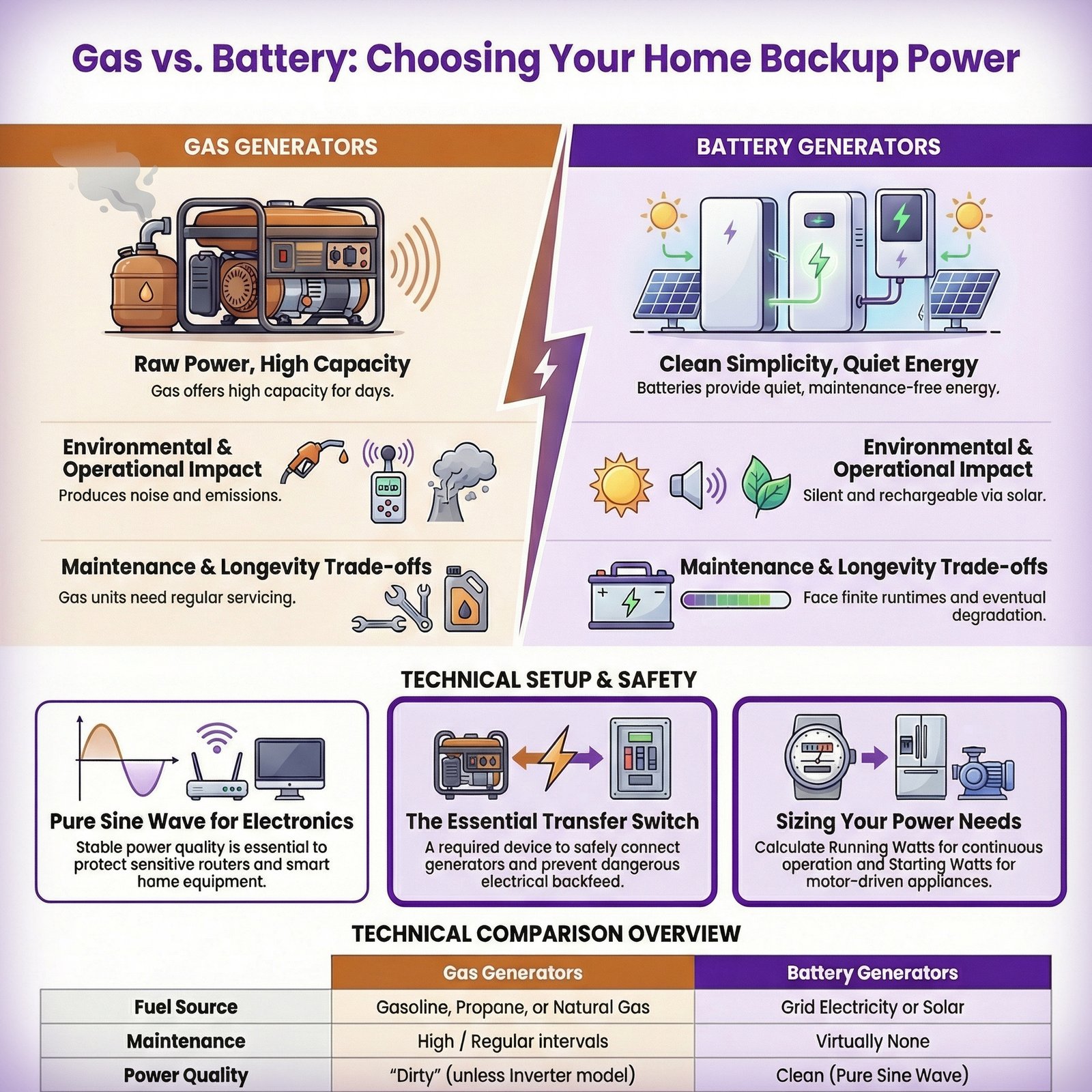
Gas generators are the reliable, high-capacity choice in the backup power world. They’re tough, they deliver serious wattage, and they can keep your entire home running for days on end. We’re talking your refrigerator, air conditioning, medical equipment — the essential large appliances and high-draw equipment that battery systems often struggle with.
But they involve practical compromises you need to be honest about.
Noise is real. Most gas generators run at 70–100 decibels. To put that in perspective, 70 dB is about the volume of a vacuum cleaner, and 100 dB is closer to a lawn mower right next to you. Your neighbors will know when your generator kicks on. And depending on where you live, local noise ordinances may actually restrict when and where you can run one — something a lot of first-time buyers don’t think about until it’s too late.
Maintenance is mandatory. You’ll need to perform regular upkeep: oil changes, filter replacements, spark plug checks. If you’re the kind of person who forgets to change the oil in your car, a gas generator is going to test your patience. Expect to budget around $100–$300 per year just for routine maintenance.
If you’re storing gas for emergencies, buy a fuel stabilizer and treat every can immediately after filling it (or commit to rotating your fuel supply on a schedule).
Fuel logistics matter more than you’d think. Gas generators consume anywhere from 0.5 to 5 gallons of fuel per hour depending on the load. That means you need to store fuel — and stored gasoline doesn’t last forever.
Here’s the first-time owner mistake that causes the most “it won’t start” panic: untreated gasoline degrades fast enough that it can gum up a carburetor and fuel system right when you need it most. If you’re storing gas for emergencies, buy a fuel stabilizer and treat every can immediately after filling it (or commit to rotating your fuel supply on a schedule). Some owners also drain the tank entirely between uses to avoid fuel sitting in the machine. It’s not complicated, but it is one more thing you have to plan for.
Power quality is worth mentioning here, too. If you’ve got a smart home setup — hubs, routers, smart thermostats, computers — you’ll want to pay attention to the type of electrical output your generator produces. Budget conventional gas generators can produce what’s often called “dirty” power: voltage fluctuations and harmonic distortion that can damage sensitive electronics over time.
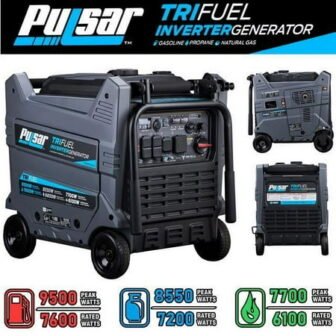
If that’s a concern, look for an inverter generator, which produces a pure sine wave output — a cleaner, more stable current that’s closer to utility power. For the average homeowner, the real value is simple: “clean power” is what you want feeding expensive modern electronics like smart home hubs, Wi‑Fi gear, NAS/home servers, PCs, monitors, and gaming consoles. It’ll cost a bit more, but it’s worth it if you’re protecting equipment you actually care about.
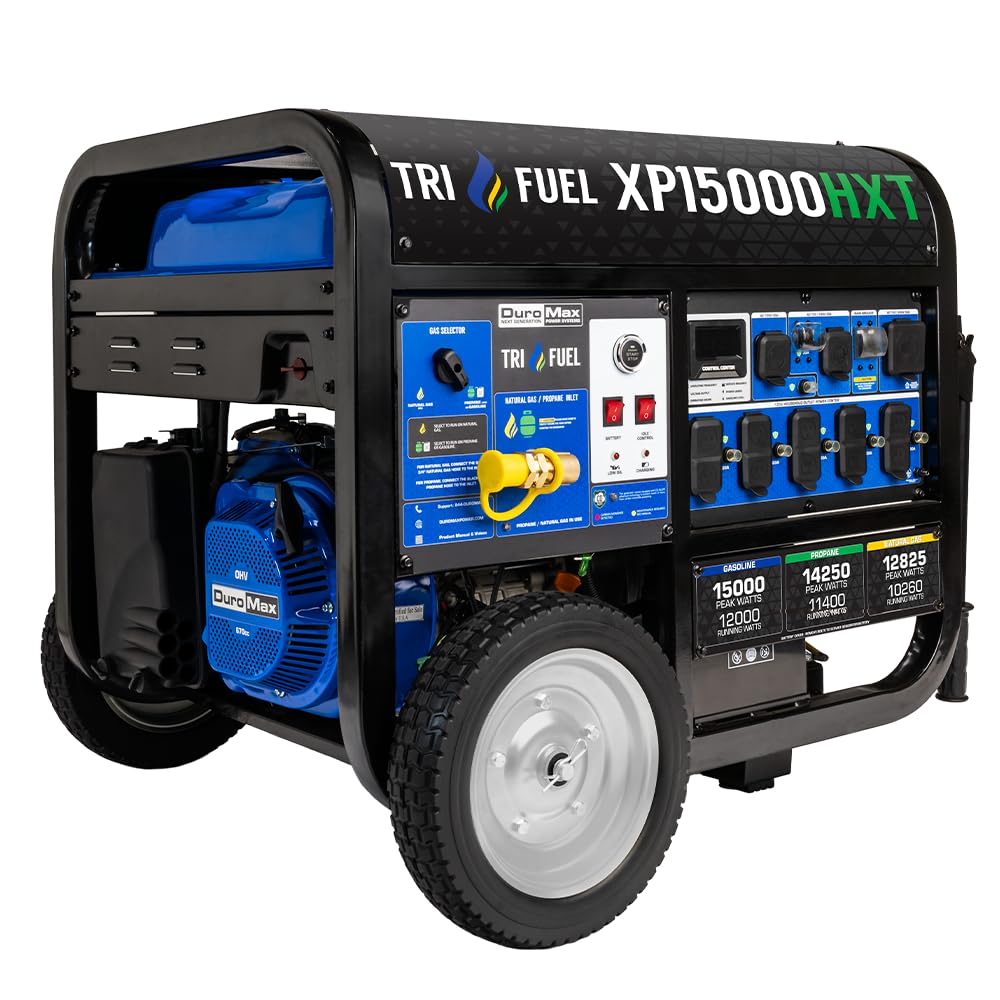
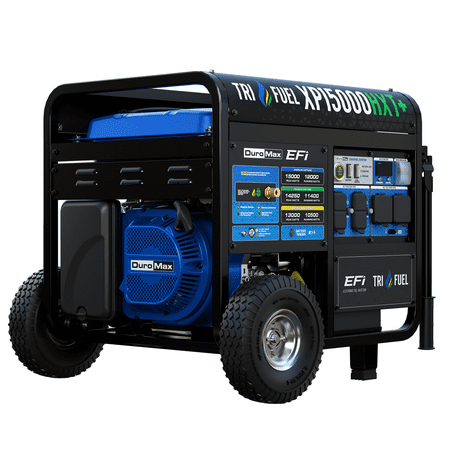
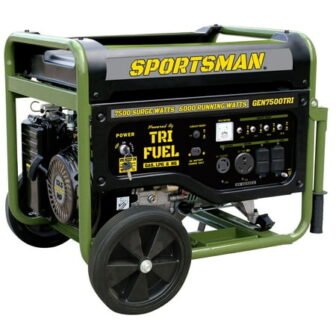
The good news? Technology’s making gas generators better across the board. Newer models with variable engine speeds adjust their output based on actual demand, which improves fuel efficiency and reduces wear. Tri-fuel options that run on gasoline, propane, or natural gas give you flexibility — especially if you’ve already got a natural gas line to your home.
Gas Generator Quick Stats:
- Power: Strong and sustained for extended outages
- Noise: 70–100 dB — definitely noticeable
- Maintenance: Regular upkeep required (oil, filters, spark plugs)
- Fuel: Requires safe storage, stabilization, and periodic rotation
- Power quality: Varies — inverter models offer clean sine wave output;
- conventional models may produce unstable power
The Silent Option: Battery Generators
If the idea of a loud, fuel-hungry machine in your backyard doesn’t appeal to you, battery generators offer a completely different experience. They’re quiet — essentially silent — and they produce zero emissions while running. No exhaust, no fumes, no fuel cans in the garage.
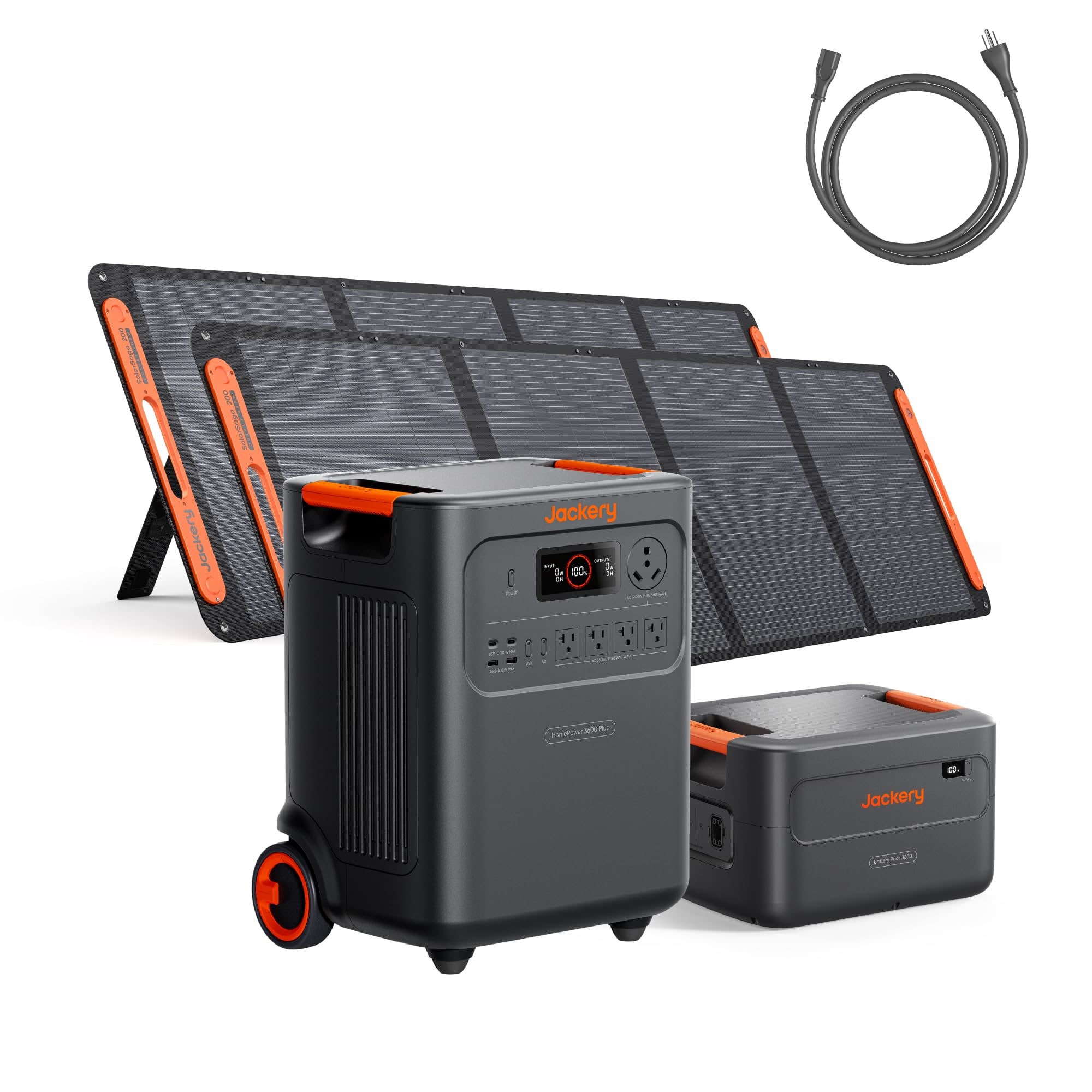
A fully charged battery system can keep your essentials going — lights, phones, laptops, a mini-fridge — for roughly 8–10 hours or more depending on the load. Setup is about as simple as it gets: charge it, turn it on, and you’re running. There’s virtually no maintenance beyond keeping an eye on battery health through an app.
One major advantage for smart home owners: battery generators inherently produce pure sine wave output. That means the power they deliver is clean and stable — ideal for sensitive electronics like smart home hubs, networking equipment, computers, and home automation systems. For a typical modern home, the practical takeaway is that “clean power” is the safer choice for expensive, delicate devices you don’t want to gamble with — think routers, mesh systems, servers/NAS boxes, workstations, and consoles. You don’t have to worry about voltage spikes or harmonic distortion the way you might with a conventional gas generator.
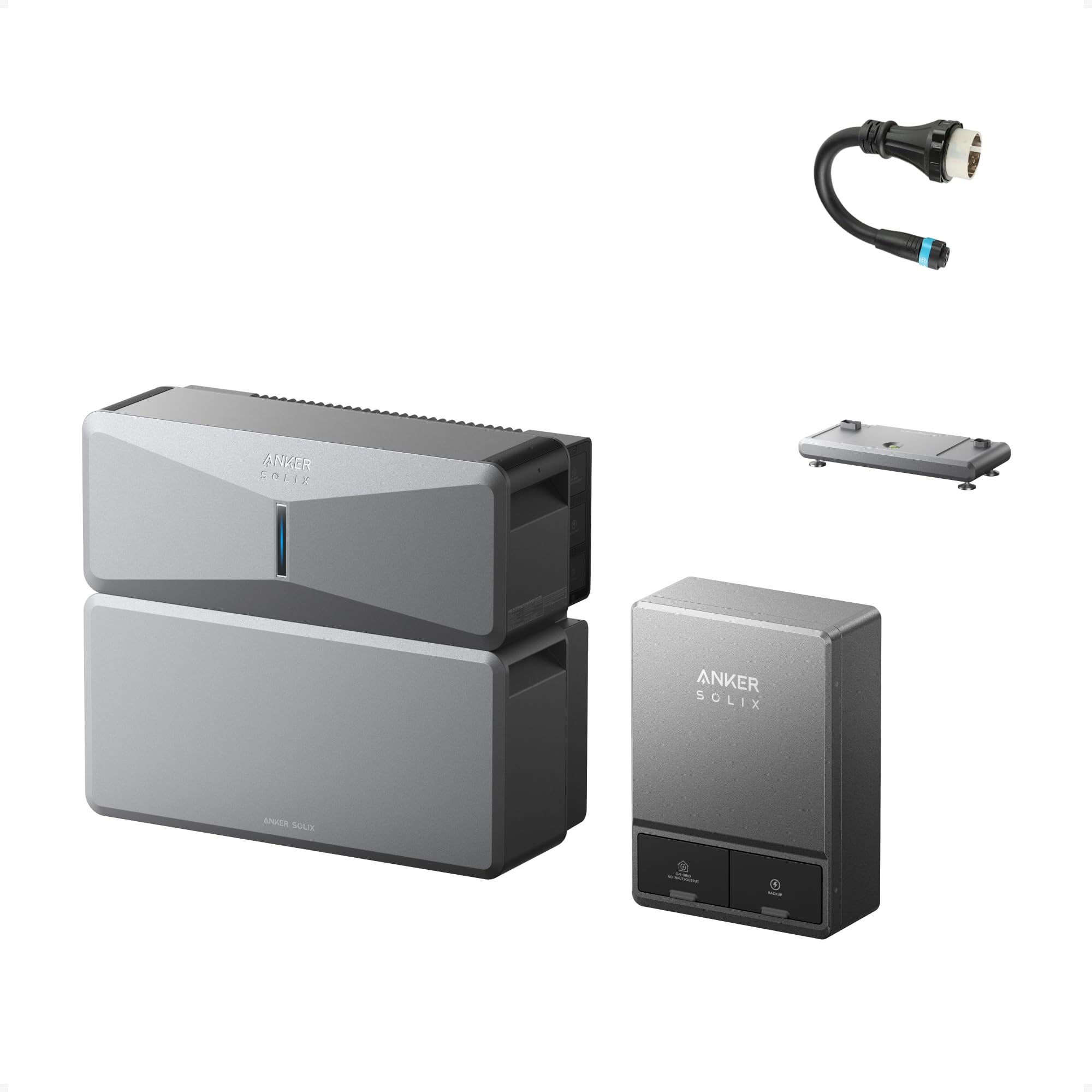
Smart energy monitoring is another plus. Most modern battery systems come with app-based monitoring that gives you real-time data on power consumption, charge levels, and estimated runtime. Some systems can also integrate with broader home energy monitoring setups, giving you a centralized view of how your home uses power — and in some cases, they can even participate in utility demand-response programs, where you earn credits for feeding stored energy back to the grid during peak demand. It’s not just backup power; it’s a potential part of a smarter overall energy strategy.

BLUETTI AC200L with three 200W solar panels

But there are limitations you should understand before committing.
Runtime is finite, and recharging isn’t instant. When the battery’s drained, you need a way to bring it back — either solar panels or grid power. During an extended multi-day outage with overcast skies, that can become a real problem. It’s unrealistic to expect to run your central air conditioning for three days straight on battery alone.
Battery degradation is a real cost factor. This is something a lot of people overlook. Like any lithium-based battery — your phone, your laptop, an EV — a backup battery system loses capacity over time. After several years of charge cycles, you might find your system only holds 70–80% of its original capacity. That’s a meaningful reduction in runtime, and it’s something you should factor into the true lifetime cost of ownership, not just the sticker price.
Here’s the more important, more practical version of that warning: a major part of the 10-year cost of ownership can be the eventual high cost of replacing the battery bank (or expansion modules) when capacity drops below a usable threshold for your needs. Many owners start to feel that pain around the 70% mark because the system that used to carry them through the night suddenly doesn’t — and “just add a little more capacity” often means buying expensive battery modules, not a cheap replacement part.
Battery Generator Quick Stats:
- Power: Best for essential devices and moderate loads
- Noise: Near-silent operation
- Maintenance: Minimal — mostly software-based monitoring
- Recharging: Solar panels, AC outlet, or grid power required
- Power quality: Clean pure sine wave output — safe for all electronics
- Smart integration: App-based monitoring; compatible with home energy management systems
What First-Time Buyers Often Miss: Installation, Permits, and Sizing
Here’s where a lot of articles stop — they compare the generators themselves and call it a day. But if you’re a new homeowner looking at backup power for the first time, there are a few critical pieces of the puzzle that don’t show up on the spec sheet.
The biggest mindset shift is this: the generator is only half the system. The other half is how you integrate it into your home safely and legally. The difference between “running extension cords to a couple devices” and “powering selected home circuits from your electrical panel” is where the real complexity, the real safety requirements, and the real surprise costs show up.
You’ll Need a Transfer Switch
Whether you go gas or battery, connecting a generator to your home’s electrical panel requires a transfer switch (or a code-approved interlock setup, depending on your equipment and local rules). This device prevents dangerous backfeed into the utility grid and lets you safely power your home’s circuits.
| Preview | Product | Rating | |
|---|---|---|---|
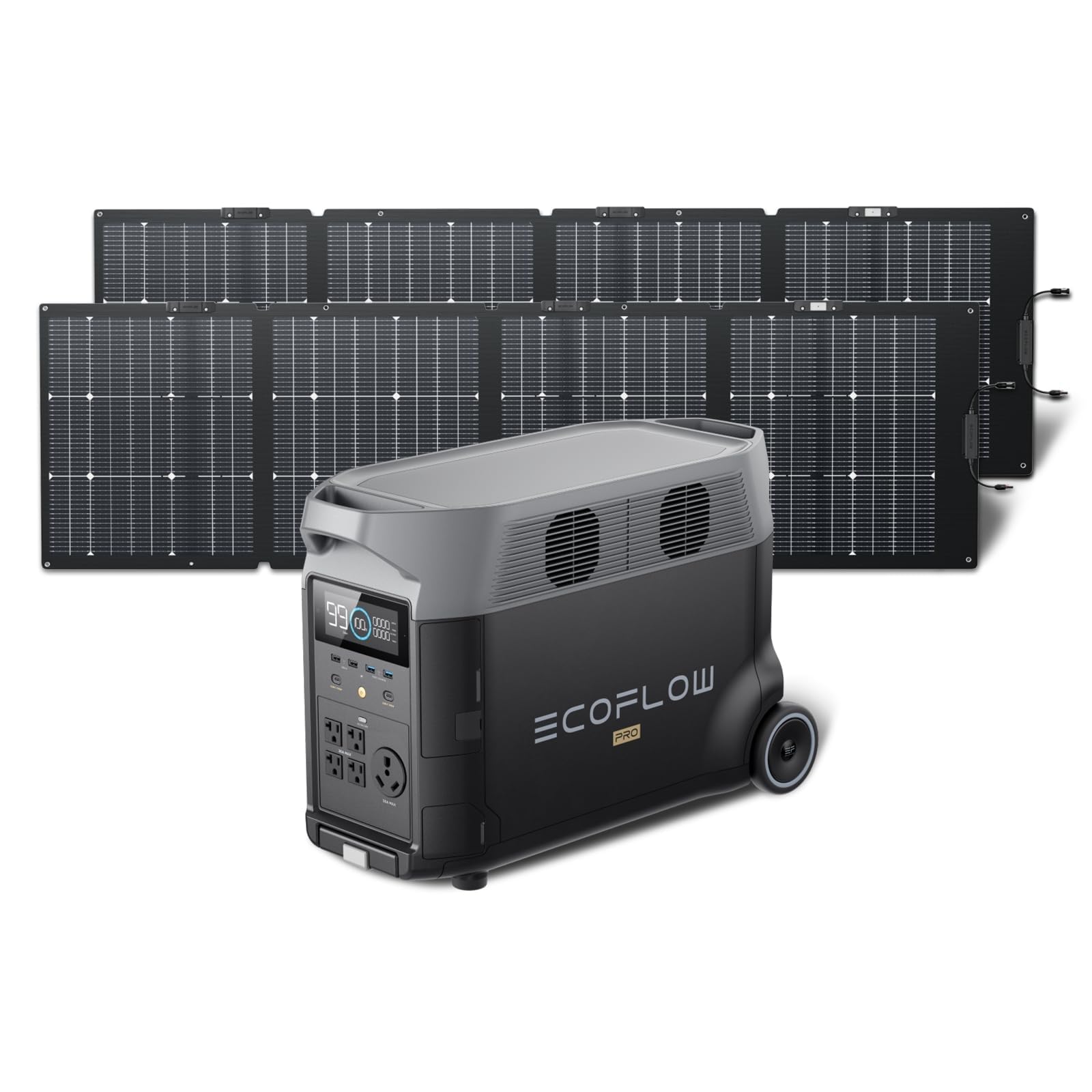 | EF ECOFLOW DELTA Pro 3600Wh Portable Power Station with 2X220W Solar Panels DELTA Pro+2x220W Solar… | CHECK PRICE |
Last updated on 2026-10-03
There are two types:
Manual transfer switches are the more affordable option. The switch itself typically runs $50–$200, and with professional installation labor, you’re looking at a total of roughly $300–$900. The trade-off is that you’ll need to physically flip the switch yourself when the power goes out.
Automatic transfer switches (ATS) detect an outage and switch over on their own — no intervention needed. They’re more convenient, but they’re also more expensive: the switch runs $200–$2,000 depending on capacity, and with professional installation, total costs typically land in the $800–$3,000+ range.
Now for the part that deserves to be said plainly: the biggest “hidden cost” is often not the transfer switch hardware — it’s the licensed electrician’s labor.
If the install requires running new wiring in conduit, adding a proper generator inlet, reorganizing or extending circuits, upgrading breakers, making room in a crowded panel, adding labeling, or dealing with code/permit requirements, labor becomes the largest line item fast. This is why two homeowners can buy the same generator and get two very different installation quotes.
Also worth knowing: “transfer switch installation” often includes more than you think — a generator inlet box (for portables), wiring/conduit, a switch or interlock, new breakers, labeling, and sometimes a permit/inspection. This is exactly why budgeting only for the generator is how people end up surprised.
Permitting and Local Codes
Before you buy anything, check your local zoning laws and electrical codes. Many municipalities have rules about:
Where a generator can be placed (minimum distance from your house, windows, and property lines):
- Exhaust venting requirements for gas models
- Noise restrictions that could limit operating hours
- Electrical permit requirements for any work tied to the installation
This isn’t optional. Skipping this step can result in fines, failed inspections, or — worse — a setup that’s genuinely unsafe. If you’re unsure where to start, your local building department or a licensed electrician can walk you through what’s required in your area.
Sizing Your Generator: Running Watts vs. Starting Watts
Any comparison article can tell you that a gas generator puts out 12,000 watts. But do you actually know how much you need?
Here’s a quick primer. Every appliance in your home has two wattage ratings:
Running watts: The continuous power it needs to operate.
Starting watts (surge watts): The brief spike of power it needs to turn on — often 2–3x the running watts.
For example, a refrigerator might run at 150 watts but need 400+ watts to start its compressor. An air conditioner could need 2,000–3,000 starting watts. If you don’t account for those surges, you’ll overload your generator and trip the breaker — or worse, damage the unit.
My advice: Make a list of everything you’d want to power during an outage. Add up the running watts, then add the highest single starting-watt appliance on top. That gives you a rough minimum. Most electricians or generator retailers can also help you do a proper load calculation.
And here’s the practical “implementation” version of sizing: think in circuits, not devices. Decide what circuits you truly want backed up (kitchen fridge circuit, living room outlets, internet/network closet, a bedroom, maybe a bathroom circuit), then size the generator or battery system to support that plan.


Last updated on 2026-09-29
 Walmart.com
 Walmart.com
 Walmart.com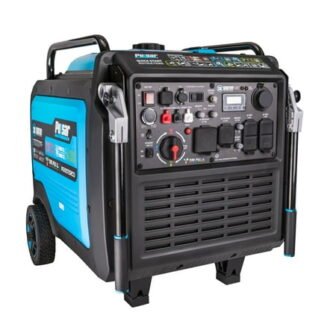
Last updated on 2026-10-01