Smart Home Devices for Renters: Avoid Costly Mistakes

Most smart home guides are written for homeowners. That’s fine if you own the drywall, the wiring, and the front door. If you rent, it’s a different game. You can’t assume you’re allowed to swap a switch, hardwire a doorbell, or start drilling holes just because a product page says installation is “easy.”
Smart home devices also don’t behave the same everywhere. In multi-dwelling buildings, shared hallways, fire-rated doors, and crowded wireless networks can chip away at battery life and reliability. A lock that works perfectly in a single-family home may be less predictable in an apartment, where foot traffic is constant and signal conditions are less forgiving. For renters, that makes context just as important as the device itself.
Upgrading a rental takes a different approach. You don’t own the walls. You don’t own the wiring. You often don’t even own the thermostat. The goal isn’t to recreate a homeowner setup. The goal is to build a smart home that makes daily life easier without creating lease problems, hardware problems, or move-out costs.
Your security deposit is part of the equation too. Landlords may not care about a removable sensor on a shelf, but they usually care a lot about holes, altered fixtures, damaged paint, swapped hardware, or anything that looks like an unauthorized modification.
That’s why “easy install” can be misleading for renters. Easy for a homeowner may still mean drilling, anchoring, rewiring, or replacing part of the apartment.
The simplest rule is to prioritize reversibility from the start. If a product requires holes, hardwiring, exterior mounting, or property alterations, it should be treated as a special-case purchase, not a default renter recommendation.
This guide focuses on the upgrades that actually make sense in rentals: products that are useful, removable, and worth taking with you when you move.
What makes a smart device renter-friendly?
A renter-friendly device doesn’t just solve a problem — it solves it without creating three more. Reversibility is the priority, but “no-drill” doesn’t mean zero risk. Adhesive mounts can still peel paint, and suction mounts eventually fail.
When shopping for smart home gear in a rental, focus on four things:
- Easy removal
- Low risk to the property
- Portability
- Compatibility with what you already have
Apartment Wi-Fi can break smart home plans fast
Apartment buildings are rough environments for wireless gear. Dozens of nearby routers compete on the same bands, especially 2.4GHz, which is where many smart home devices still live. That can show up as bulbs dropping offline, sensors becoming inconsistent, or camera feeds buffering more than they should.
This doesn’t mean renters need a networking hobby before buying a smart bulb. It does mean you should be realistic. A crowded apartment building is harder on smart home gear than a detached house.
Cameras and smart displays usually benefit from the cleanest Wi-Fi you can give them, while battery-powered sensors often still make more sense on lower-power protocols if your setup supports them.
Managed apartment Wi-Fi is where things get ugly. If your building uses a captive portal, browser-based sign-in, or heavily controlled shared internet, many smart home devices simply won’t onboard normally. “Check compatibility” often translates to “this probably won’t work.”
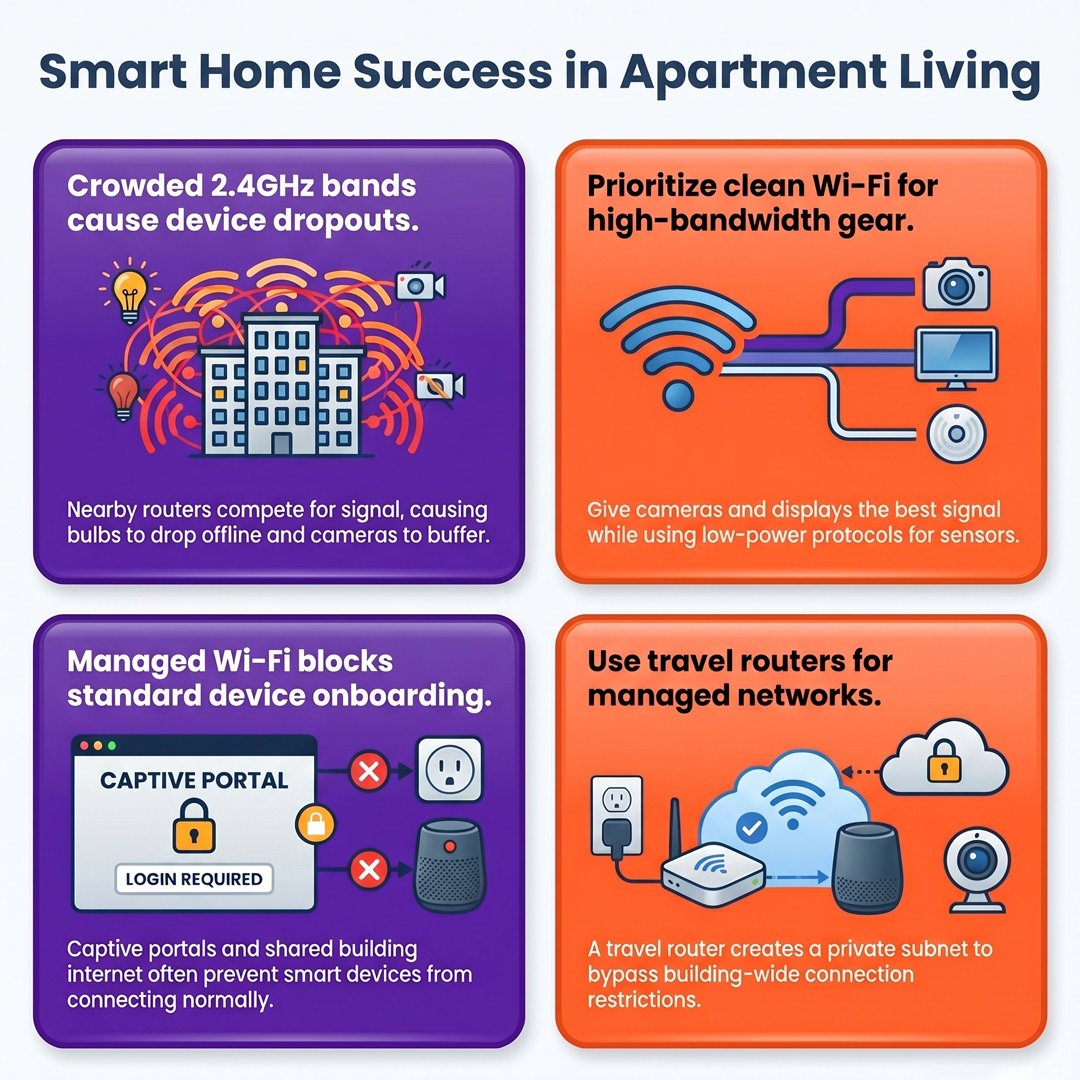
The common technical workaround is a travel router that authenticates once to the building network, then creates a private subnet for your own devices. In more locked-down setups, this can involve cloning or spoofing the MAC address of an already authorized device so the building network sees the router as something it already approved.
That’s a real workaround, but it’s not beginner territory, and it may violate the building’s network terms. If your apartment internet is heavily managed, the safest advice is still to keep your setup simple and avoid building an entire smart home around devices that expect a normal home router environment.
Start with the upgrades that make life easier
If you’re starting from scratch, prioritize the categories that solve everyday annoyances without requiring permanent changes:
- Smart lighting
- Leak sensors
- Indoor security
- Climate control
- Entry upgrades like a retrofit lock
That order matters. Lighting and leak sensors are low-risk wins. Cameras and climate gear depend more on your layout and network. Smart locks can be excellent, but only if your door and lease make sense for one.

Smart Home Protocols: A Comprehensive Guide for 2026
Smart lighting is still the easiest win
Lighting is usually the easiest place to start because it’s simple to install, easy to reverse, and immediately useful. Smart bulbs are the renter-friendly upgrade for floor and table lamps where you control the power path. In shared ceiling fixtures, though, bulbs are only smart until someone flips the wall switch and cuts the power.
Philips Hue is still the easiest recommendation if you want dependable dimmers, broad accessory support, and fewer setup headaches. If you want a lower-cost option, GE Cync and Govee are reasonable picks for basic room lighting. Roku’s bulbs are better treated as a simple budget option, not a full system.
Smart bulbs vs. smart switches for renters
| Option | Best For | The Trade-off | Top Pick | Image |
|---|---|---|---|---|
| Smart Bulbs | Instant lighting control with zero wiring | Defeated if someone flips the physical switch | Philips Hue (most reliable wireless remotes) |  |
| Smart Switches | Solving the physical wall switch problem | Requires a neutral wire, alters property | TP-Link Kasa (best budget Wi-Fi switch) |  |
If you share your space, smart bulbs belong in lamps, not in hardwired ceiling fixtures that other people can shut off at the wall. A better renter fix for the wall-switch problem is usually a wireless remote or dimmer mounted over or near the existing switch without changing wiring.
Smart switches are where renters start to run into trouble. Many require a neutral wire, and many apartments — especially older ones — don’t have one where you need it. Even when the wiring is technically compatible, you’re still altering part of the apartment. For most renters, bulbs plus portable remotes are the safer and simpler path.
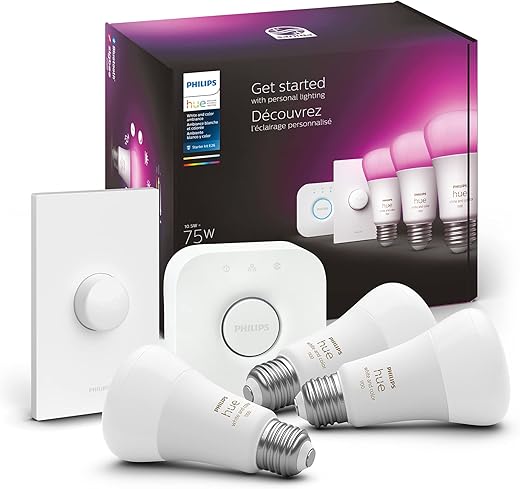
Philips Hue Smart Light Starter Kit

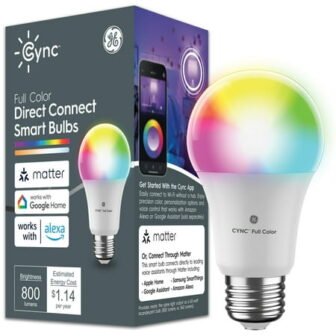
 Walmart.com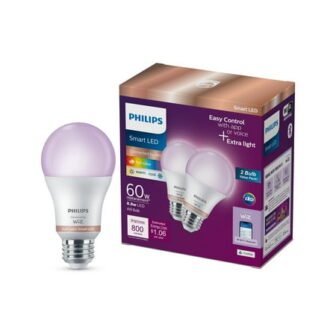
Smart blinds can work if they’re truly removable
Window treatments are one of the more overlooked renter upgrades. Most landlords don’t want you replacing the blinds that came with the unit, but there are still workable options if you want scheduled privacy or better light control.
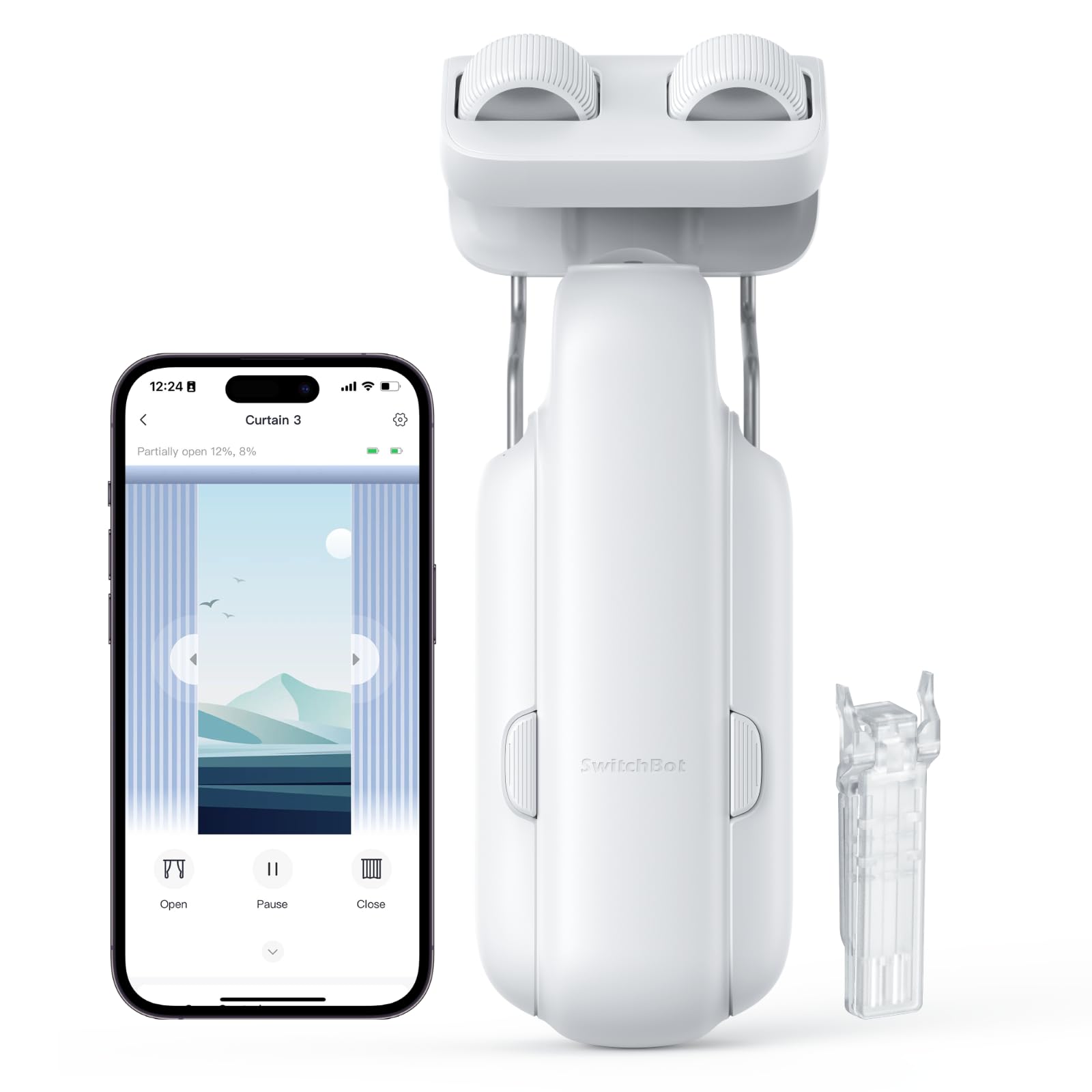
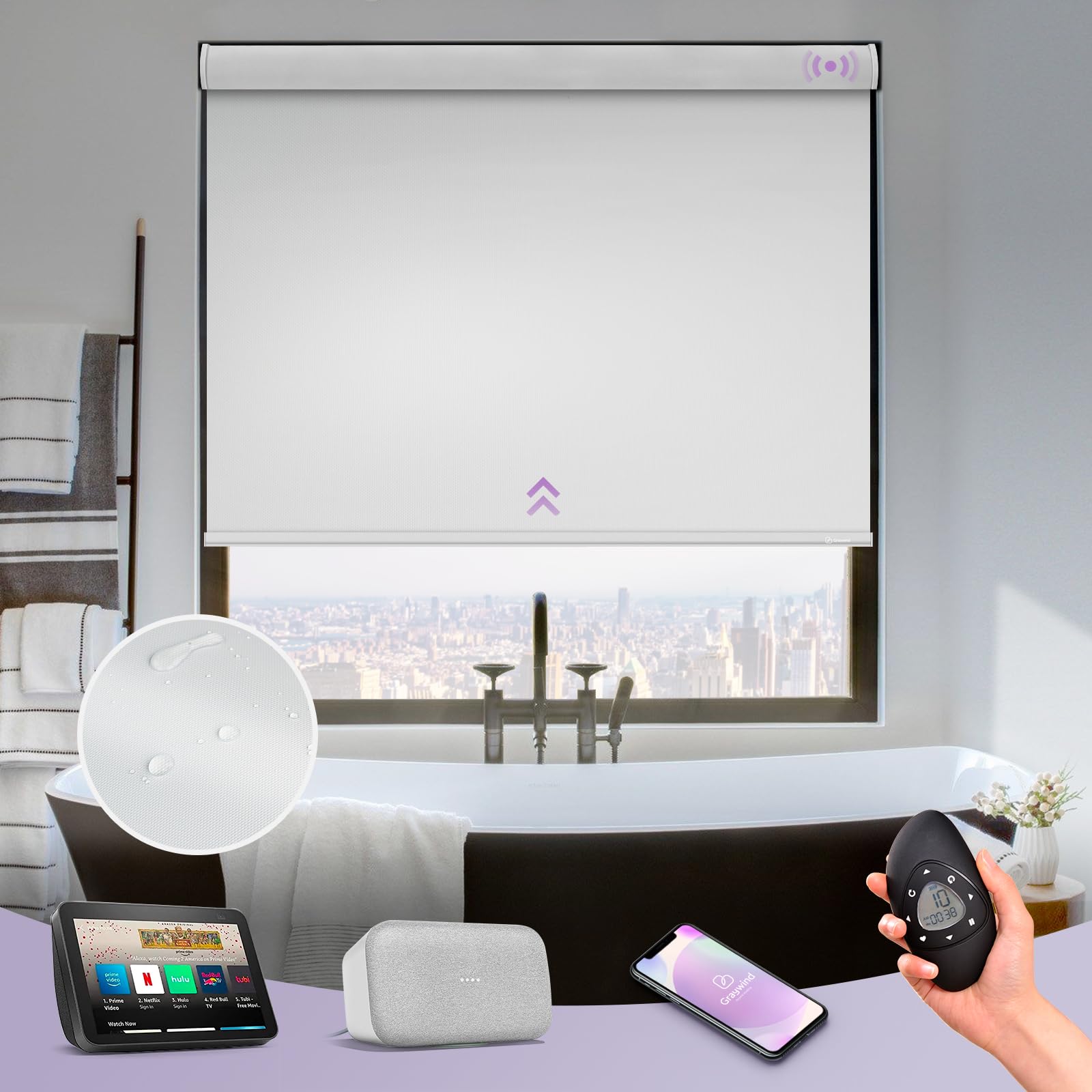
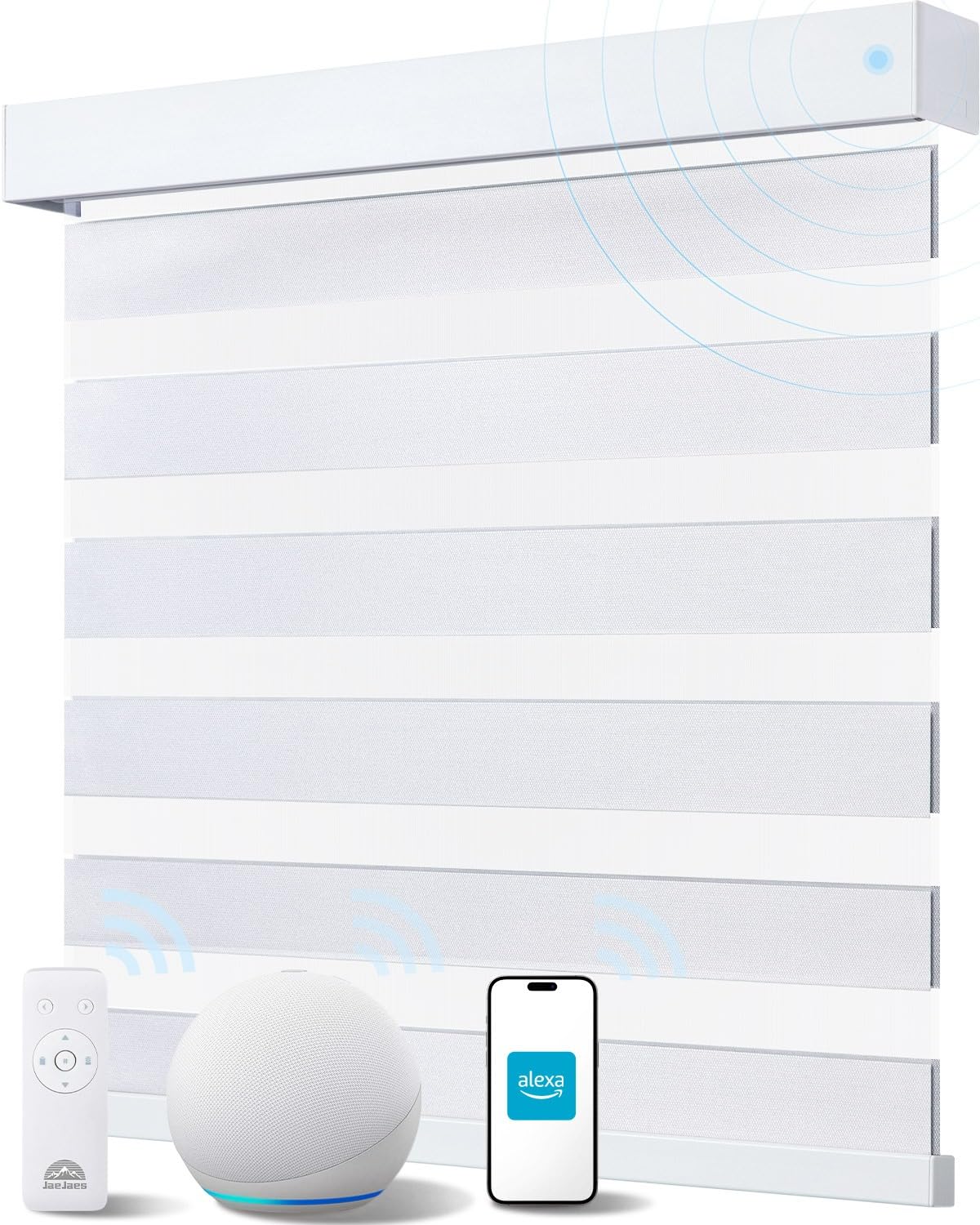
Retrofit curtain devices that clip onto an existing curtain rod can work well when you already have curtains in place. Tension-mounted shades can also make sense because they avoid drilling into the frame. They’re worth considering if privacy, glare control, or daily routine automation matters to you, but they only belong in a renter setup if they install and remove cleanly.
The key here isn’t to force a custom window treatment solution into a rental just because it looks good in a product video. If it depends on screws, anchors, or hardware swaps, it stops being a default renter recommendation.
Last updated on 2026-09-13
Leak sensors are one of the most useful renter upgrades
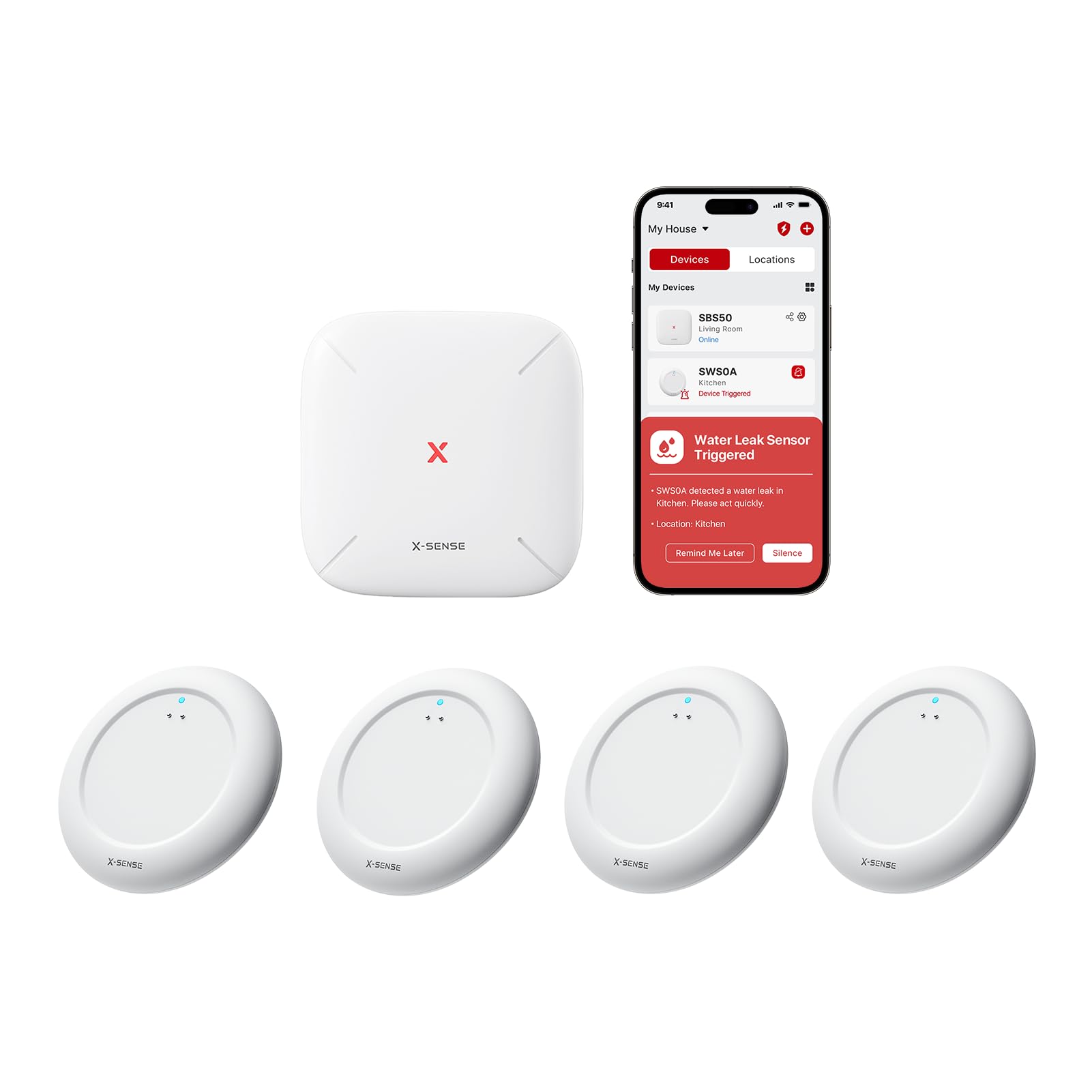
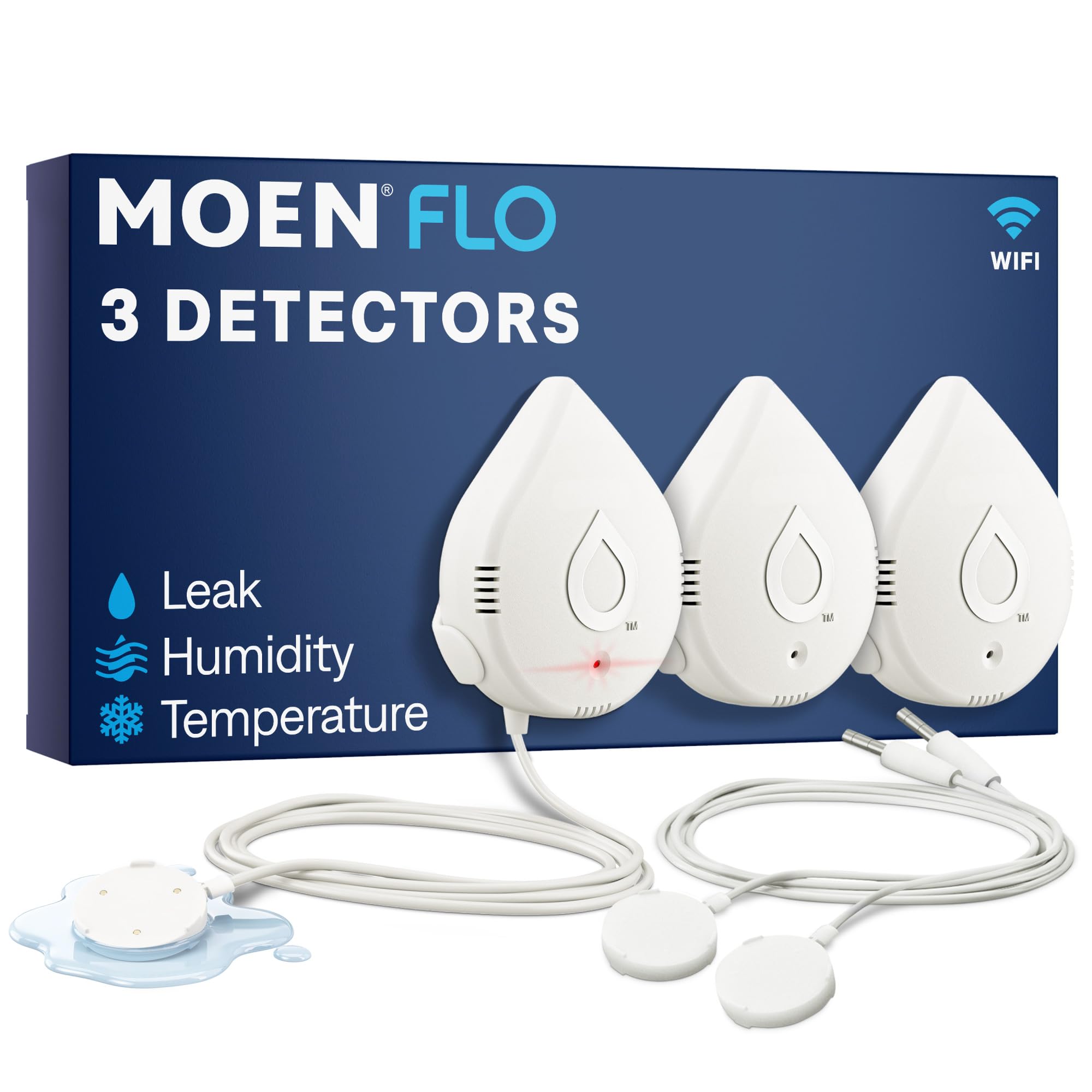
Leak sensors aren’t flashy, but they’re one of the most practical smart home devices for renters. A small leak under a sink can turn into cabinet damage, floor damage, or problems for the unit below you. A simple sensor can warn you before that turns into a much bigger mess.
Good renter-friendly options


Last updated on 2026-09-13
Put them in the places renters usually overlook:
- Under kitchen and bathroom sinks
- Behind the toilet
- Near the washing machine
- Next to a water heater
- Near an HVAC closet drain pan if you have access
One limitation is worth keeping in mind: many renters don’t have access to individual unit shutoff valves. That means a leak detector doesn’t solve the whole problem by itself. What it does give you is earlier information, and earlier information matters. In a rental, that can be the difference between catching a slow leak quickly and discovering damage after it’s already spread.
If you only buy one type of smart sensor for a rental, leak sensors are one of the best arguments for doing it.

Indoor security is easier than exterior security
Everyone wants to know if someone entered the apartment while they were out, but rentals narrow your options quickly. Hardwired systems usually aren’t a real option, and anything mounted outside your unit can turn into a lease or policy issue.
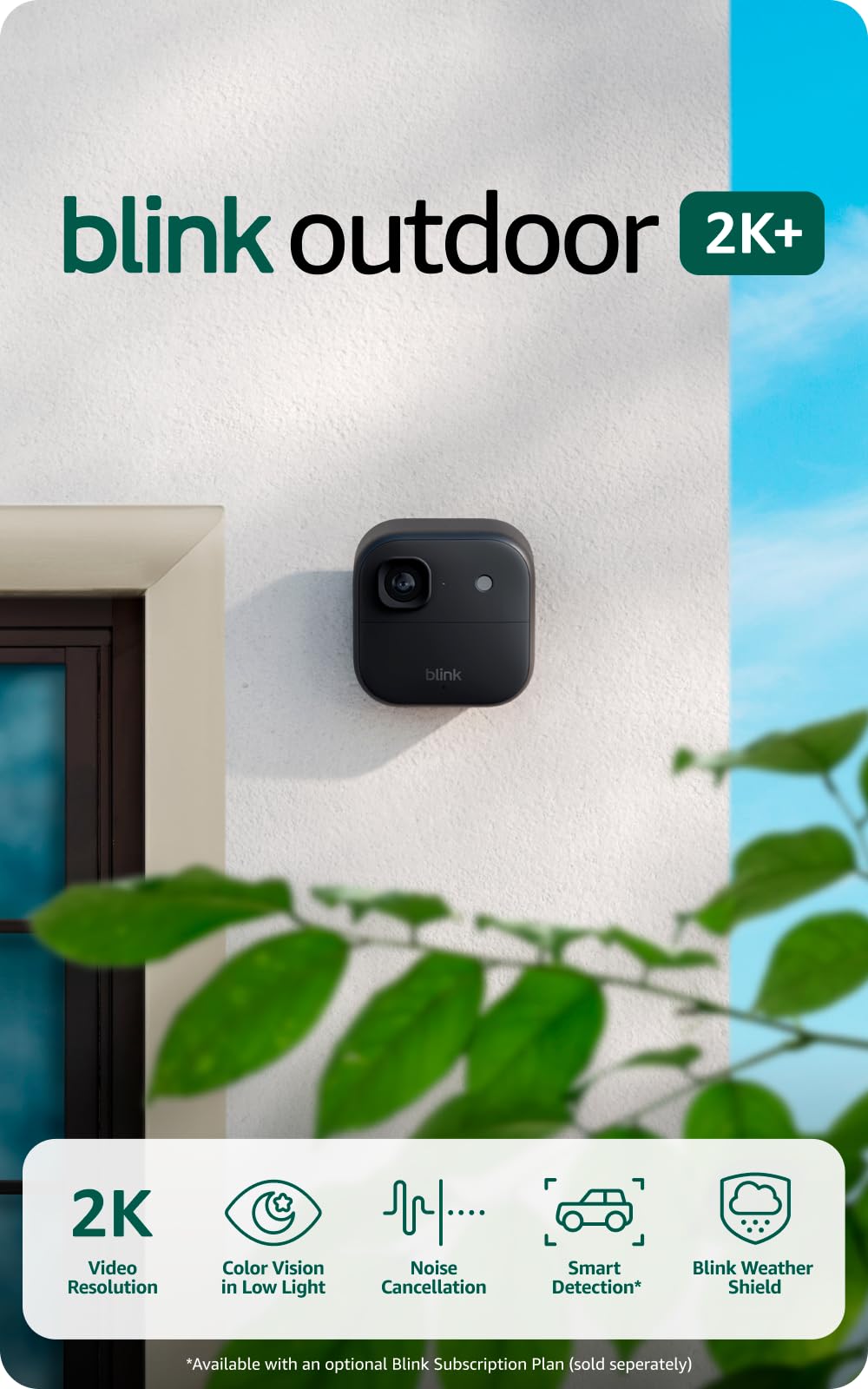
Indoor cameras are usually the easiest fit. They don’t require permanent mounting, and they work well for pet monitoring, entry visibility inside your unit, or simple check-ins while you’re away.
One practical privacy habit is worth keeping: if you use an indoor camera and maintenance workers or contractors are legally entering the unit, disable indoor audio recording. That’s one of those small, lived-in details most buying guides skip, but it matters.
Shared hallway views and exterior-facing camera setups are more complicated. If you want door coverage, peephole cameras are usually more renter-friendly than wired doorbells. They avoid wiring changes and are generally easier to reverse. But readers still need to check building policy and local laws before recording audio or common areas.


Last updated on 2026-09-13
If you want broader apartment coverage rather than a single camera, adhesive sensor-based security kits can make sense. Door sensors, motion sensors, and a base station are often easier to justify in a rental than trying to build camera coverage everywhere.
Drill-Free Security Systems
If you want full-apartment coverage rather than a single camera, consider a kit like SimpliSafe. Door sensors, motion detectors, and the base station all attach with heavy-duty adhesive strips. You get professional monitoring without drilling a single hole. Test the adhesives on an inconspicuous spot first to confirm they won’t pull paint when you eventually remove them.
| Preview | Product | Rating | |
|---|---|---|---|
 | SimpliSafe 8 Piece Wireless Home Security System – Optional 24/7 Professional Monitoring – No… | CHECK PRICE |
Last updated on 2026-09-14
Smart locks can work, but only if your door does
A retrofit smart lock is one of the few entry upgrades that can make real sense in a rental because it keeps the original exterior hardware in place. That matters. The landlord’s key still works, and the outside appearance of the lock usually stays the same.
The two renter-friendly names most people will end up comparing are August and Yale. August is usually the tougher, more forgiving option in rough apartment conditions. It’s the signal tank of the pair, but it’s also louder in operation and sounds a lot less refined.
Yale is quieter and feels more polished day to day, but it’s more sensitive to bridge placement. Put that bridge too far from the door, and battery life and consistency can fall off faster than you’d expect.
That means the choice isn’t just about app preference. If your apartment entry has thick walls, a fire-rated door, or a weird signal path, August is often the safer bet. If your layout lets you place Yale’s bridge very close to the lock and you care about quieter operation, Yale can be the nicer everyday experience.
But renters need to be realistic here. A retrofit smart lock doesn’t fix a bad door. If your deadbolt already sticks, binds, or needs shoulder pressure to close properly, a smart lock will usually make that problem worse, not better. The motor is trying to do the same job your hand already struggles with.
Before buying one, test your deadbolt with the door closed. It should glide smoothly with very little friction. If it doesn’t, fix the door problem first or skip the smart lock entirely.
Fit also matters. Retrofit locks work best on standard single-cylinder deadbolts. Older apartments, non-standard thumb-turns, unusual door thicknesses, mortise locks, or integrated access systems can all create fit problems. This isn’t a category where you want to assume compatibility.


Last updated on 2026-09-13
Climate control depends on your setup
Climate control in rentals is inconsistent because apartment HVAC setups are inconsistent. Some units have a normal wall thermostat. Some have centralized building heat with very little individual control. Others rely on window units, portable ACs, or mini-splits.
If your apartment has a wall thermostat and your wiring supports it, Ecobee is the most sensible upgrade. It only works if your setup has a C-wire for power. If you’re dealing with a window AC or mini-split that already uses a remote, Sensibo Sky is the cleaner renter-friendly option because it uses IR and doesn’t require wiring changes. Smart plugs are fine for lamps and small devices, but they’re not the default fix for AC units.
Climate options for renters
| Option | Best for | Trade-off | Use this if |
|---|---|---|---|
| Smart thermostat | Apartments with compatible wall thermostats | Wiring compatibility matters | You have a thermostat and confirmed support |
| Smart IR controller | Window ACs and mini-splits with remotes | App state may drift if someone uses the original remote | Your unit already uses an IR remote |
| Smart plug | Lamps and small devices | Not suitable as a default AC solution | You are automating low-draw devices |
If you do install a smart thermostat, keep the original thermostat in a drawer so you can reinstall it before move-out. That’s simple insurance against future hassle.

Sensibo Sky, Smart Wireless Air Conditioner Controller
Do not use generic smart plugs with AC units or space heaters
These devices can draw more power than a basic smart plug is designed to handle, and compressor startup current is where things go bad fast.
A generic relay can weld shut under the inrush current of an AC compressor, leaving the unit stuck on or creating a serious fire risk. If you need smart control for one of these appliances, use a product specifically rated for that load.
Electrical Safety: Fire Hazards and Load Limits
This applies across all the devices in this guide, not just climate control. Smart plugs are not interchangeable.
A window AC unit creates an inductive load, and a compressor can pull three times its rated amperage at startup (inrush current). That spike can fuse the internal relay of even a highly rated smart plug, leaving the AC permanently stuck on — or creating a fire hazard. An uncertified, cheap plug absolutely cannot handle a sustained 15-amp load. The relay can melt. The plastic housing can catch fire. Don’t buy an off-brand plug from an internet marketplace for anything high-draw.
Buy devices with proper Underwriters Laboratories (UL, ul.com) or Intertek (ETL) certifications. Those ratings mean the device was actually tested for the load it claims to handle. Space heaters with UL-listed overheat and tip-over shutoffs reduce risk for unattended use, but verify those safety features exist before you pair one with a smart plug.
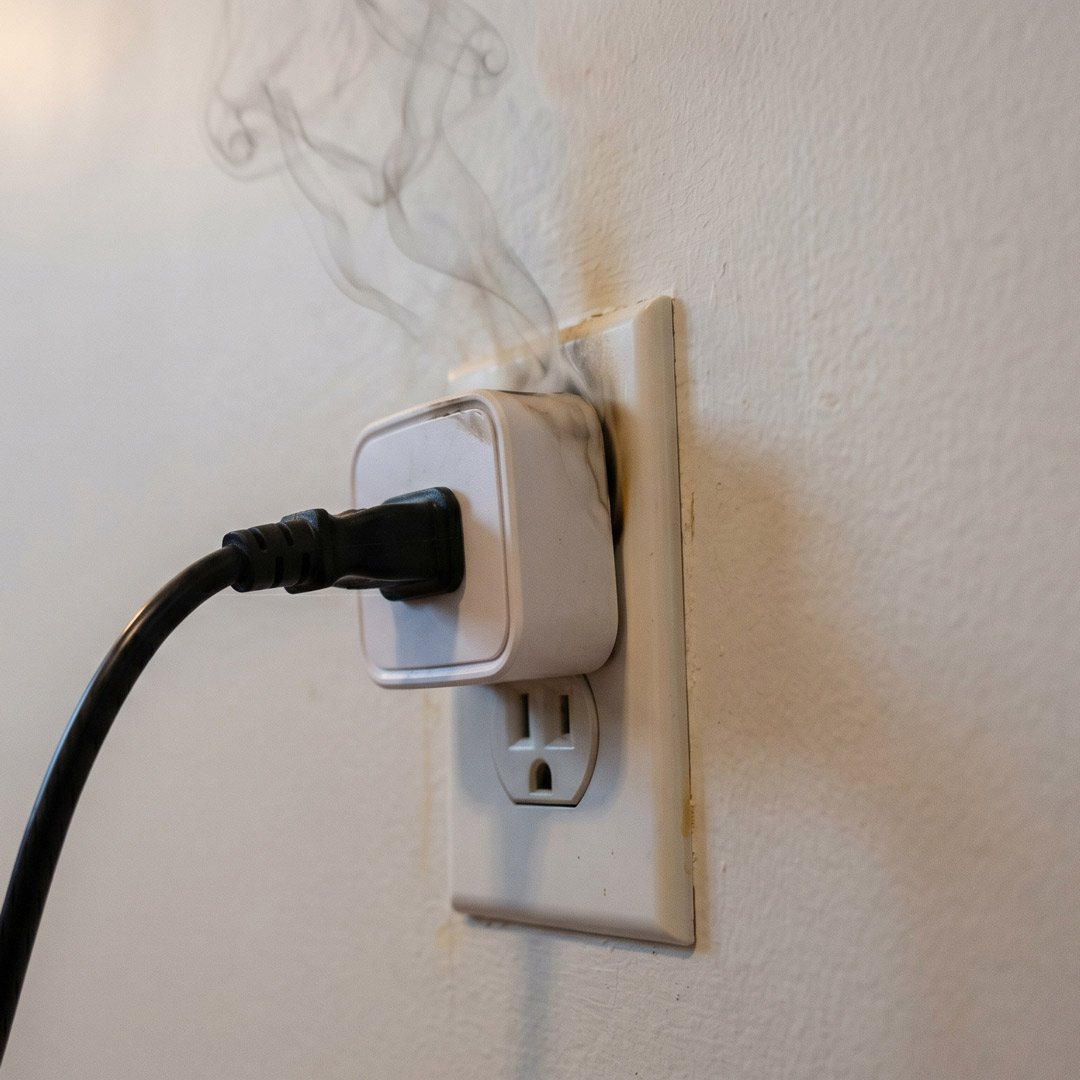
While some smart plugs have safety features like overload protection, cheaper models may lack internal fuses or use substandard materials that can’t handle high-wattage devices, leading to overheating and potential fires.
Most standard renter’s insurance policies won’t cover damage from uncertified electrical modifications or improper DIY installations. That’s worth knowing before you skip the certification check.
Smart power strips are a lower-risk upgrade for your living room or home office. They automatically cut power to idle devices like TVs and gaming consoles, eliminate phantom power draw, and reduce your electric bill — without the inductive load risk.
Matter is useful, but it isn’t magic
Once you move beyond a few Wi-Fi bulbs, ecosystem decisions start to matter. A central platform can make a real difference when you’re dealing with sensors, locks, lighting, and cameras across multiple apps.
Matter is helpful when you want devices from different brands to work together more smoothly. But it’s not a reason to ignore how a product behaves in its native platform. For renters, the practical rule is simple: buy devices that already work well in the platform you use now, and treat Matter support as a bonus rather than the whole reason to buy.
If you already have Alexa, Google Home, SmartThings, or Home Assistant in place, let that influence your shopping. If you don’t, avoid building a complicated multi-platform setup in a rental unless you actually enjoy maintaining it.
| Option | Best For | The Trade-off | Privacy & Processing |
|---|---|---|---|
| Amazon Alexa | Lowest-cost ecosystem to scale gradually | Heavy cloud reliance, aggressive upselling | Cloud-based |
| Google Home | Android-native households, predictive AI | Hardware lineup frequently refreshed/abandoned | Cloud with local assist |
| Samsung (Now Aeotec) SmartThings | Mixed-protocol apartments (Z-Wave/Zigbee) | Steeper learning curve for basic users | Hybrid processing |
| Home Assistant | Advanced users who want maximum control and local automation | Requires more setup, maintenance, and technical comfort | Mostly local, self-hosted, optional cloud |
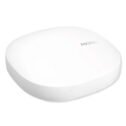
Aeotec Smart Home SmartThings

Sometimes the dumb option is better
This is the part smart home marketing rarely likes to admit. Sometimes a non-smart solution is still the better choice.
A physical key is more reliable than a smart lock. A mechanical timer can handle simple lighting schedules without ever dropping off Wi-Fi. A basic peephole plus a decent relationship with your neighbors can sometimes tell you more than a camera pointed at a weak-signal hallway.
Smart home gear is worth it when it saves time, reduces risk, or fixes a specific inconvenience. If a device doesn’t clearly do one of those three things, it probably doesn’t belong in a rental setup.
That mindset helps keep you from buying “smart” versions of products that only make your setup more fragile.
Budget tiers that make sense
| Tier | Budget | Best picks | What you get |
|---|---|---|---|
| Basic automation | Under $50 | Smart plugs for low-draw devices, one or two leak sensors | Useful automation with almost no installation friction |
| Lighting and convenience | Under $150 | Smart bulb starter setup, wireless dimmer, maybe an IR AC controller | Daily quality-of-life gains without touching wiring |
| Security and access | $300+ | Retrofit smart lock, indoor camera, adhesive sensor kit | Broader coverage with higher setup sensitivity |
Most renters don’t need to jump straight to the high end. Lighting and leak detection usually give you the best return first. Locks and cameras make more sense after you know your door, layout, Wi-Fi, and building rules.
Privacy still matters

Every cloud-connected device in this guide sends data somewhere. That doesn’t mean you should avoid them all. It does mean you should be selective.
For cameras especially, turn on two-factor authentication, use strong passwords, and reset devices before you move out. Don’t leave account-linked hardware tied to an address you no longer live in. If a brand’s whole value proposition depends on endless cloud dependence with weak trust signals, that’s a real buying consideration.
For most renters, the best privacy strategy isn’t paranoia — it’s restraint. Fewer devices from better-known brands is often smarter than filling an apartment with cheap cloud-heavy hardware you won’t trust in a year.
What usually isn’t worth buying
- In-wall switches or dimmers that require wiring changes
- Wired video doorbells
- Full deadbolt replacements
- Outdoor camera plans that depend on surfaces you don’t control
- Cheap cloud-heavy gadgets from brands you probably won’t trust a year from now
The fastest path to a useful renter setup
If you want the shortest path to a smart home setup that actually helps, start here:
- Buy leak sensors for the places most likely to cause damage.
- Add smart bulbs or a simple lighting kit for the rooms you use every day.
- Add climate control only if your setup clearly supports it.
- Consider a retrofit smart lock only after checking your door and lease.
- Add cameras only where they solve a real problem.
That order keeps the setup practical. It also helps you avoid the common renter mistake of starting with the most complicated hardware instead of the most useful hardware.
Final recommendations
Upgrading a rental with smart home tech is mostly about judgment. Read your lease before you buy anything that touches doors, wiring, fixtures, or exterior surfaces. Be realistic about your network. Be careful about power draw. Check your door hardware and thermostat compatibility before ordering, not after.
You can absolutely build a smart home as a renter. It just needs to be a renter smart home, not a homeowner setup copied into the wrong environment.
If you stay focused on removable, low-risk upgrades, the results are worth it. The best renter smart home gear isn’t the flashiest gear. It’s the gear that makes daily life easier, survives your next move, and doesn’t come back to haunt you at move-out.