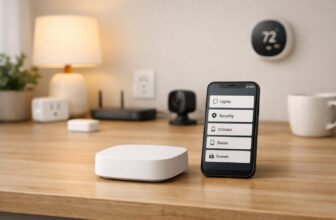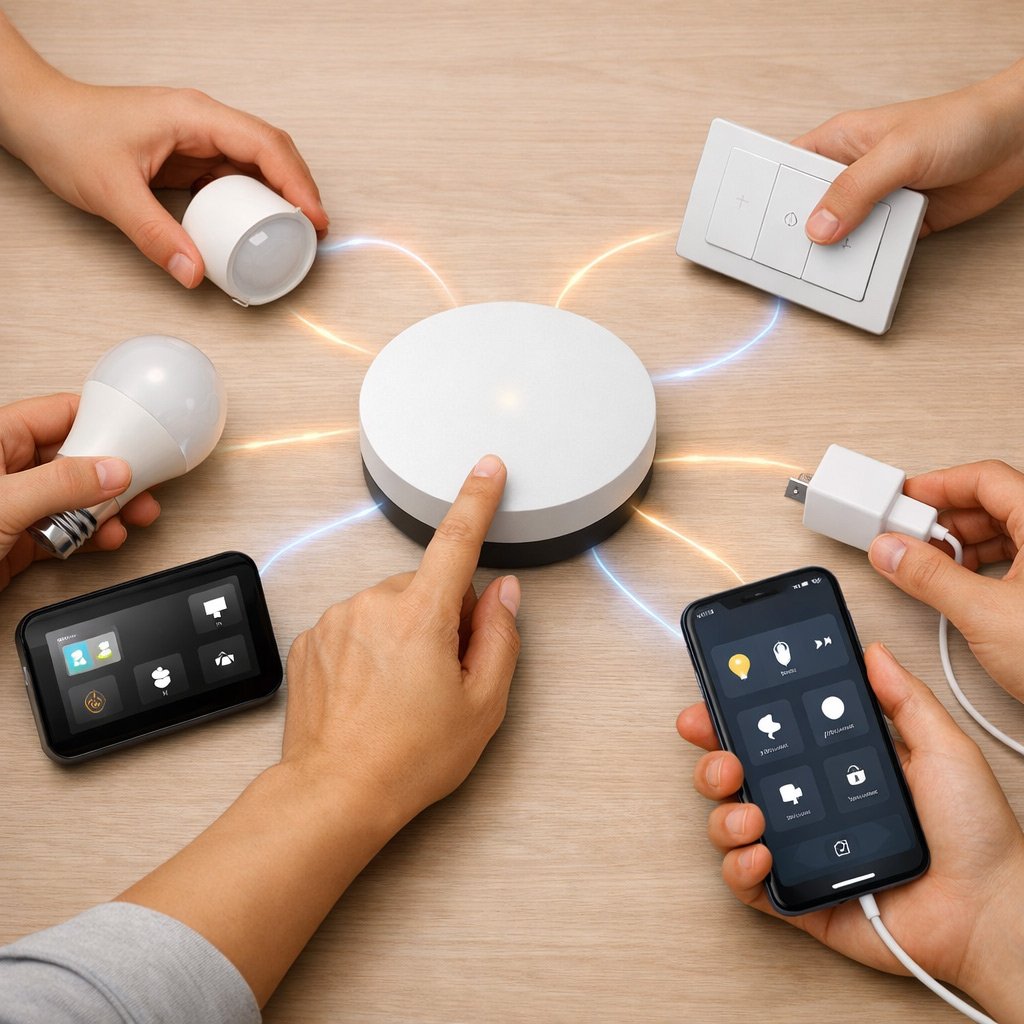
You’re building a connected home so your life gets easier—not to spend nights fixing why the lights won’t listen. Without the right smart hub, you’re juggling five apps just to turn everything off before bed. A smart hub translates what your devices say into one language. Everything talks. Everything works.
The hub you pick matters big time. It controls how well your lights, locks, and sensors chat with each other. It also sets whether you keep control of your privacy and if your automations still work when the internet drops.
Want a simple speaker that handles basics? Or a strong local hub that runs complex stuff fast? We’ve picked the top picks to cut through the hype.
Top Picks for Smart Hubs
| Product | Best Category | Key Buying Info | Read More |
|---|---|---|---|
 Apple HomePod (2nd Gen) | Apple Ecosystem & Audio | Thread, Matter, Wi-Fi | |
 Home Assistant Green | Advanced Local Privacy | Bluetooth (Others via USB) | |
 Homey Pro (2026) | Premium Universal Control | Zigbee, Z-Wave, Thread, IR | |
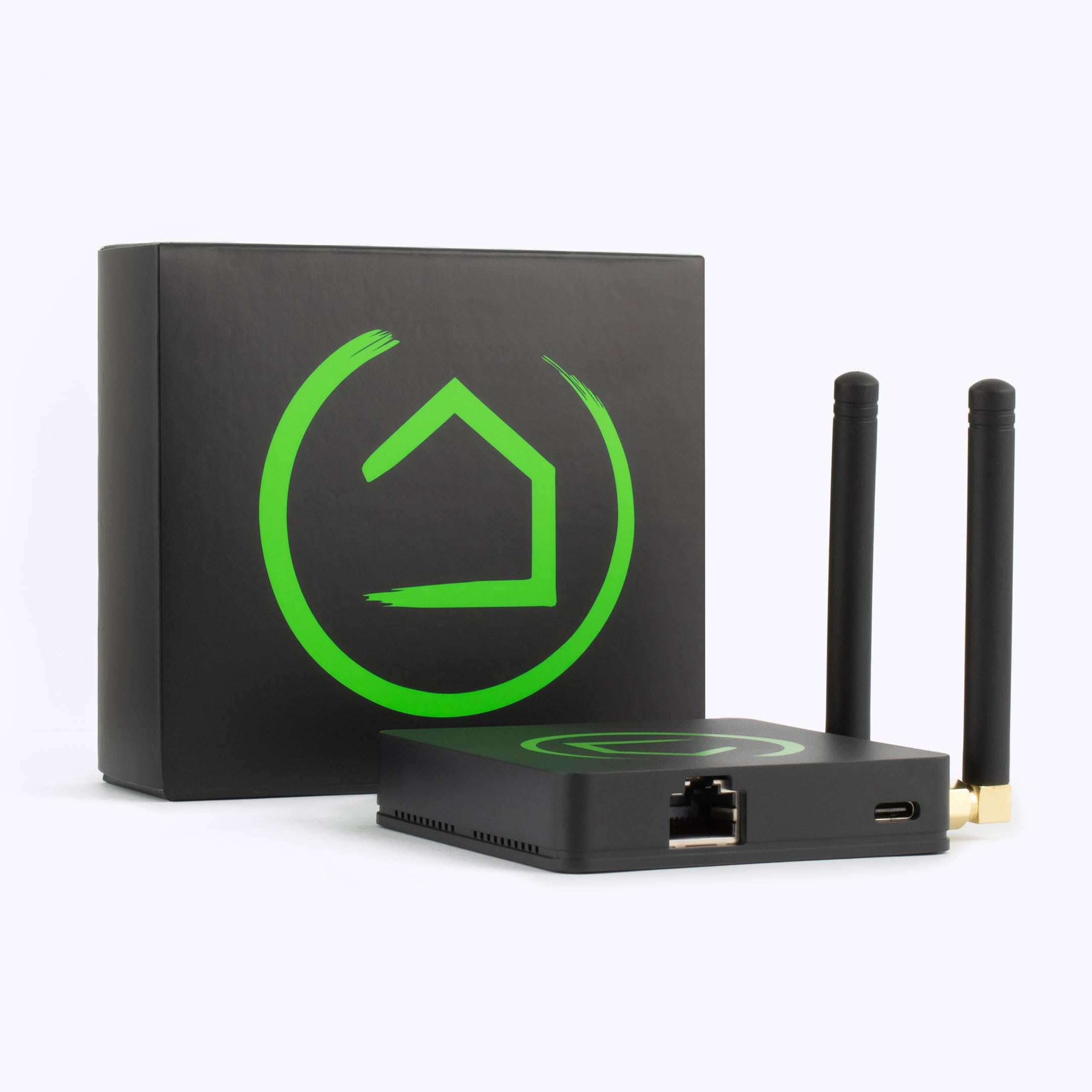 Hubitat Elevation C-8 Pro | Local Z-Wave Automation | Z-Wave 800 LR, Zigbee 3.0 | |
 Aqara Smart Home Hub M3 | Value Matter/Thread Bridge | Zigbee, Thread, Matter |
How We Chose
We didn’t just look at pretty apps. We tested the actual hardware. A smart hub’s job is to translate between different device types. We checked which hubs can talk to your Zigbee and Z-Wave stuff without forcing you to buy extra gear.
We also looked at control. Local processing matters. It means your automations keep running even if the internet goes down. Plus, your data stays on your hub, not on some company’s server.
Finally, we tested wired reliability and how well each hub works with popular platforms. We picked options for both tech fans and people who just want it to work.
Apple
Apple HomePod (2nd Gen)
If you care about sound quality just as much as smart home control, the HomePod blends the two in a sleek, fabric-wrapped cylinder. You get incredibly warm, room-filling audio for daily listening, plus Siri handling your smart home requests without you needing to pull out an iPhone. It acts as a modern hub, natively handling Thread and Matter so newer devices talk to each other directly over a mesh network.
It beats standard smart speakers because it seamlessly integrates Thread and Matter routing into a premium acoustic package without requiring a separate standalone bridge. If you live inside the Apple ecosystem and want a straightforward experience where high-end audio and home control feel entirely integrated, this is the easiest hub to justify for your living room.
Pros
- Exceptional room-filling sound.
- Native Thread and Matter.
- Fast local Siri commands.
Cons
- Locked into Apple ecosystem.
- No Z-Wave or Zigbee radios.
- No physical expansion ports.
Tech Specs
| Major Features |
|
| Protocols & Radio Support | Thread, Matter, Wi-Fi, Bluetooth (BLE for setup only), AirPlay |
| Local Processing & Control | Hybrid (Local processing for HomeKit, iCloud for advanced Siri) |
| Wired Hardware & Ports | Power cable only (No physical expansion ports) |
| Platform & Voice Integration | Apple Home / Siri |
Ideal For
- Apple users who want zero-configuration setup.
- Homeowners prioritizing premium music playback alongside automation.
- Those transitioning exclusively to Matter-enabled smart hubs and Thread accessories.
Not For
- Android users.
- Power users needing legacy Z-Wave or Zigbee support.
- Anyone who needs hardwired Ethernet stability.
Editor’s Take
The HomePod is a beautiful piece of hardware that handles modern protocols flawlessly, provided you never plan to leave Apple’s walled garden. Keep in mind that it lacks Zigbee and Z-Wave, so you’ll still need secondary bridges for older gear.
Home Assistant
Home Assistant Green
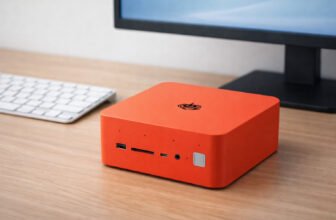
If you want a hub that answers to you rather than a corporate server, the Home Assistant Green is built entirely for privacy and deep customization. This compact, silent appliance comes pre-loaded with the Home Assistant OS, keeping all your automations, logs, and triggers strictly on your local network. It responds instantly, scales to thousands of devices, and eliminates the headache of building a DIY server from scratch.
CRITICAL WARNING: The Home Assistant Green doesn’t include built-in antennas for Zigbee, Z-Wave, Thread, or Matter. You’ll need to purchase and plug in external USB adapters (like a SkyConnect stick) to pair those types of devices directly to this hub.
It beats building your own Raspberry Pi server by offering official, stable, plug-and-play hardware backed directly by the developers. If you value data privacy, thrive on tinkering, and want an automation engine that will never shut down just because an internet provider has an outage, this is your ultimate foundation.
Pros
- Complete data privacy.
- Massive device ecosystem.
- Low standby power draw.
- Pre-loaded OS saves time.
Cons
- Requires USB dongle for Zigbee.
- Steep learning curve.
- Cloud access costs extra.
Tech Specs
| Major Features |
|
| Protocols & Radio Support | Bluetooth (built-in). Zigbee, Z-Wave, and Thread require separate USB dongles. |
| Local Processing & Control | 100% Local processing and offline automation execution. |
| Wired Hardware & Ports | RJ45 Ethernet, 2x USB 2.0, microSD card slot |
| Platform & Voice Integration | Home Assistant OS (Dashboard App / Web UI) |
Ideal For
- Privacy-conscious users who refuse to upload their habits to the cloud.
- Tinkerers who want granular control over every aspect of their devices.
- Homeowners who want to bridge incompatible brands into one dashboard.
Not For
- Casual users looking for a quick five-minute setup.
- Buyers who want all wireless radios built into the box natively.
Editor’s Take
This is the most powerful software ecosystem on the market, but you must factor in the hidden cost of buying USB radio sticks. Once properly equipped, it’s practically unstoppable.
Homey
Homey Pro (2026)
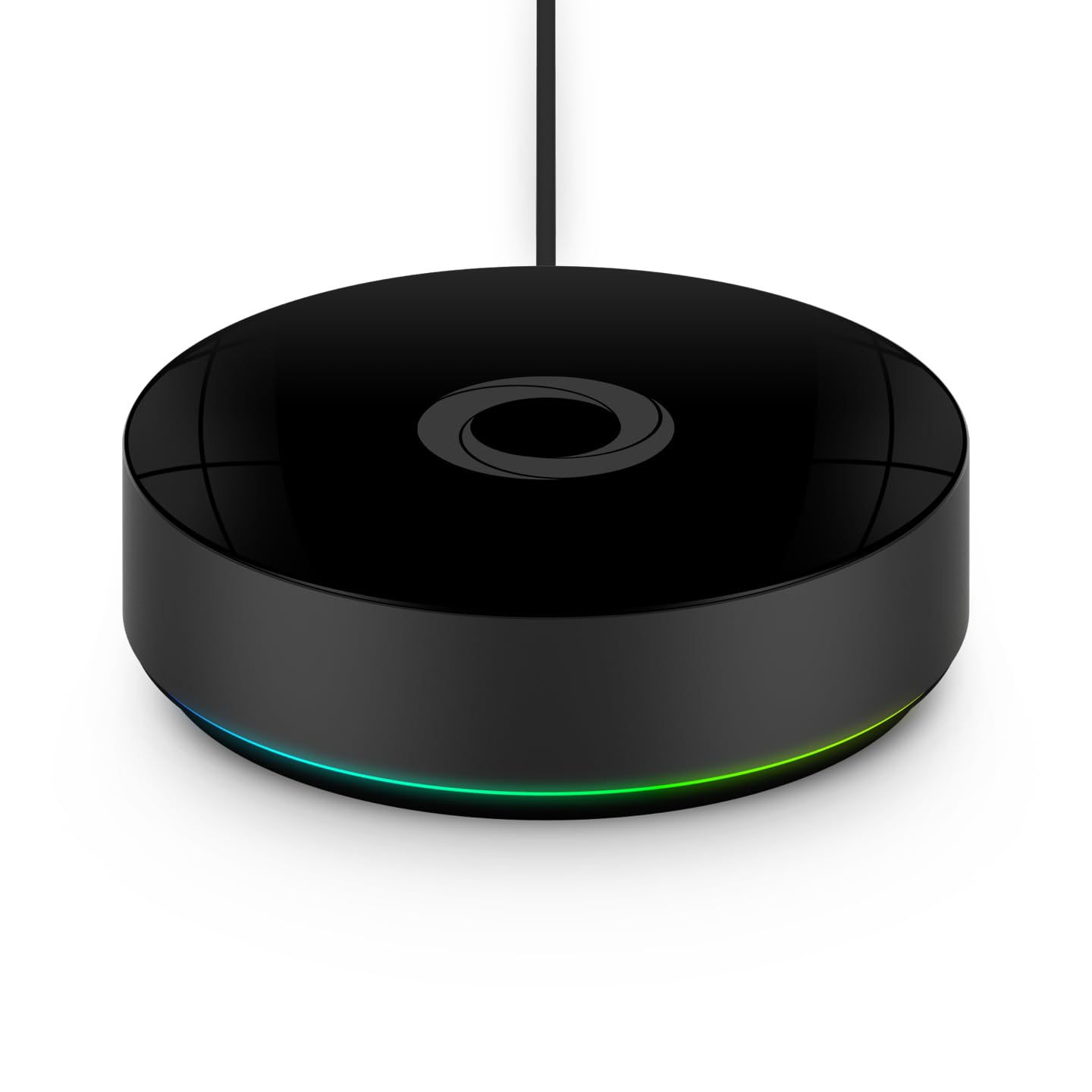
If you have an aggressively mixed-brand home, the Homey Pro aims to be the single brain that orchestrates the chaos. It packs an astonishing seven different wireless protocols into one sleek tabletop device, eliminating the clutter of multiple plastic bridges hooked up to your router. You can visually map out complex automations using the “Homey Flow” logic builder, which is intuitive enough for beginners but deep enough for enthusiasts.
It beats cheaper hubs by providing unmatched native radio support—even including an Infrared transmitter to control your old TV or air conditioner. If you have the budget and want maximum compatibility without dealing with a messy DIY server, the Homey Pro offers an incredibly polished, all-in-one hardware package. (Note: While listed in some material as a 2026 edition, you can expect the excellent hardware performance of Athom’s current-generation flagship).
Pros
- 7 built-in radios.
- Intuitive visual automations.
- Direct IR device control.
Cons
- Highly expensive.
- Ethernet needs a dongle.
- Setup takes patience.
Tech Specs
| Major Features |
|
| Protocols & Radio Support | Wi-Fi, Zigbee 3.0, Z-Wave Plus, BLE, Infrared (IR), Matter, Thread |
| Local Processing & Control | Highly local execution (Cloud hybrid for remote access/backups) |
| Wired Hardware & Ports | USB-C power (Requires official adapter for wired Ethernet) |
| Platform & Voice Integration | Homey App & Web (Siri, Alexa, Google Home) |
Ideal For
- Homeowners with a diverse, messy collection of smart home brands.
- Users who want powerful automation without learning how to code.
- Anyone looking to control legacy infrared appliances alongside modern Matter devices.
Not For
- Budget-conscious buyers.
- Those who demand a built-in Ethernet port without buying dongles.
Editor’s Take
It’s a hefty investment, but replacing a tangled nest of four different bridges with one beautiful, capable orb is a massive quality-of-life upgrade for a sprawling smart home.
Hubitat
Hubitat Elevation C-8 Pro
The Hubitat Elevation C-8 Pro is a utilitarian powerhouse designed for people who view cloud dependence as a liability. It features dual external antennas that push Z-Wave 800 Long Range and Zigbee 3.0 signals through walls that would choke a lesser hub. When you press a smart switch connected to this unit, the lights react instantly because the processing never leaves your living room.
It beats flashy, app-first competitors by prioritizing rock-solid stability and external radio antennas for unbeatable network reach. If you have a large home full of hardwired smart switches and sensors, and you are willing to navigate a text-heavy, slightly dated interface to set them up, this hub will reward you with bulletproof reliability.
Pros
- Amazing radio range.
- Lightning-fast local speeds.
- Bulletproof reliability.
Cons
- Interface feels dated.
- Setup can be intimidating.
- No active Bluetooth.
Tech Specs
| Major Features |
|
| Protocols & Radio Support | Z-Wave 800 LR, Zigbee 3.0, Matter, Wi-Fi, Bluetooth (Setup only) |
| Local Processing & Control | 100% Local processing and offline rule execution |
| Wired Hardware & Ports | RJ45 Ethernet, USB-C power input |
| Platform & Voice Integration | Hubitat Web Console (Alexa, Google Home, Apple HomeKit) |
Ideal For
- Power users heavily invested in Z-Wave and Zigbee light switches.
- Homeowners with large floor plans needing extended radio range.
- Anyone who demands sub-millisecond response times for their lighting.
Not For
- Users who want a slick, modern mobile app experience.
- Beginners who get easily overwhelmed by complex menus.
Editor’s Take
It isn’t pretty to look at on your screen, but the hardware design is exceptional. Once you endure the learning curve, you’ll likely never need to reboot or replace it.
Hubitat Elevation C-8 Pro Smart Home Hub

Aqara
Aqara Smart Home Hub M3
The Aqara M3 is a remarkably versatile piece of kit for the price. It acts as a bridge for Aqara’s famously affordable Zigbee sensors, but it also operates as a Thread border router and a Matter controller. This means it helps your older, cheaper sensors communicate with modern, cross-platform protocols. Even better, it supports Power-over-Ethernet (PoE), allowing you to power the hub and supply it with a hardwired data connection using a single cable hidden in your utility closet.
It beats typical budget hubs by including professional-grade PoE and an integrated 95dB siren that doubles as a local security alarm. If you want a cost-effective way to get your affordable Aqara sensors talking to your broader Apple or Google ecosystem, this hub is a massive value upgrade.
Pros
- Power-over-Ethernet support.
- Built-in security siren.
- Bridges older Zigbee gear.
Cons
- No Z-Wave radio.
- Zigbee locked to Aqara.
- Fragmented app experience.
Tech Specs
| Major Features |
|
| Protocols & Radio Support | Zigbee 3.0, Thread, Matter, Bluetooth, dual-band Wi-Fi, Infrared (IR) |
| Local Processing & Control | Local processing for Aqara gear; relies on cloud for third-party alerts |
| Wired Hardware & Ports | RJ45 Ethernet with PoE support, USB-C power port |
| Platform & Voice Integration | Aqara Home App (HomeKit, Alexa, Google Home, SmartThings) |
Ideal For
- Buyers heavily utilizing Aqara’s ecosystem of cheap, reliable sensors.
- Users looking for a compact Thread border router to expand their mesh.
- Network enthusiasts who appreciate PoE for clean wiring.
Not For
- Anyone with Z-Wave devices (it has no Z-Wave radio).
- Users wanting to pair third-party generic Zigbee bulbs directly to the hub.
Editor’s Take
It’s an incredible piece of hardware for the price, provided you understand its limitations. Treat its Zigbee radio as an Aqara-exclusive bridge, and lean on its Matter capabilities for everything else.
Product Comparison
| Product | Features | Link |
|---|---|---|
Apple HomePod (2nd Gen)
|
| |
Home Assistant Green
|
| |
Homey Pro (2026)
|
| |
Hubitat C-8 Pro
|
| |
Aqara M3 Hub
|
|
Buyer’s Checklist
| Feature to Consider | Why It Matters |
|---|---|
Inventory your current radios: | Do you have older Z-Wave switches or strictly Wi-Fi bulbs? Match your new hub’s built-in radios to the gear you already own so you don’t end up buying external USB dongles. |
Check the internet dependency: | If your ISP drops out, do you want your light switches to still work? If yes, prioritize hubs that advertise 100% local processing (like Hubitat or Home Assistant). |
Look for Thread and Matter: | These are the future standards of the smart home. Even if you don’t use them today, having a hub that acts as a Matter controller ensures you won’t need to replace it in two years. |
Assess your wiring situation: | If you plan to put your hub in a network closet, a hardwired Ethernet port (or PoE) will save you from endless Wi-Fi dropout troubleshooting. |
Final Thoughts
Living in a smart home should feel like magic, not a second job. The right hub turns separate gadgets into a home that listens to you.
Want great sound and Apple products that work together? Get the HomePod. Want total privacy and full control? The Home Assistant Green puts you in charge. Have a crazy mix of different brands? The Homey Pro handles seven types of connections. Love Z-Wave? The Hubitat C-8 Pro is super fast and solid. Need a cheap way to add Thread sensors? The Aqara M3 is a great pick.
Frequently Asked Questions
Which hub should I choose for my home?
It entirely depends on your technical comfort level. If you live mainly inside one ecosystem and value simplicity, pick a speaker-first hub like the HomePod. If you prioritize privacy and instant response times, a local-first device like Home Assistant or Hubitat gives you total control over your rules and uptime.
How important is local control and privacy?
Incredibly important. Local control means your automations run inside your house, not on a server halfway across the country. It reduces latency, keeps critical routines running during internet outages, and stops your daily habits from being uploaded to the cloud.
Will my existing devices work with a new hub?
Compatibility is the main hurdle. Older devices often use proprietary Zigbee or Z-Wave frequencies. You must check that the new hub has the physical radios built-in to support them, otherwise you’ll have to keep your old bridges plugged in alongside your new hub.
What does it mean to be Matter-enabled?
Matter is a universal language designed by Apple, Google, Amazon, and others so that smart devices can talk to each other regardless of brand. A Matter-enabled smart hub can act as a director for these devices, meaning you’ll face fewer compatibility headaches as you buy newer gadgets over the next decade.
Do I need a hub with Ethernet?
Wi-Fi is convenient, but it’s prone to interference. Since your hub is the brain of your home, plugging it directly into your router via Ethernet ensures that your automation triggers (like turning on a light when motion is detected) happen with absolute, split-second reliability.