Smart devices and gear to make your home office better.
Work from home smarter. A good setup makes you more focused and comfy. More people work from home now, so a great space matters.
This guide shows you how to build a home office that works. You’ll feel better and keep work and life separate.
Why a Smart Home Office Matters
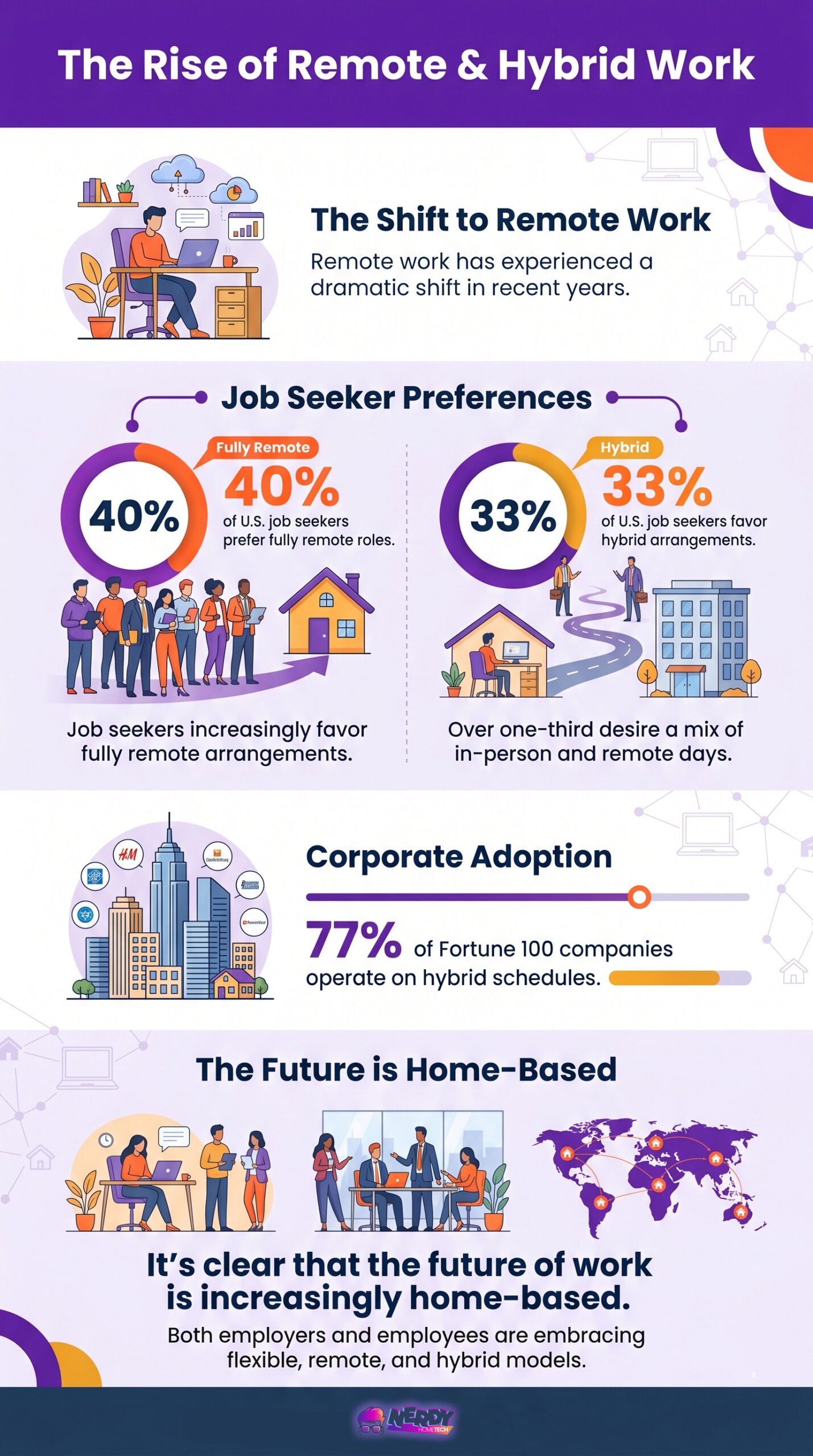
The shift towards remote work has been dramatic in recent years. According to recent statistics, 40% of U.S. job seekers now prefer fully remote roles, while 33% favor hybrid arrangements. With 77% of Fortune 100 companies operating on hybrid schedules, it’s clear that the future of work is increasingly home-based.
A smart home office uses tech to do tasks for you and make work better. Good devices and gear create a space where you work faster and feel good. Let’s see what you need to set up a home office that works.

Sonos One Smart Speaker (Gen 2) – Wireless Speaker

What You Need for a Home Office
Your home office setup should prioritize both functionality and comfort to create an ideal work environment. Here are the key elements to consider:
1. Smart Devices for Productivity
Integrating smart office devices into your setup can streamline your workflow and boost productivity. Some essential smart devices for your home office include:
- Smart Speakers: The Amazon Echo (4th gen), priced at around $100, offers voice control and task management features. It can help you set reminders, manage your schedule, and even control other smart devices in your office.
- Smart Displays: The Google Nest Hub (2nd gen), available for about $90, provides a visual interface for video feeds and schedule management. It’s perfect for quick information checks and video conferencing.
- Smart Thermostats: The Amazon Smart Thermostat, priced at $80, helps you maintain an optimal working temperature while saving energy. You can control it via voice commands or your smartphone.
- Security Cameras: For those concerned about home office safety, the Arlo Pro 5S ($120) offers 2K resolution, night vision, and two-way talk features.
- Smart Plugs: The TP-Link Kasa Mini, at just $15, allows you to automate and remotely control various devices in your office, from lamps to computer monitors.
Amazon Echo Show 5 (newest model)

The Echo Show 5 is a compact smart display with a 5.5” screen, perfect for checking weather, streaming shows, or making video calls. Enjoy improved sound with deeper bass for music and podcasts. Control smart devices, monitor pets with the built-in camera, or display your favorite photos. Designed with privacy in mind and made with sustainable materials, it’s small in size but full of possibilities—all at your fingertips.

 Amazon.com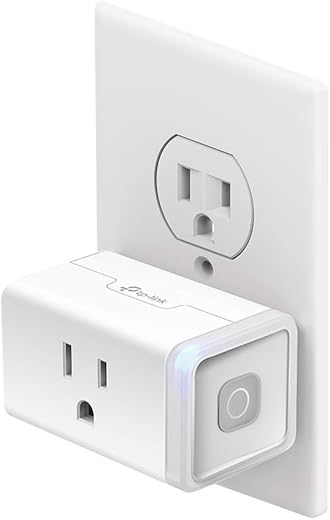

2. Stay Comfy and Healthy at Your Desk
Optimizing your work from home setup with ergonomic solutions can help you maintain a healthy work-life balance and prevent physical strain. Consider these options:
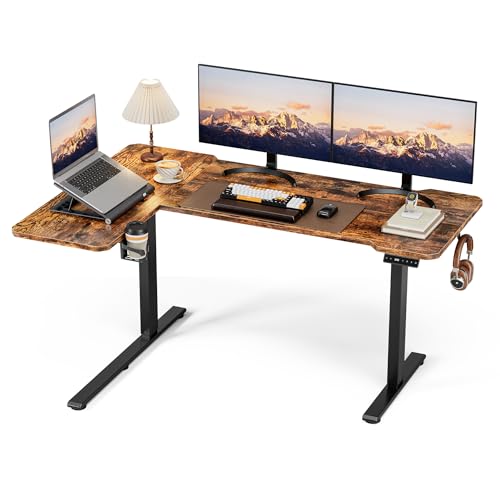
- Adjustable Standing Desk: A standing desk allows you to alternate between sitting and standing throughout the day, promoting better posture and circulation.
- Ergonomic Chair: Invest in a high-quality chair that provides proper lumbar support and adjustability to maintain good posture during long work hours.
- Monitor Arms: These allow you to position your screen at the optimal height and distance, reducing neck and eye strain.
- Ergonomic Keyboard and Mouse: These peripherals can help prevent repetitive strain injuries by promoting a more natural hand and wrist position.



3. Productivity Tools and Software for Your Smart Home Office
Get the right gear for your home office. You’ll work better and feel good. That means real stuff and tools that make work easier:
- Project Management Software: I’ve tried a lot of PM apps, but my absolute favorite is ClickUp, by far. It’s level of customization to fit your needs is unbeatable. Save 10% using this link when you register: Save 10% HERE.

BLUETTI AC500 + B300S | Whole-Home Battery Backup Power| 5000W Pure Sine Wave Inverter

What is Sider.ai?
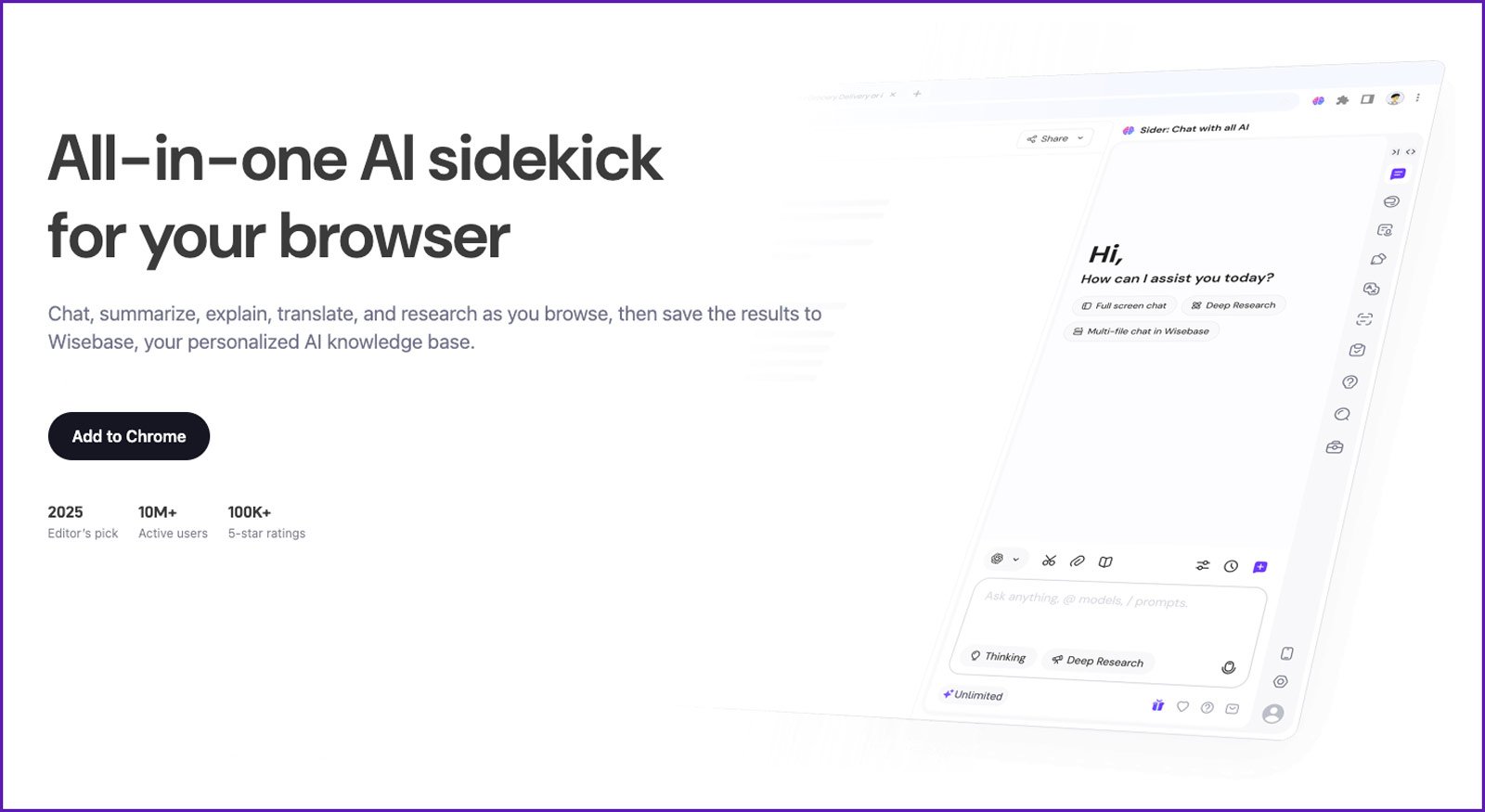
Sider.ai is an AI-powered assistant designed to help users work smarter and faster. It integrates with your browser and apps to provide real-time support for tasks like research, writing, and productivity.
How It Helps:
- For Professionals: Save time on research, writing, and data analysis, so you can focus on what matters most.
- For Students: Simplify studying by summarizing complex texts and generating ideas for projects.
- For Everyday Use: Get quick answers, organize information, and boost productivity in daily tasks.
Why Choose Sider.ai?
It’s easy to use, integrates with your workflow, and provides powerful AI tools to make your work and life more efficient. Whether you’re a professional, student, or just someone who wants to work smarter, Sider.ai has you covered.
Designing Your Smart Home Office Layout
Implementing smart home office ideas can transform your workspace into a hub of efficiency and innovation. Here are some tips for designing an optimal layout:
- Natural Light: Position your desk near a window to take advantage of natural light, which can improve mood and productivity.
- Dedicated Workspace: If possible, create a separate area for your office to maintain a clear boundary between work and personal life.
- Cable Management: Use cable organizers and wireless solutions to keep your workspace tidy and free from clutter.
- Biophilic Design: Incorporate plants and natural elements to reduce stress and increase productivity.
- Proper Lighting: In addition to natural light, ensure adequate task lighting to reduce eye strain during long work hours.


The Future of Work
Setting up a smart home office is more than just assembling a collection of high-tech gadgets. It’s about creating a space that enhances your productivity, protects your health, and allows you to enjoy the benefits of remote work. By carefully selecting smart devices, ergonomic furniture, and productivity tools, you can create a home office that meets your professional needs, but also contributes to your overall well-being.
Remember, personalization is the key to a successful smart home office setup. What works for one person may not work for another, so don’t be afraid to experiment and adjust your setup until you find the perfect balance. With the right combination of technology and comfort, your smart home office can become a powerful asset in your professional life, helping you thrive in the evolving landscape of remote work.
| Product Name | Image | Dimensions & Weight | Unique Highlights |
|---|---|---|---|
| WOLFBOX MF50 Compressed Air Duster |  | 3.39 x 3.39 x 5.12 inches, 7.2 ounces |
|
| BestOffice Ergonomic Office Chair | 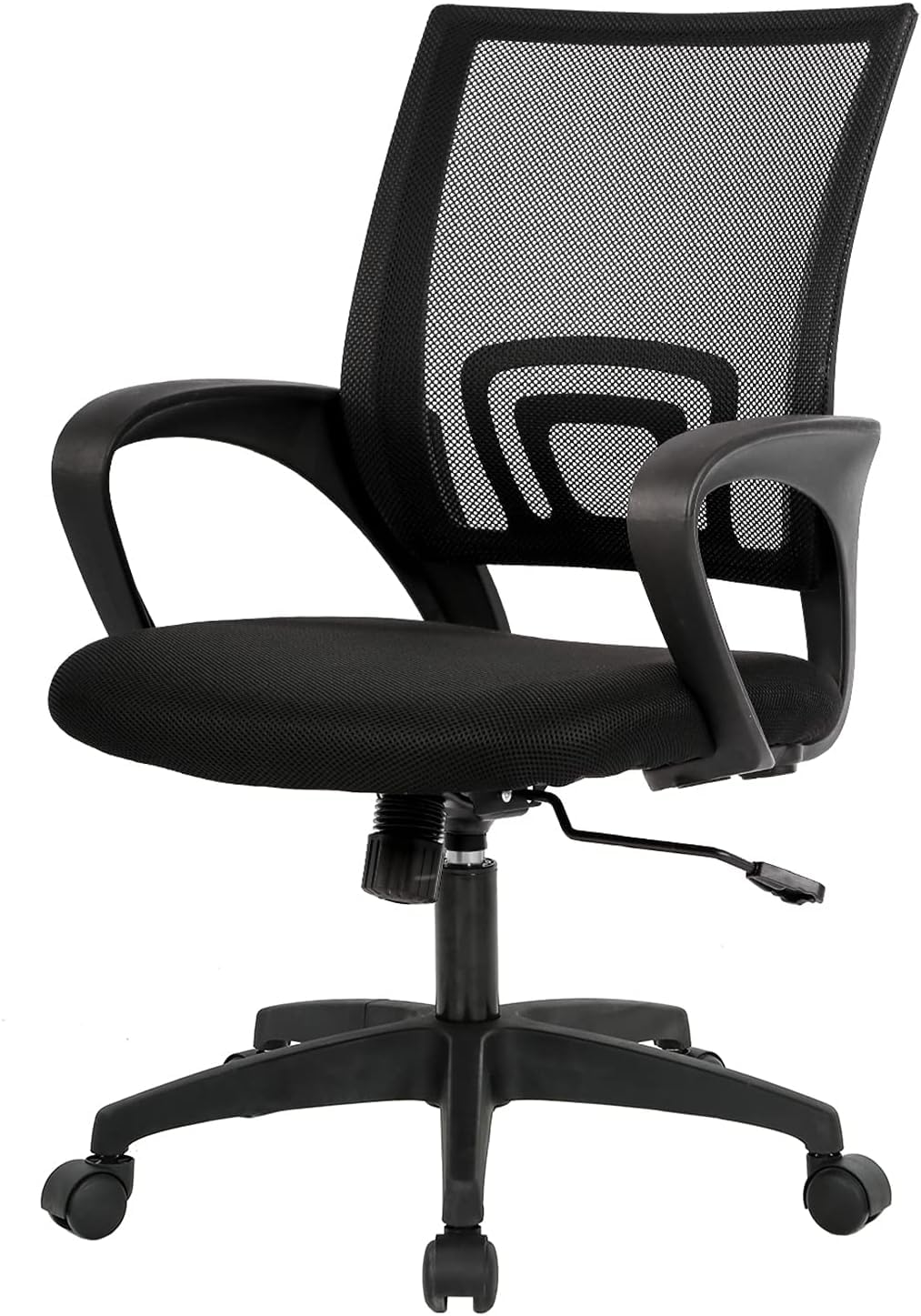 | 18 x 18 x 38 inches, 19 pounds |
|
| Soundcore by Anker Q20i Headphones |  | N/A, 9.12 ounces |
|
| Airlonv LED Desk Lamp | 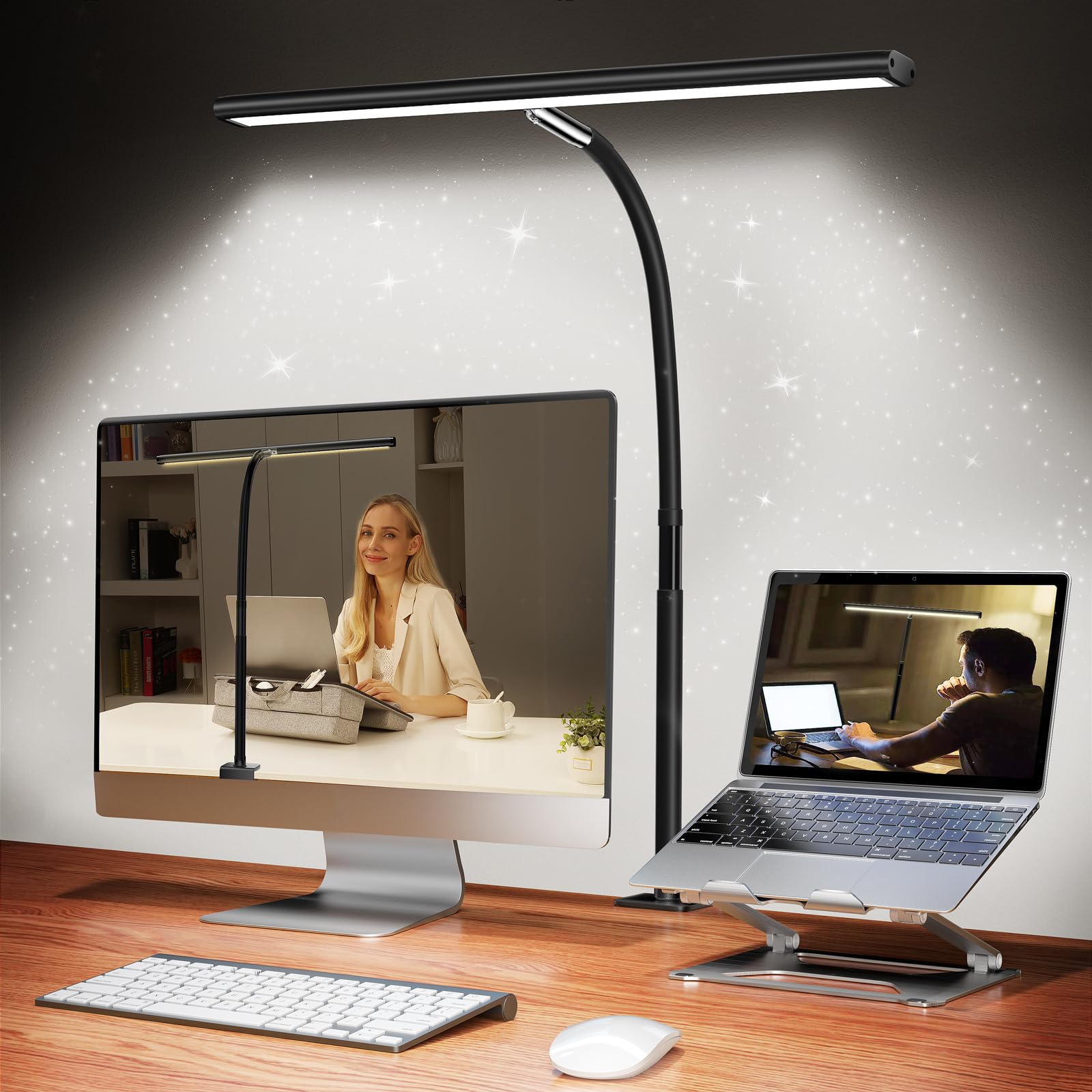 | 1.81 x 17 x 35 inches, N/A |
|
| ErGear Height Adjustable Electric Standing Desk | 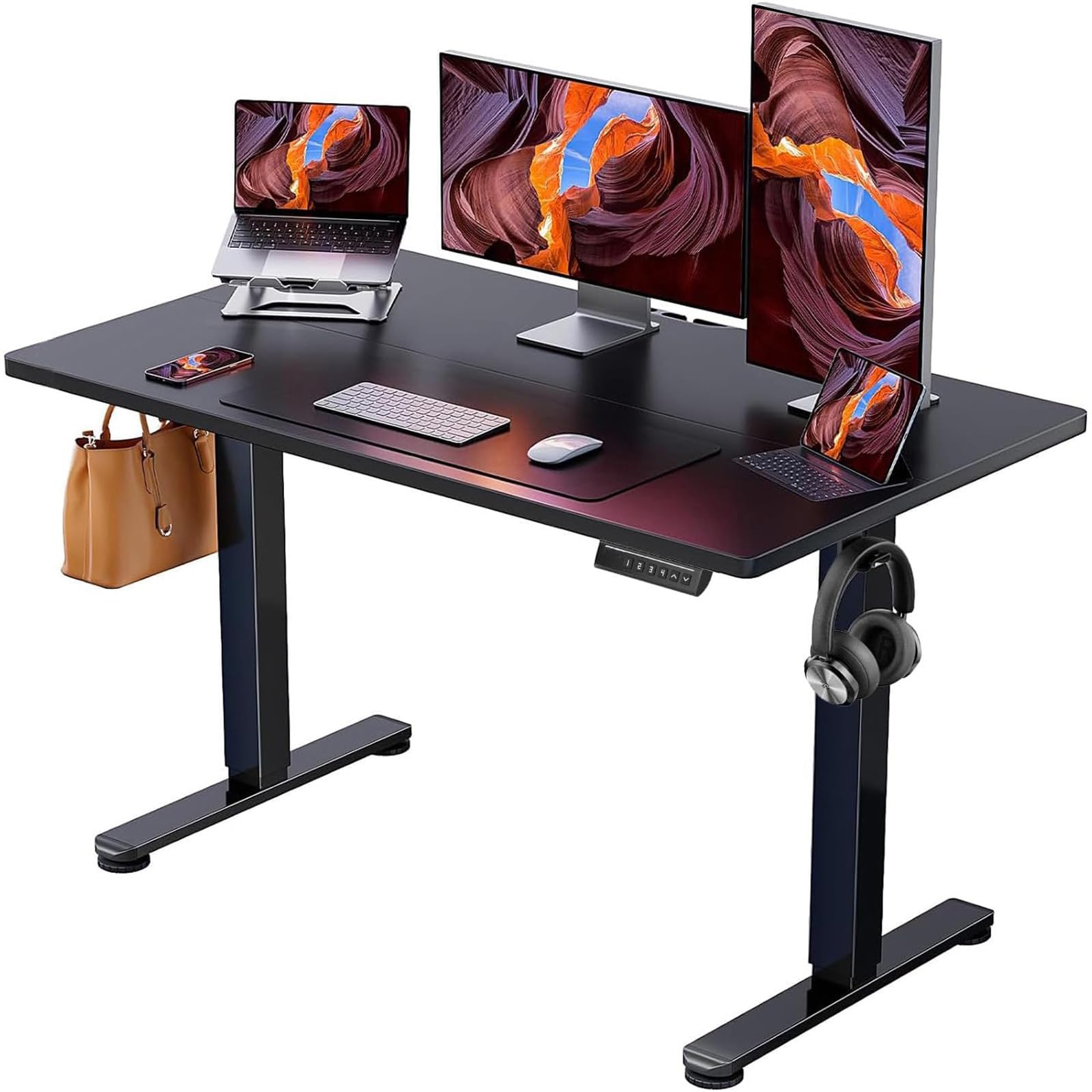 | 24 x 48 x 46.46 inches, 43.8 pounds |
|